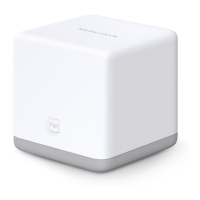
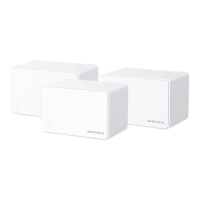
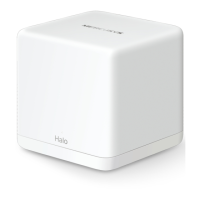
AC1200 Wireless Dual Band Gigabit Router
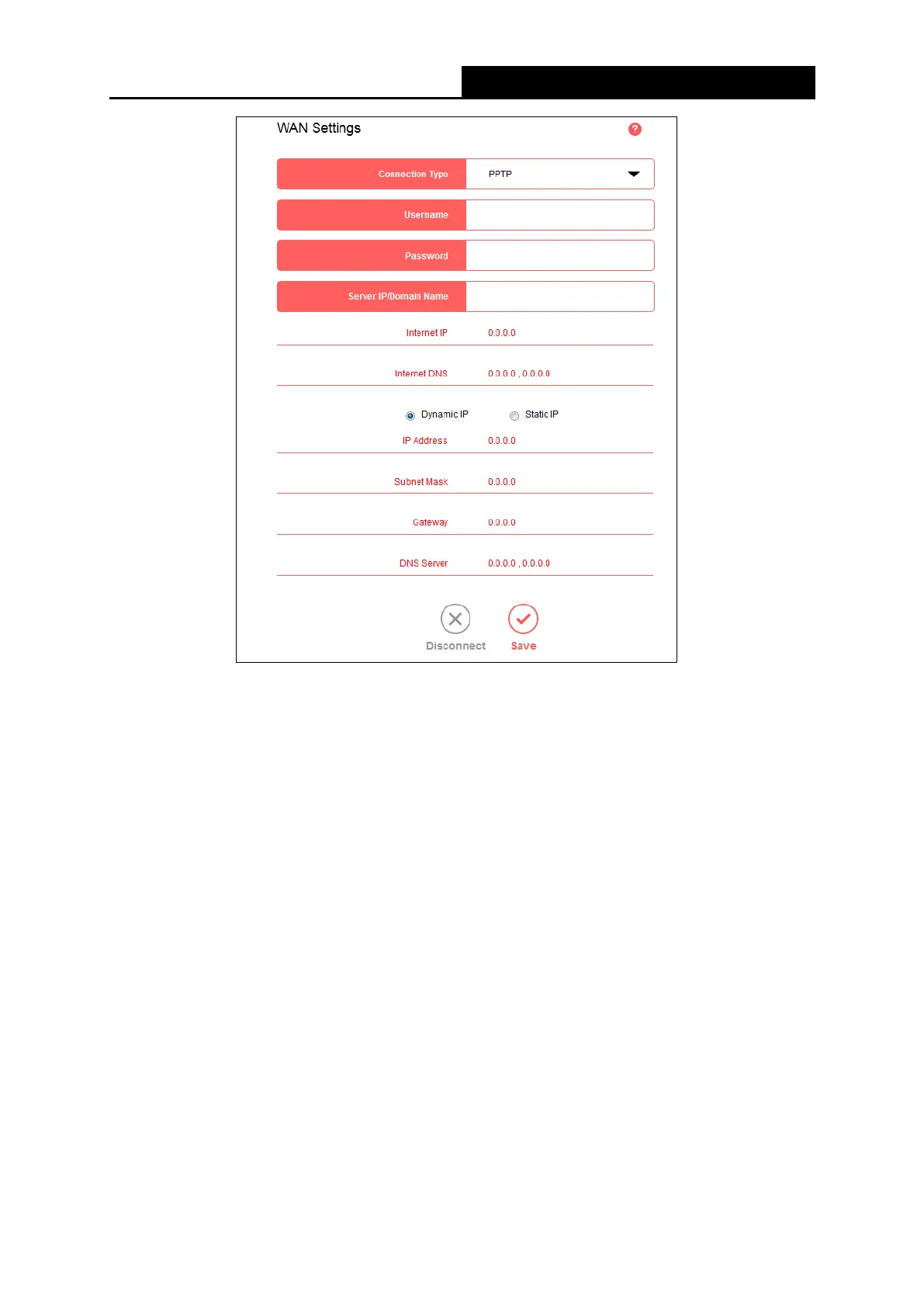
• Username/Password - Enter the username and password provided by your ISP. These
fields are case-sensitive.
• Server IP/Domain Name - Enter the VPN server's IP address or domain name provided by
your ISP.
• Internet IP/Internet DNS – Displays the internet IP address/DNS server address assigned
by your L2TP server.
• Dynamic IP/Static IP –Select Dynamic IP the IP address and subnet mask are assigned
automatically by the ISP. Select if the IP address, subnet mask, gateway, and DNS
addresses are provided by the ISP, and enter these information into the corresponding
fields.
Click Save to make the settings effective.
● Connection Type
- 23 -



 To Next Page