MC³ 24.96.EX O&M Manual Page 47 08/14/01 4:34 PM/LDD
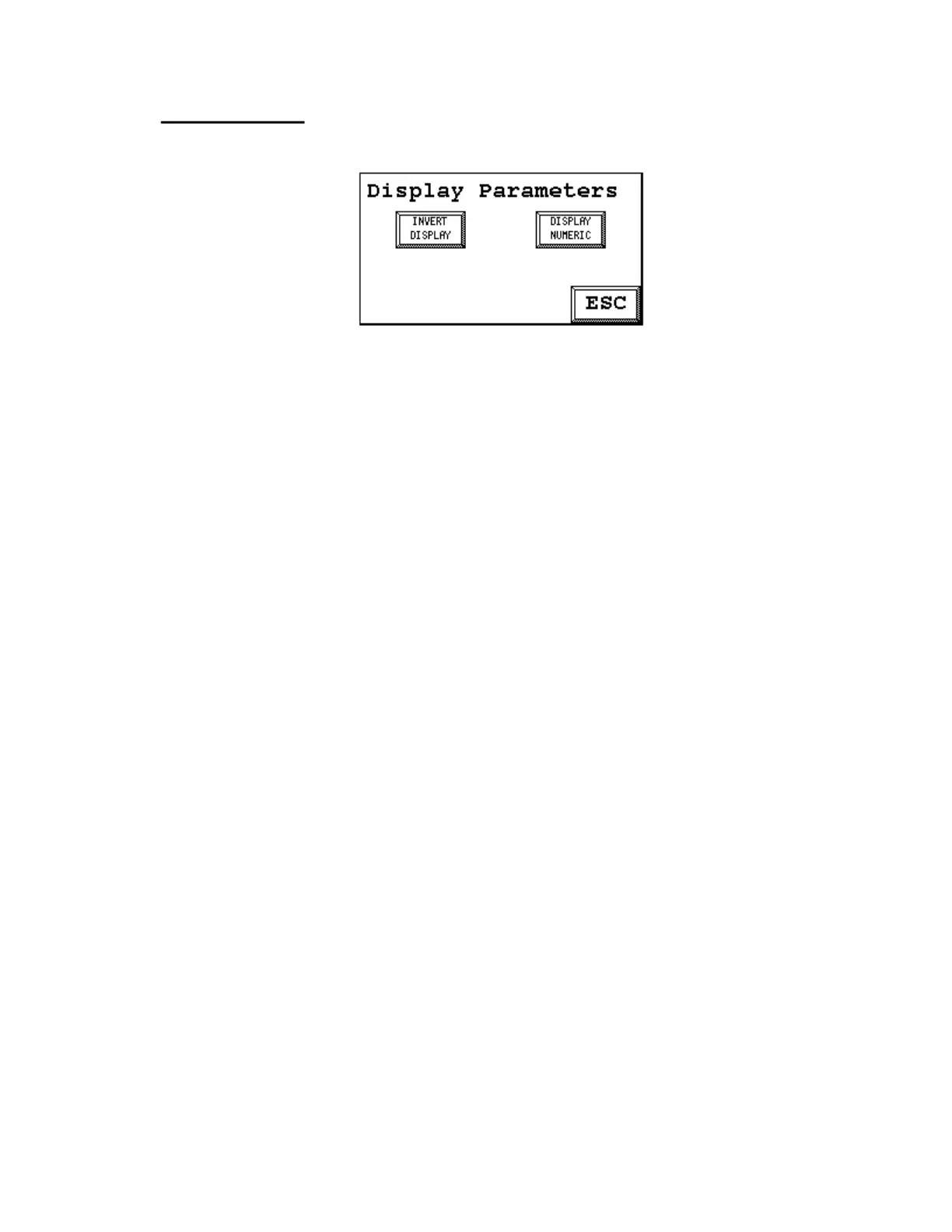
Display Parameters
Some properties of the graphical display can be set here. This screen is shown when entering the
display setup
Touching the [INVERT DISPLAY] button makes the display operate in reversed mode. This can be
used when difficult light conditions exist. The only numerical parameter that can be set is the
backlight turn-off time in seconds. Default is 3600, that is, one hour.
Display
Parameters
I'VERT
II
DISPLfIY
I
DISPLfIY
II
NOMERI;
I
II
ESC



 To Next Page