Installation and Start-Up | 3-31
Setup (tab)
Output Setup
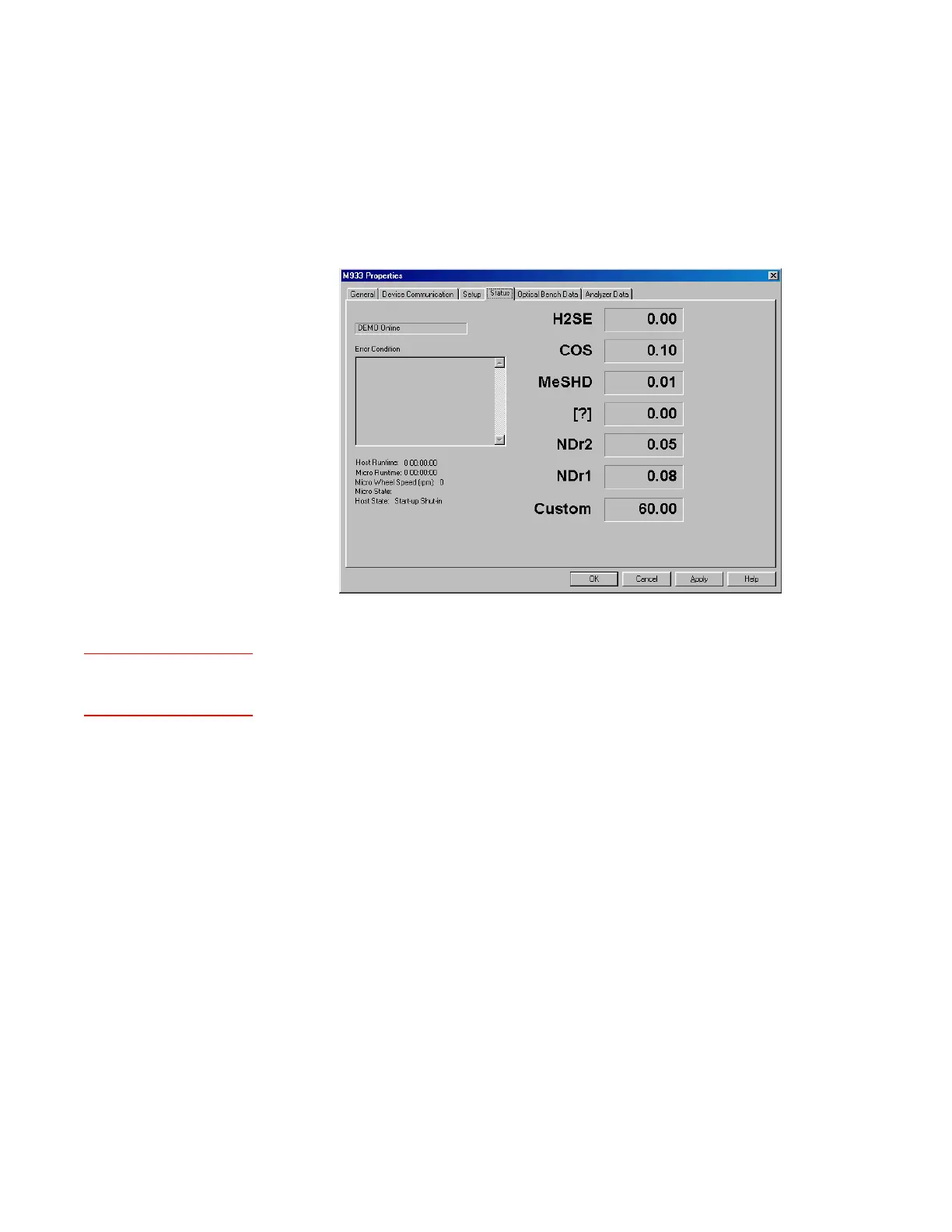
From the Status tab, check for alarms (under Error Condition). Tem-
perature-related alarms should correct themselves after the analyzer
has warmed up to normal operating temperature.
After all alarms have cleared, recheck the temperature of each
zone. Compare the current temperatures to their respective Set-
point values and their start-up values. Normal operating tempera-
tures are values that are within 5 % of their Setpoint values.
h. From the Output Setup dialog box, verify the current and voltage
output ranges and concentration alarm setpoints are configured
correctly for the application:
• Below each configured channel (Assignment), confirm that the
Iout/Vout Low Scale and Iout/Vout High Scale are the correct
minimum and maximum ranges required.
To clamp the V/I output result at 4 mA, enable V/I Low Limit
4 mA; the output will not go below 4 mA.
To confirm a change, click OK then Apply; otherwise, click
Cancel.
• Verify that all concentration alarms are configured correctly for
the application. The alarm setpoints are set at the factory using
application-specific data. If changing setpoints, see “Output
Setup” in Chapter 4.
Figure 3-15.
Status tab.



 To Next Page