3-32 | Model 933 UV Analyzer
i. If using the Modbus/Customer Data Acquisition port, view the
Modbus dialog box and configure parameters to enable the Mod-
bus port. See “Modbus Settings” in Chapter 4 for parameters that
must be configured.
After configuring the Modbus Port parameters, click OK then
Apply. Save the changes to EEPROM.
j. If required, optimize the sample conditioning system (Columns),
as discussed under “Sample Conditioning System Optimization”
in this chapter.
3. After all alarms have cleared, the analyzer will automatically perform
an Auto-Zero.
4. If all of the temperature zones have reached normal operating tempera-
tures and there are still no alarm conditions or other problems, perform
a pressure leak check on the analyzer sample system to ensure there are
no leaks (see “Sample System Leak Check” in this chapter). Then, return
to this section and complete the remaining steps.
Setup (tab)
Modbus Settings
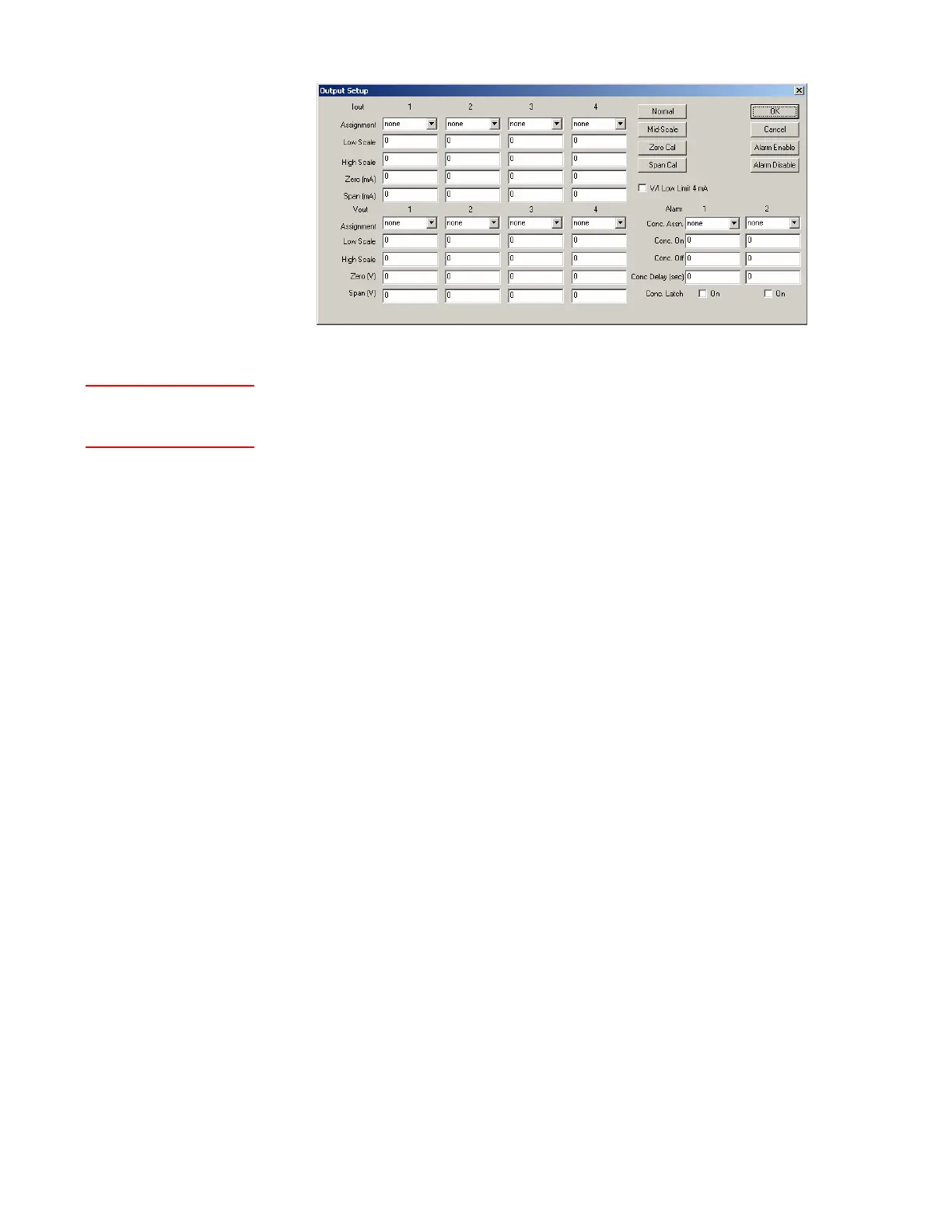
Figure 3-16.
Output Setup dialog
box.



 To Next Page