12.09.05 rev 1.0
19
20. Programming the Automatic Timer Settings
Access To Programming Mode
•
Simultaneously firmly press cycle 1 and cycles 2 and 3 touch pads, press the “ON” touch pad and “P” appears on window
1. Release cycle 1, 2 and 3 and immediately (within 5 seconds) enter the programming code
•
Pressing cycle 1 and cycle 2 then cycle 3 in quick succession.
NB: If any errors have been made in the above procedure, the panel will revert to its normal operating mode. If these
instructions have been carried out correctly “0” will appear on display 1.
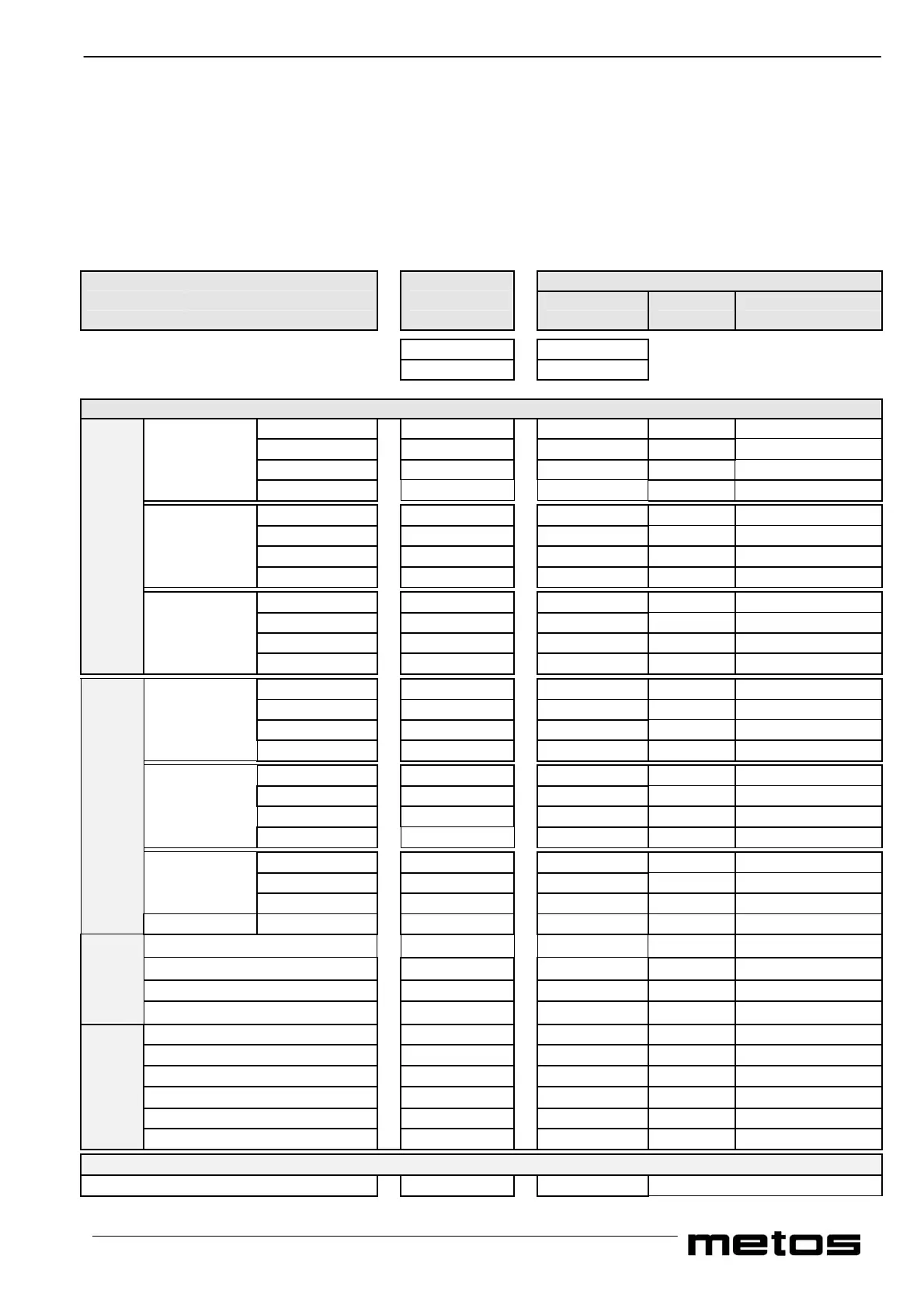
FUNCTIONS GROUPS VALUES
and Default Individual Permissible
SUB GROUPS Settings Settings range
Display 1 Display 2
C L
Do not alter settings on any of the parameters from CL to 80 unless you require the auto start timer to function
Options in Sequence Each Time Cycle 3 is pressed
1
st
Cycle* 11 00
00 ⇔ 03
Meal Hour 12 07
01 ⇔ 23
Of the Minutes 13 00
00 ⇔ 59
day Options** 14 01
00 ⇔ 06
2
nd
Cycle* 21 00
00 ⇔ 03
Meal Hour 22 12
01 ⇔ 23
Of the Minutes 23 00
00 ⇔ 59
day Options** 24 01
00 ⇔ 06
3
rd
Cycle* 31 00
00 ⇔ 03
Meal Hour 32 17
01 ⇔ 23
Of the Minutes 33 30
00 ⇔ 59
Weekday Settings
day Options** 34 01
00 ⇔ 06
1
st
Cycle* 41 00
00 ⇔ 03
Meal Hour 42 07
01 ⇔ 23
Of the Minutes 43 00
00 ⇔ 59
day Options** 44 01
00 ⇔ 06
2
nd
Cycle* 51 00
00 ⇔ 03
Meal Hour 52 12
01 ⇔ 23
Of the Minutes 53 00
00 ⇔ 59
day Options** 54 01
00 ⇔ 06
3
rd
Cycle* 61 00
00 ⇔ 03
Meal Hour 62 17
01 ⇔ 23
Of the Minutes 63 30
00 ⇔ 59
Weekend Settings
day Options** 64 01
00 ⇔ 06
Month for hour increase (+)
70 03 03
Day for hour increase (+)
71 30 30
Month for hour decrease (-) 72 10 10
Clock
Day for hour decrease (-) 73 26 26
Year 74 00
Month 75 02
Day 76 21
Day of the week*** 77 01
Hour 78 00
Date/Time
Minutes 79 00
Correction Factor
Minutes per year 8 00 Do not alter


 To Next Page