12.09.05 rev 1.0
32
35.
Refrigeration Filter
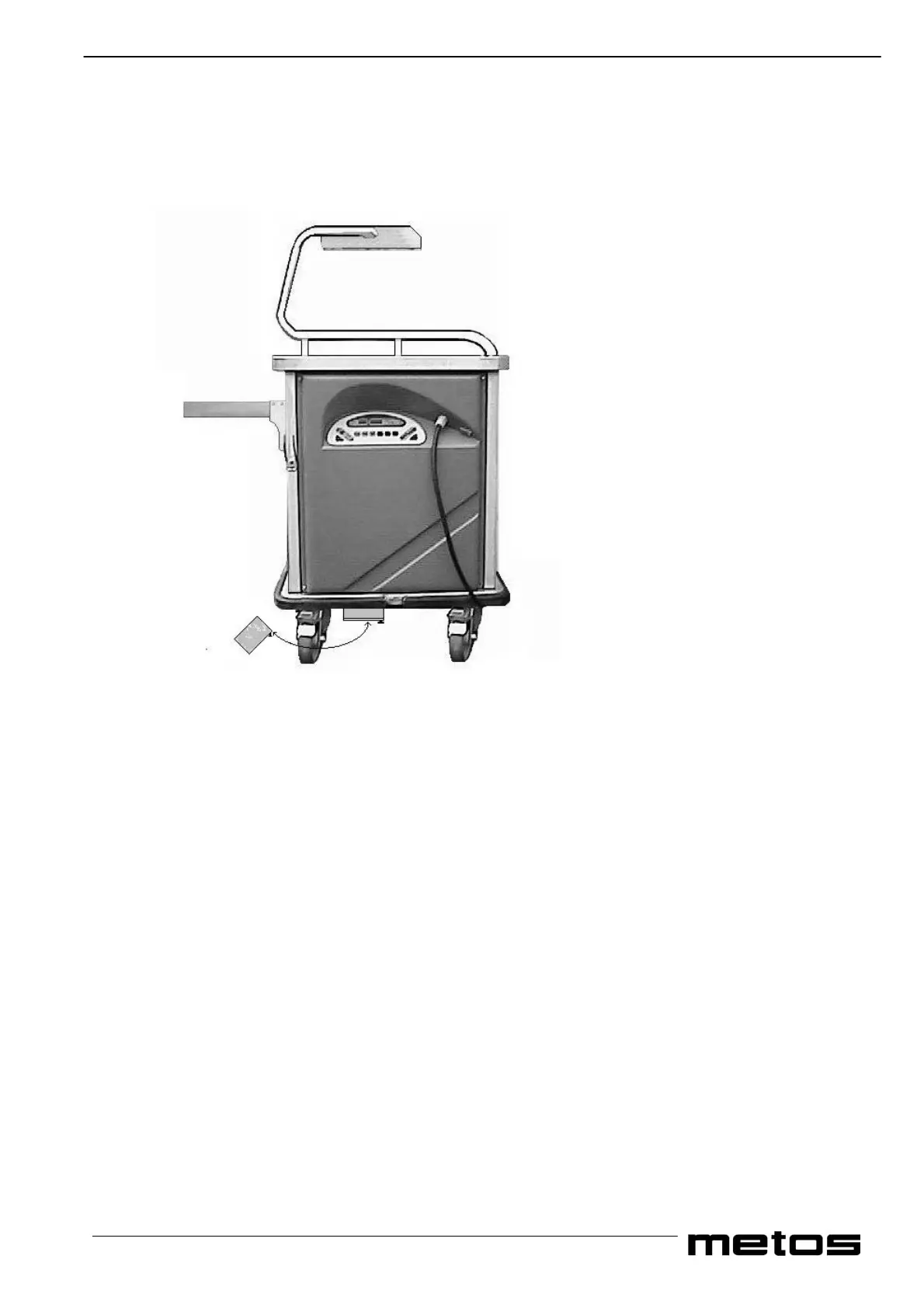
Locate the filter and remove it by holding the black handle at the bottom of the filter as shown above.
Clean the filter with a soft brush taking care not to damage the mesh. Return the filter immediately making sure that
you push it fully home and that the black handle is on the right hand side. The time interval between cleaning is
dependent to the environment where the trolley is been used. In a clean environment the cleaning interval may be
increased from daily to once a week.
If the filter is not cleaned regularly the trolley will go into alarm with error code F on the display. This will disable the
refrigeration system.
To reset the trolley clean the filter as above and allow the trolley to cool down and press the refrigeration pad off and
then on again Please note that if insufficient time has been allowed for the trolley to cool down it will stay in alarm
mode.


 To Next Page