12.09.05 rev 1.0
23
24.
Programming the Oven Cycles And Set Up D5 and M2 (display on gantry) – Refrigeration option
Access the Set up Programming Mode
•
Simultaneously firmly press cycle 1 and cycles 2 and 3 touch pads, press the “ON” touch pad and “P” appears on window
1. Release cycle 1, 2 and 3 and immediately (within 5 seconds) enter the programming code
•
Pressing cycle 3 and cycle 2 then cycle 1 in quick succession.
•
If any errors have been made in the above procedure, the panel will revert to its normal operating mode. If these
instructions have been carried out correctly “0” will appear on display 1.
•
Please note that the default settings may vary depending on the issue date of the Eprom.
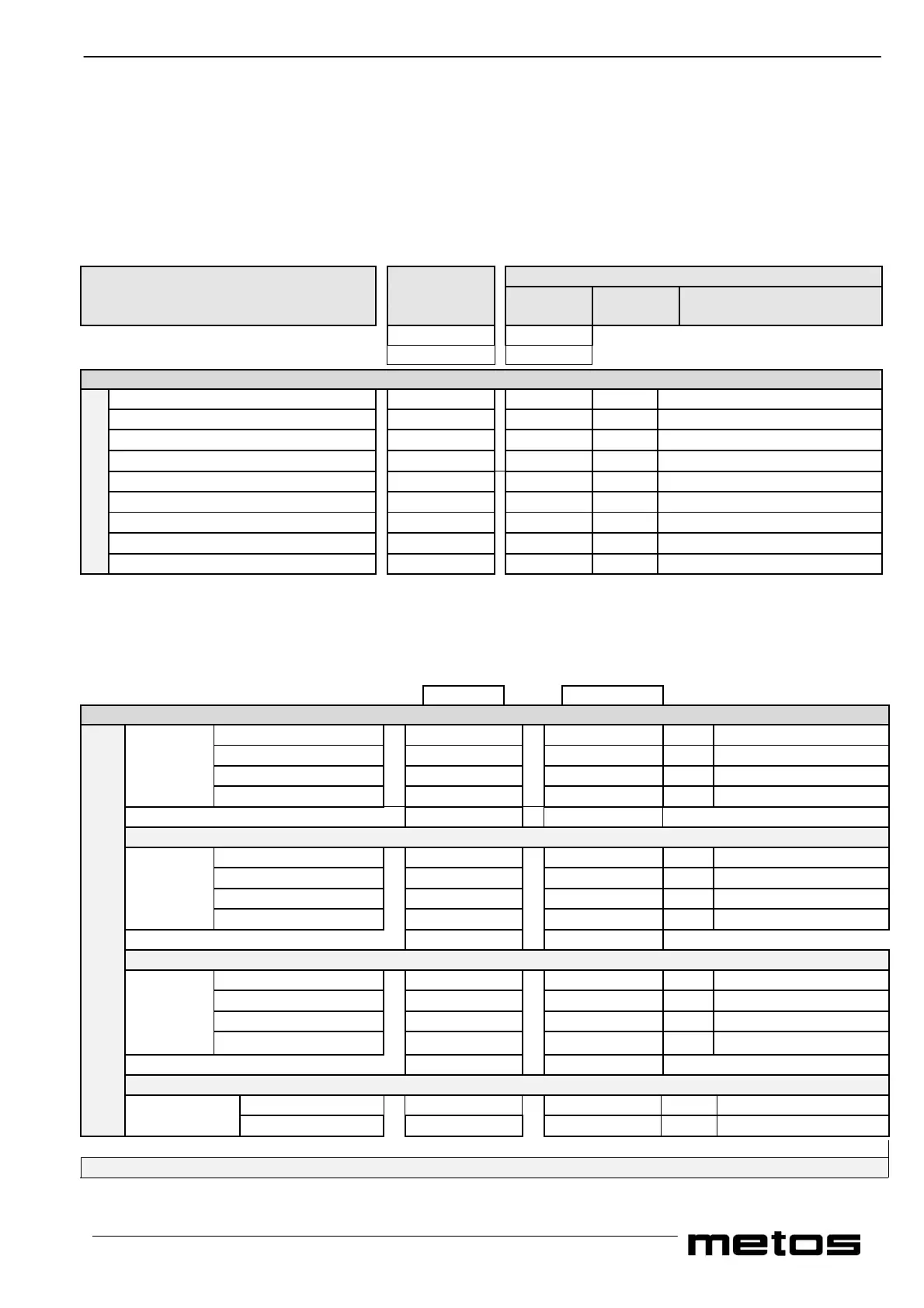
FUNCTIONS GROUPS VALUES
and Default Individual Permissible
SUB GROUPS Settings Settings range
Display 1 Display 2
0 °C-°F
You must keep Refrigeration/Plate Warmer pad pressed Together with Cycle 3 pad while in the 0 parameters
Fridge Temp. 01 01 (34)
000 ⇔ 025 (off)
Heated Top plate ** DO NOT ALTER 02 80-(176)
030 ⇔ 080
Refrig. Hysteresis 03 02
002 ⇔ 005
Heated Top Plate 04 01
000 (off) ⇔ 002 (on)**
Cold Light T/ pad 05 01
000 (off) ⇔ 001 (on)
Security 1 06 10-(50)
003 ⇔ 020(off)****
Touch Pad Lock 07 00
000 (off) ⇔ 001 (on)
Temp. (°C or°F)
08 00
000 (°C) ⇔ 001 (°F)
System Settings
Oven Cold Temp*** 09 OFF
000 ⇔ 025 (off)
**If set to 000 (off), the heated top plate touch pad is disabled. If set to 001 (on) permits the top plate to be selected in the split
mode with only the left-hand half of the top plate working or the full mode with both halves of the top plate working as one. If
set to 002 (on) permits the top plate to be selected only in the full mode with both halves of the top plate working as one.
*** If the oven cold temperature is set to the off position, security 1 is automatically switched off.
****The minimum setting of security 1 is the fridge set temperature plus one step.
1
Release Refrigeration pad Press Cycle 3 Each Time to Continue
Oven Set Temp. 11 140
000 ⇔ 180
Total Cycle Time 12 045
003 ⇔ 099 Minutes
Ventilation Temp. 13 80
Oven set temp.-1°
Cycle 1
Ventilation Time **** 14 002
0 minutes ⇔ cycle time
2
Press Cycle 3 Each Time to Continue
Oven Set Temp. 21 140
000 ⇔ 180
Total Cycle Time 22 045
003 ⇔ 099 Minutes
Ventilation Temp. 23 80
Oven set temp.-1°
Cycle 2
Ventilation Time **** 24 002
0 minutes ⇔ cycle time
3
Press Cycle 3 Each Time to Continue
Oven Set Temp. 31 140
000 ⇔ 180
Total Cycle Time 32 045
003 ⇔ 099 Minutes
Ventilation Temp. 33 80
Oven set temp.-1°
Cycle 3
Ventilation Time ****
34
002
0 minutes ⇔ cycle time
4
Press Cycle 3 Each Time to Continue
Oven Set Temp. 41 80
000 ⇔ 180
Oven Cycle Settings
Maintaining
Cycle
Total Cycle Time 42 030
000 ⇔ 099 Minutes
**** Maximum ventilation time is the total oven cycle time less one minute.
Press the Off pad
The default settings remain in the memory even if the microprocessor batteries become discharged.


 To Next Page