24
4.6.5 About
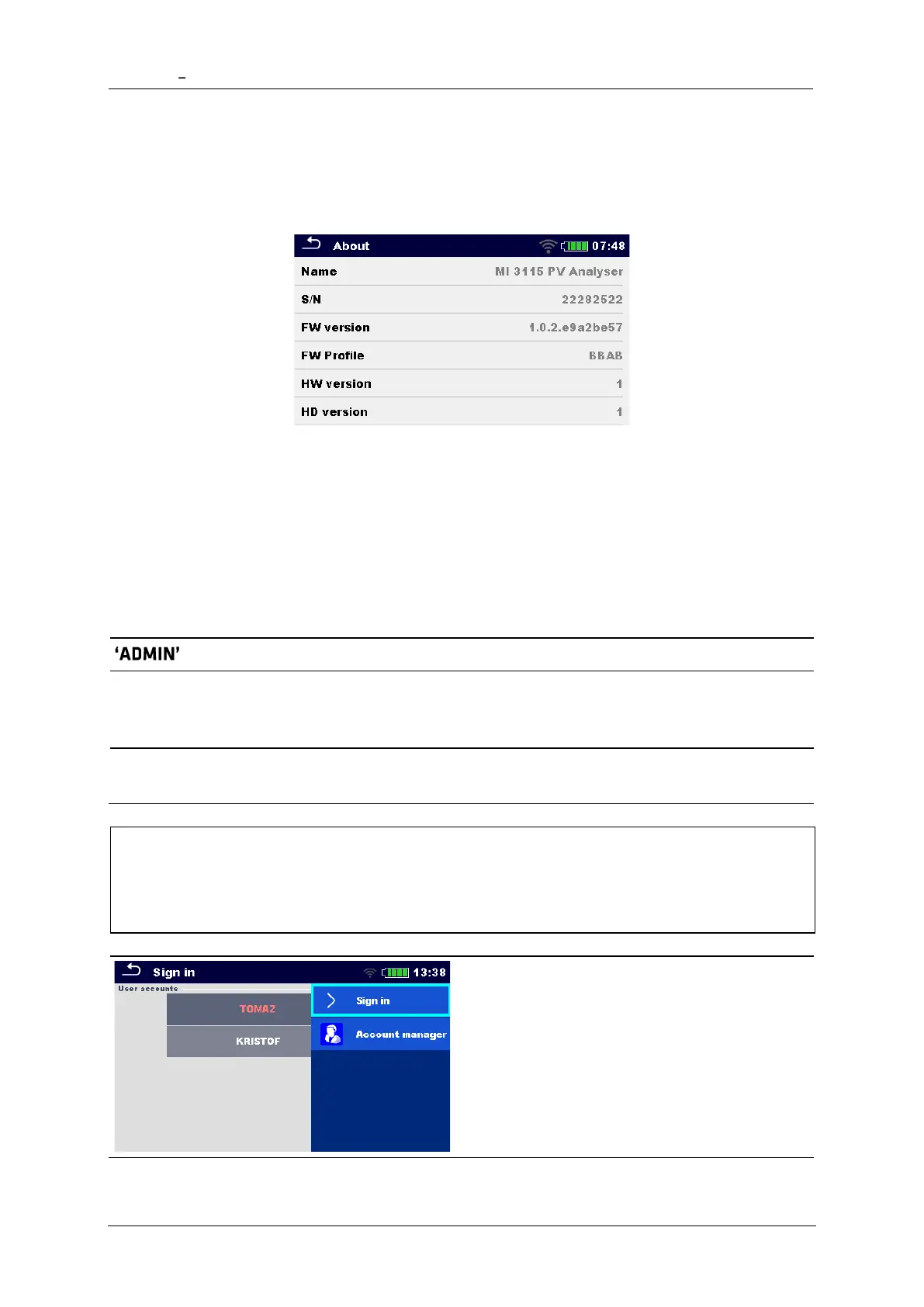
In this menu instrument data (name, serial number, FW (firmware) and HW (hardware)
version, profile code, HD (hardware documentation) version, and date of calibration) can be
viewed.
4.6.6 User Accounts
The instrument has a User Accounts system. Following actions can be managed:
• Setting if signing in to work with the instrument is required or not.
• Adding and deleting new users, setting their user names and passwords.
• Setting the password for allowing Black Box operation.
Default passwords
The default account manager password
Second account manager password
This password is delivered with the
instrument and always unlocks the Account
manager
By default, no password needs to be entered
for Black Box operation
Note
• If a user account is set and the user is signed in the user's name will be stored for
each measurement.
Sign in as user: Select User, Sign in, change
user Password.
Sign in as administrator: Select Account
manager, set account manager Password.














 To Next Page