After the test, check the results on the instrument.
6.4.2 Synchronization of environmental data between PV Remote WL and
instrument after the test
Following data are logged with PV remote WL and can be synchronized with the instrument
later:
Irradiance at time of measurement
PV cell temperature at time of measurement
PV cell temperature 5 min before test
PV cell temperature 10 min before test
PV cell temperature 15 min before test
Ambient temperature at time of measurement
In single test starting menu switch Environmental data parameter to Manual.
Assure that PV Remote WL is logging environmental data.
After the finished and saved measurements, establish Wi-Fi connection between PV
Remote WL and instrument.
In Memory Organizer, select actual Workspace or structure element and select Synchronize.
All PV measurements
• in selected workspace or selected structure element, including sub-structures,
• with no or manually entered environmental data,
will be updated.
Environmental data parameter of synchronized measurements will change from Manual to
Remote.
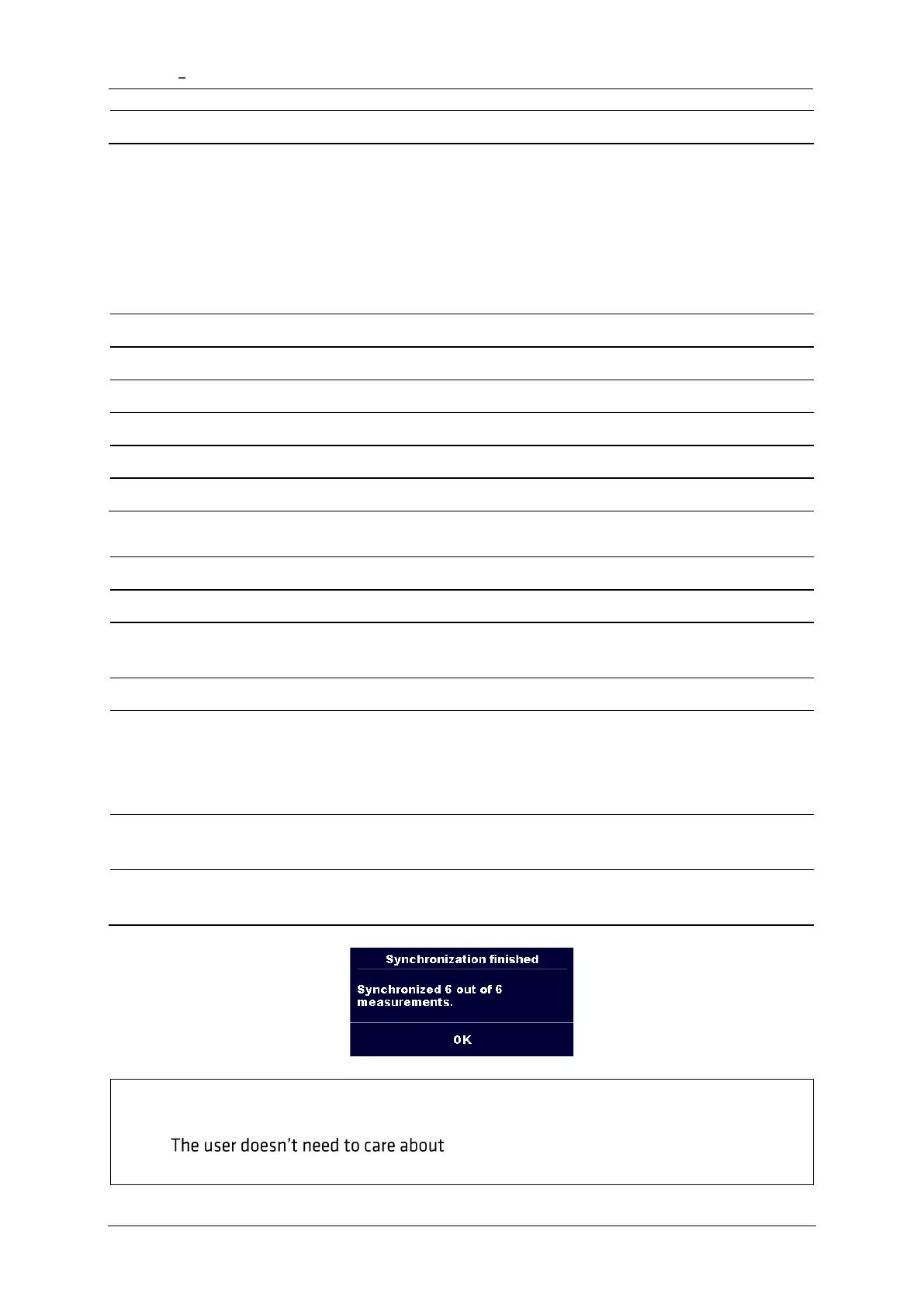
After data is synchronized, confirmation with number of updated measurements is
displayed.
Notes
• correct Date & time synchronization between
PV remote WL and the instrument. Date & time is automatically synchronized at














 To Next Page