each successful Wi-Fi connection. However, it is recommended to regularly check
the Date & time on PV Remote WL.
• If PV Remote WL time is ahead of the
displayed.
• Once a PV measurement was updated with valid data from the PV Remote WL,
further updates are not possible.
Hint
• It is recommended to perform automatic Date & time synchronization before start
logging environmental data on PV solar field. To automatically perform Date &
time synchronization, place instrument and PV Remote unit close to each other
and switch them both on.
6.4.3 Manual entry of environmental data
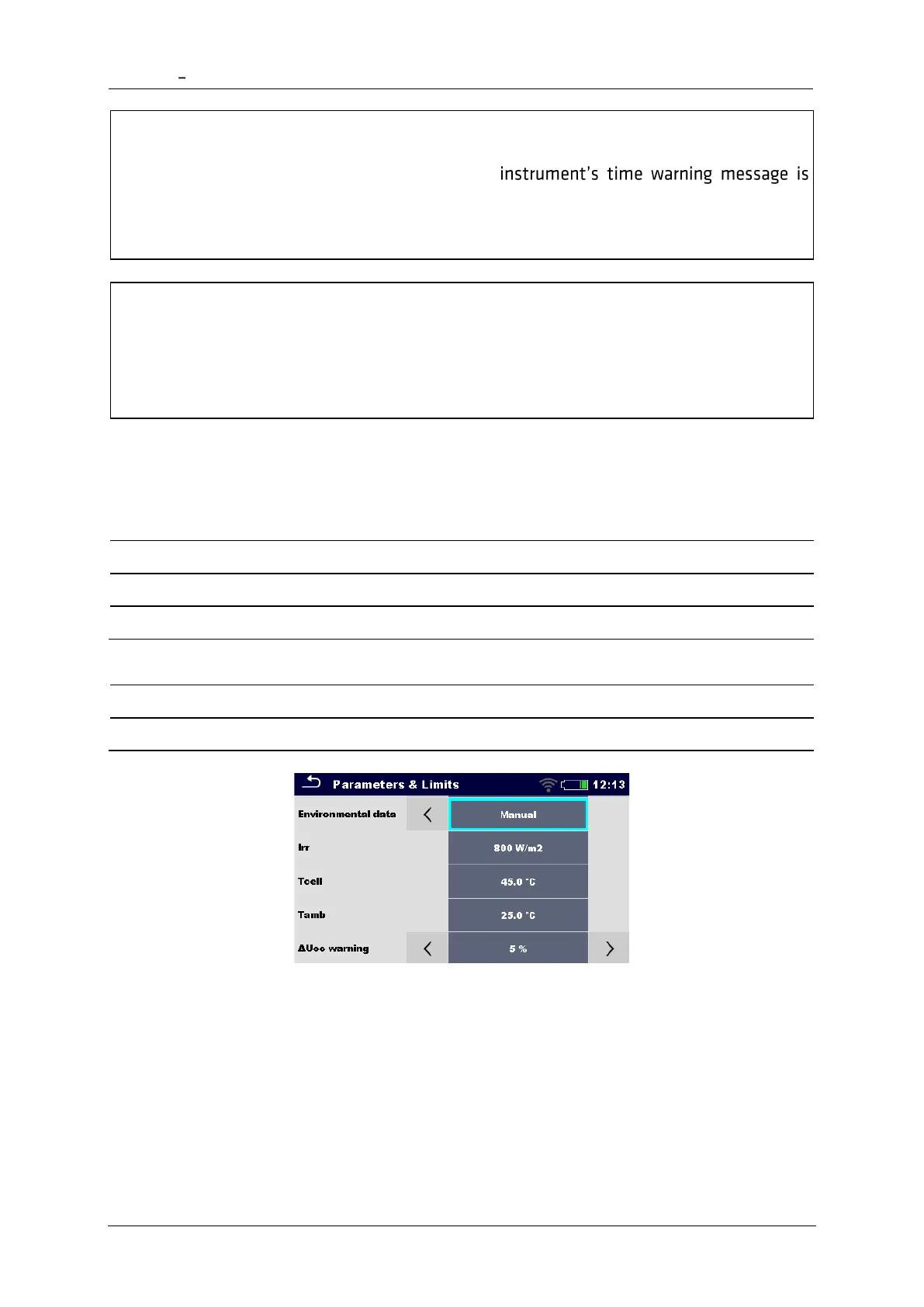
Following data can be entered manually before the test:
Irradiance [Custom, 800 W/m
2
]
PV cell temperature [Custom, 45.0 °C]
Ambient temperature [Custom, 25.0 °C]
In single test starting menu switch Environmental data parameter to Manual.
Select/enter environmental data.
The manually entered environmental data will be used for calculation of STC results until they
are updated (synchronized) with measured data from PV Remote WL.
Indication of manually entered environmental data
Parameter Environmental data indicates the way how environmental data were entered for
selected measurement.














 To Next Page