59
Enable multiple points testing: set multiple points, see Managing multiple points.
7.2.2 Indication of Loops
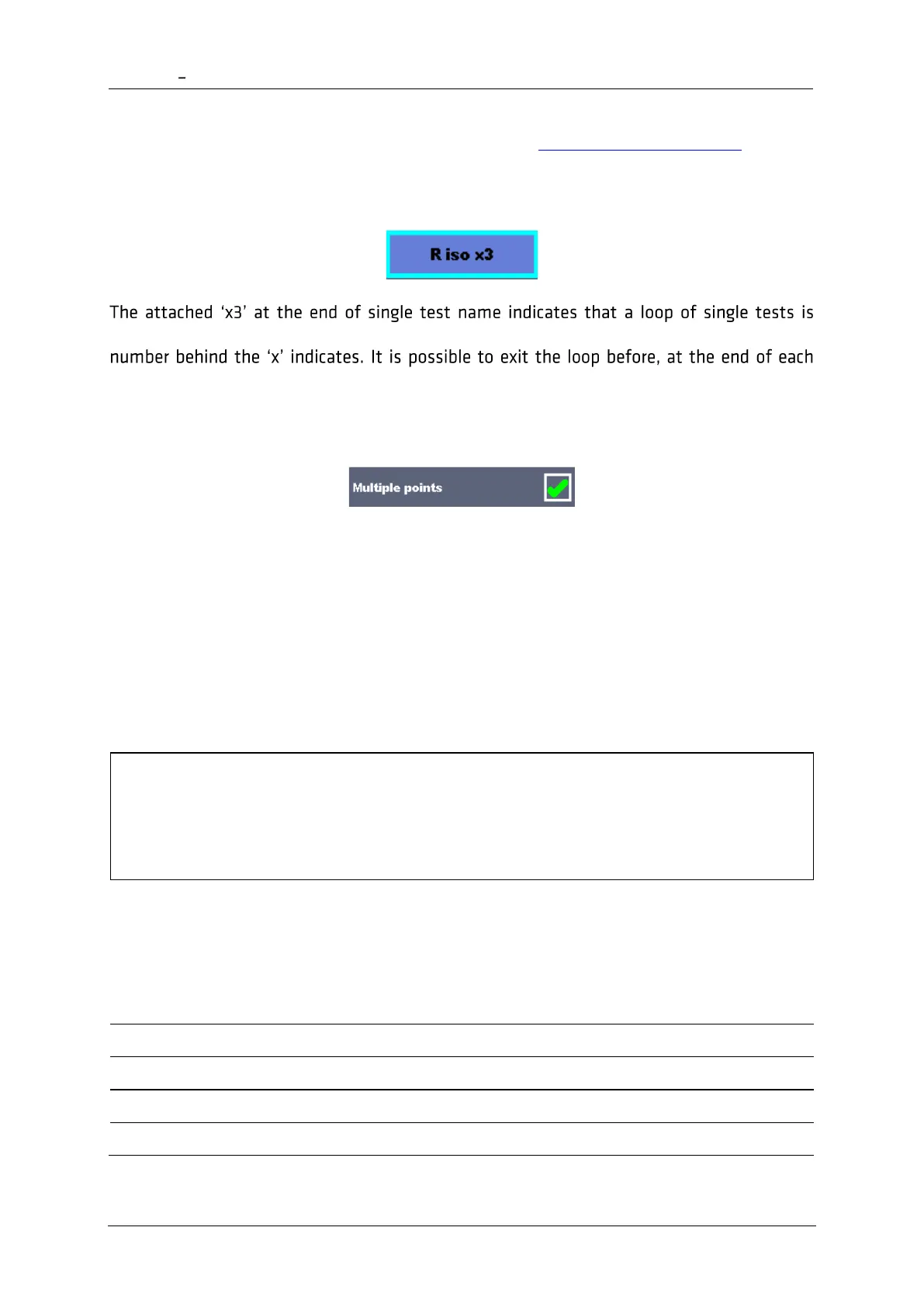
programmed. This means that the marked single test will be carried out as many times as the
individual measurement.
7.2.3 Managing multiple points
If the device under test has more than one test point for an individual single test and the
selected Auto Sequence predicts only one test point (one single test) it is possible to change
the Auto Sequence appropriately. Single tests with enabled Multiple points ticker will be
executed in a continuous loop. It is possible to exit the loop anytime at the end of each
individual measurement.
The Multiple points setting is valid only for the actual Auto Sequence. If the user often tests
appliances with more than one test points it is recommended to program a special Auto
Sequence with pre-programmed loops.
Hint
Enable multiple points is typically used:
• If testing earthing connections and the DUT has more than one earthed conductive
parts.
7.2.4 Step by step execution of Auto Sequences
While the Auto Sequence is running, it is controlled by pre-programmed flow commands.
Examples of actions controlled by flow commands














 To Next Page