24
MicroEn
ine
XP-GT/GTR Programming Manual
v4.00
(refer to EXAMPLE 2 for detailed information of Time Set 03)
Users then need to assign Time Zone 3 to Hi Security TZ sub-menu in Section 1.2
Door Parameter menu.
To program the Time Zone, please follow steps below:
1. Enter Configuration Menu.
2. Press 1 for System Menu.
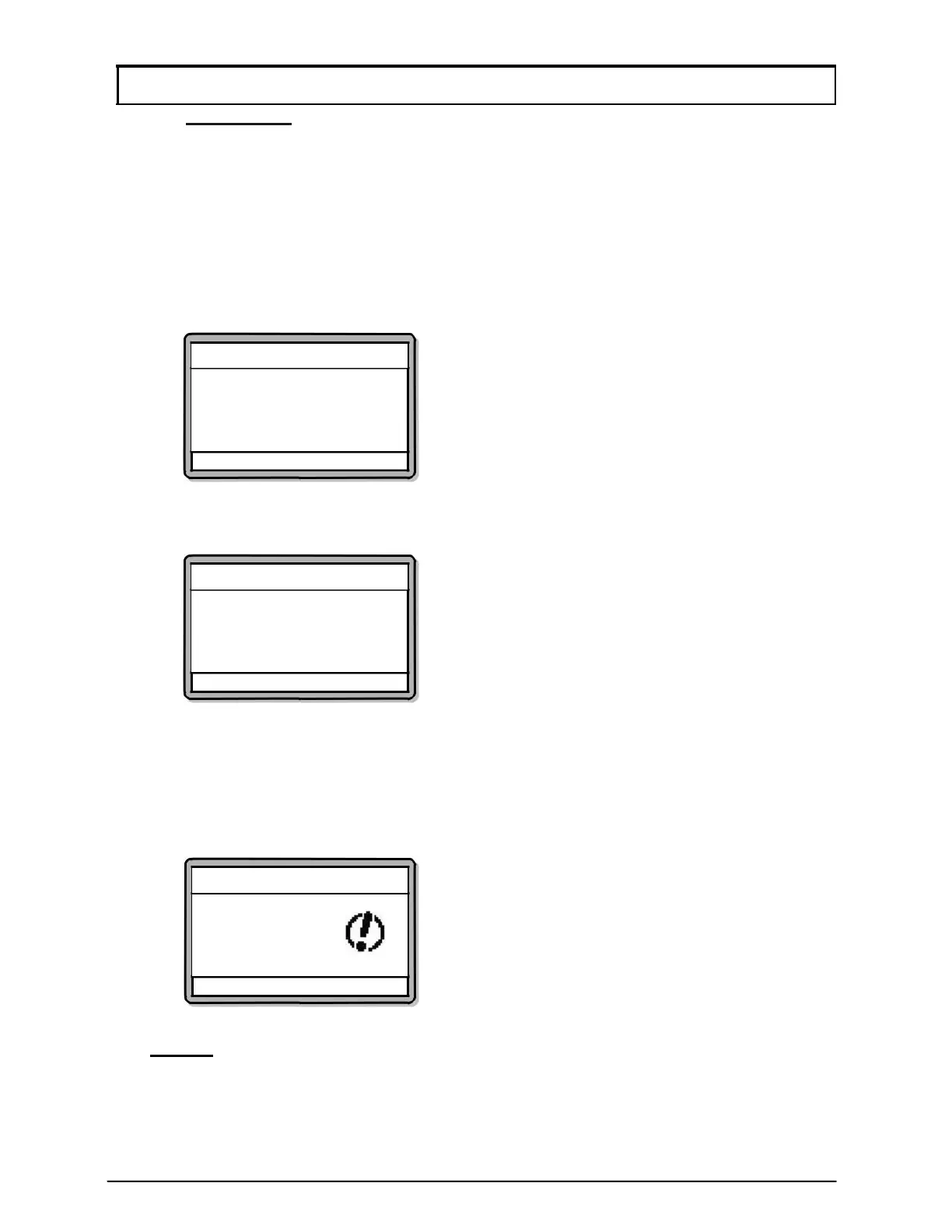
3. Press 4 for Time Zone. The screen below will be shown:
Time Zone Setting
Enter TimeZone Number
(Min = 02, Max = 99)
[00]
√ - OK X - Cancel
4. Enter Time Zone number that users want to set. Screen as below will be
shown.
Time Zone Setting
Time Zone No 03
S(00) M[00] T[00] W[00]
T[00] F [00] S[00] H[00]
√ - OK X - Cancel
5. Enter Time Set number in the Sunday field and press ↓ to continue setting for
Monday and so on.
6. The controller will cycle the day sequence as below for every
↓ pressed:
Sun – Mon – Tue – Wed – Thu – Fri – Sat – Hol
7. Screen below will then be shown. Press √ to save changes.
Time Zone Settin
Save Changes?
√ - OK
X - Cancel
NOTE:- For functions that require the same Time Zone, existing Time Zones
can be reused.



 To Next Page