8 Microtek ScanWizard EZ Reference Manual
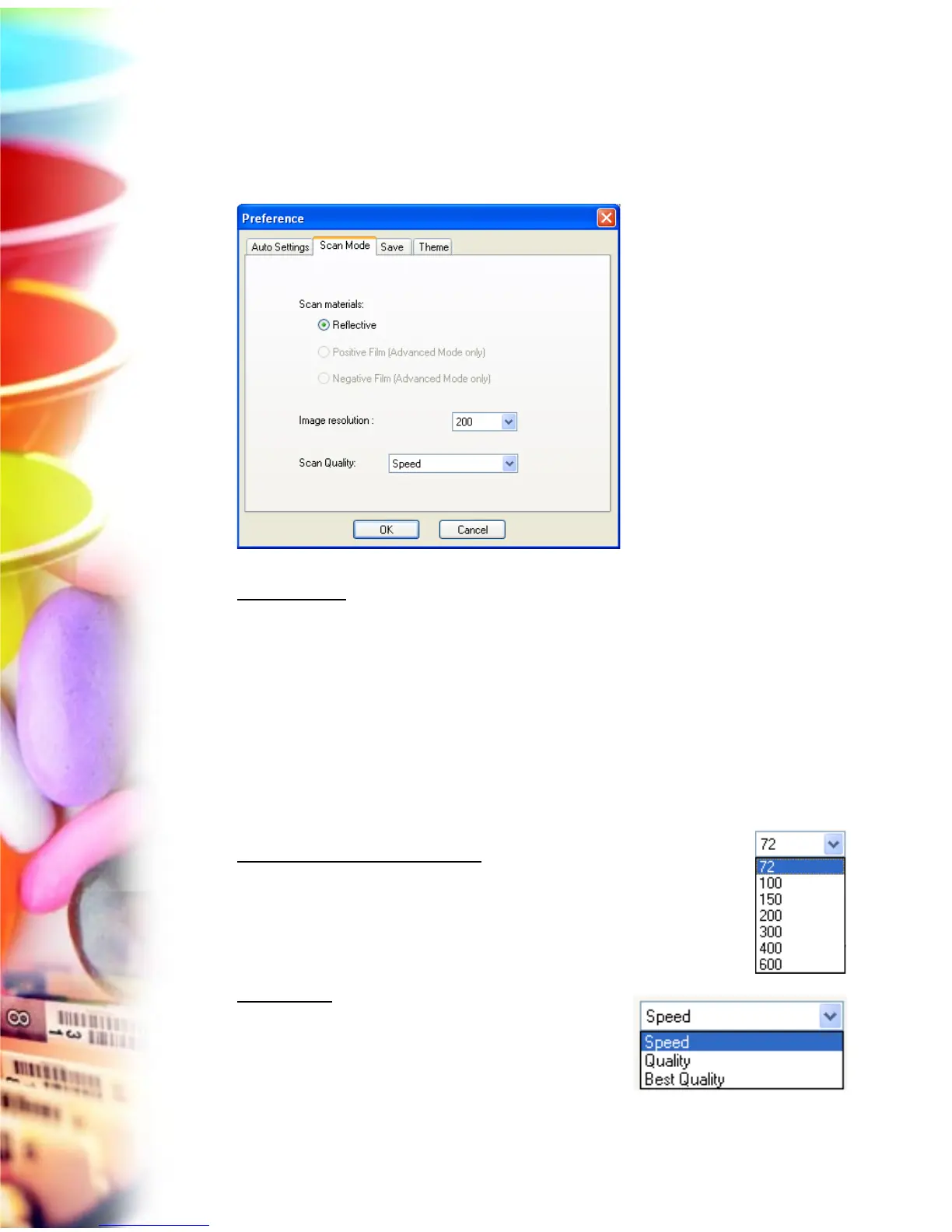
Scan Mode Panel
The Scan Mode panel allows you to choose scan material and desired resolution
for the scanned images.
Scan Materials
The Scan materials function allows you to select your scan material, which can
be one of the following:
• Reflective, such as photographs, documents or prints.
• Positive Film, such as 35mm slides or X-ray films.
• Negative Film, such as 35mm filmstrips.
Note: The Positive Film and Negative Film are available only when you are in the
Advanced mode.
Image resolution (EZ mode only)
The Image resolution function allows you to specify a desired
resolution for the scanned image. To choose a desired
resolution, press the drop-down arrow next to the box and
choose one value from a predefined list.
Scan Quality
The Scan Quality function allows you to select the
image quality by controlling the scanner hardware
and the maximum image processing depth.



 To Next Page