19
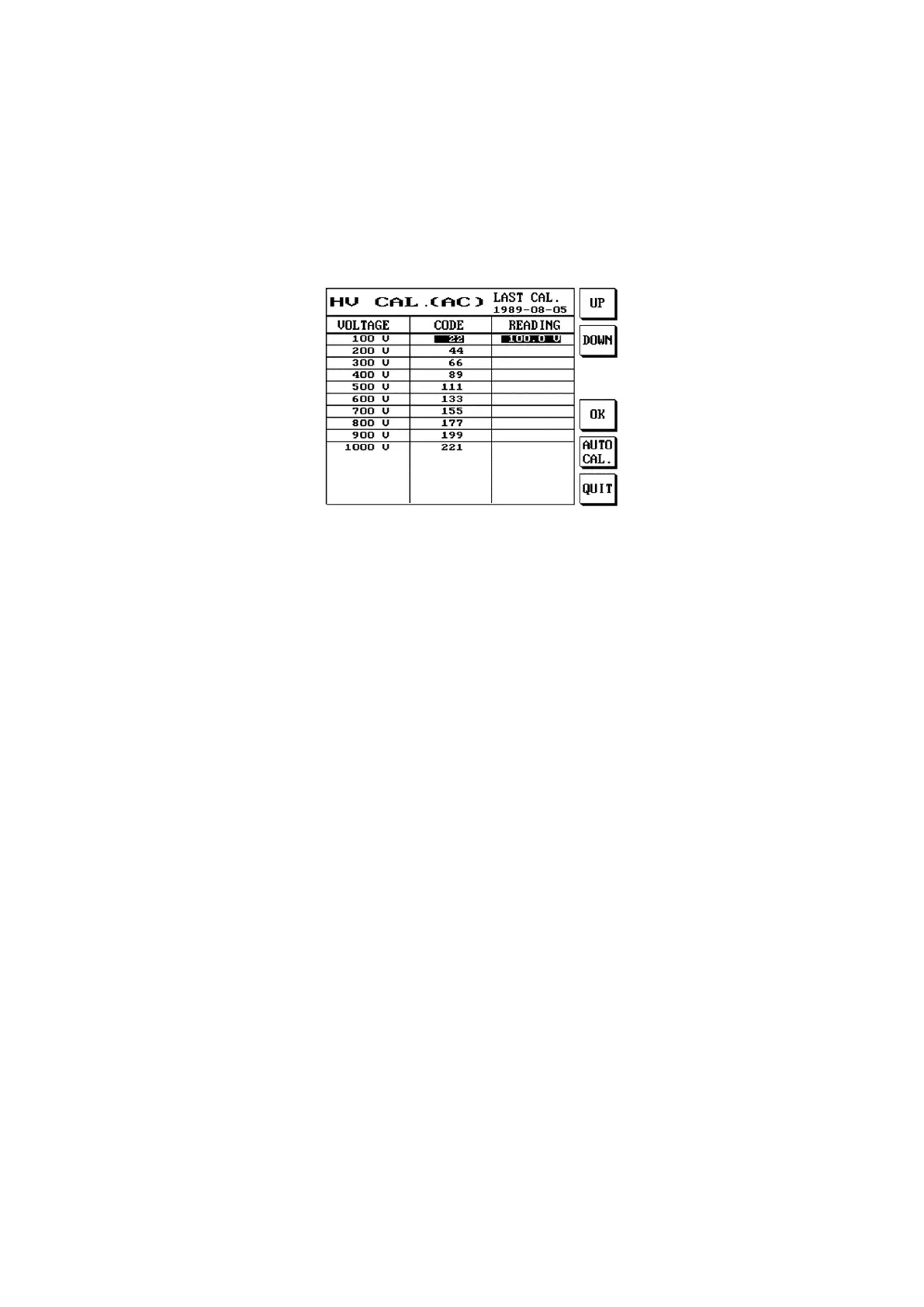
AC H.V. CAL
The AC high voltage correction is used to adjust the READING (test value) closest to the AC setting
value.
(1) Press [Func].
(2) Please use [↑] or [↓] to select Calibration and then select AC H.V. CAL. and press [Enter].
(3) The LCD screen will display as follows:
(4) Press S1 [UP] or S2 [DOWN] to adjust the READING (test value) closest to the DC setting value.
Or S5 for automatic adjustment.
(5) When setting is complete, please press S4 [OK].
(6) To cancel the set data, simply press S6 [QUIT].



 To Next Page