50
results; users must beware of the difference of this setting.
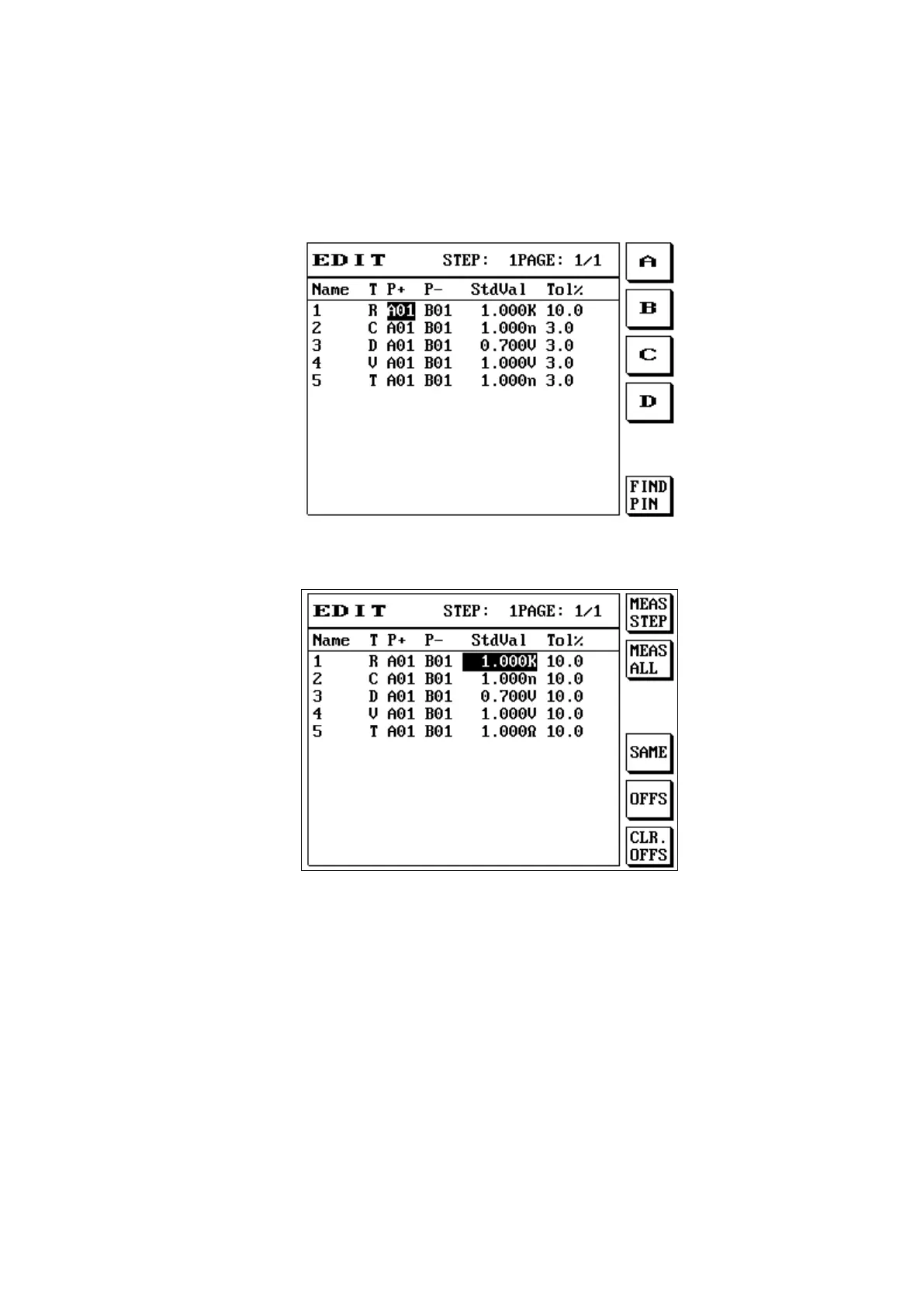
(5) Set the + - pins; the pins can be entered manually or use automatic pin search (to use automatic
pin search, the probe must be inserted to the PIN SEARCH located at the front panel and then
touch the ABCDEFG Port pins); the LCD screen will display as follows:
(6) After the cursor moves to the standard value line, enter the actual test value or use the S1 [Learn]
and S2 [MEANS All] function; the LCD screen will display as follows:
(7) When the component is resistance or capacitance, press S5 [CLR.OFFS] to offset; the LCD screen
will display as follows:



 To Next Page