51
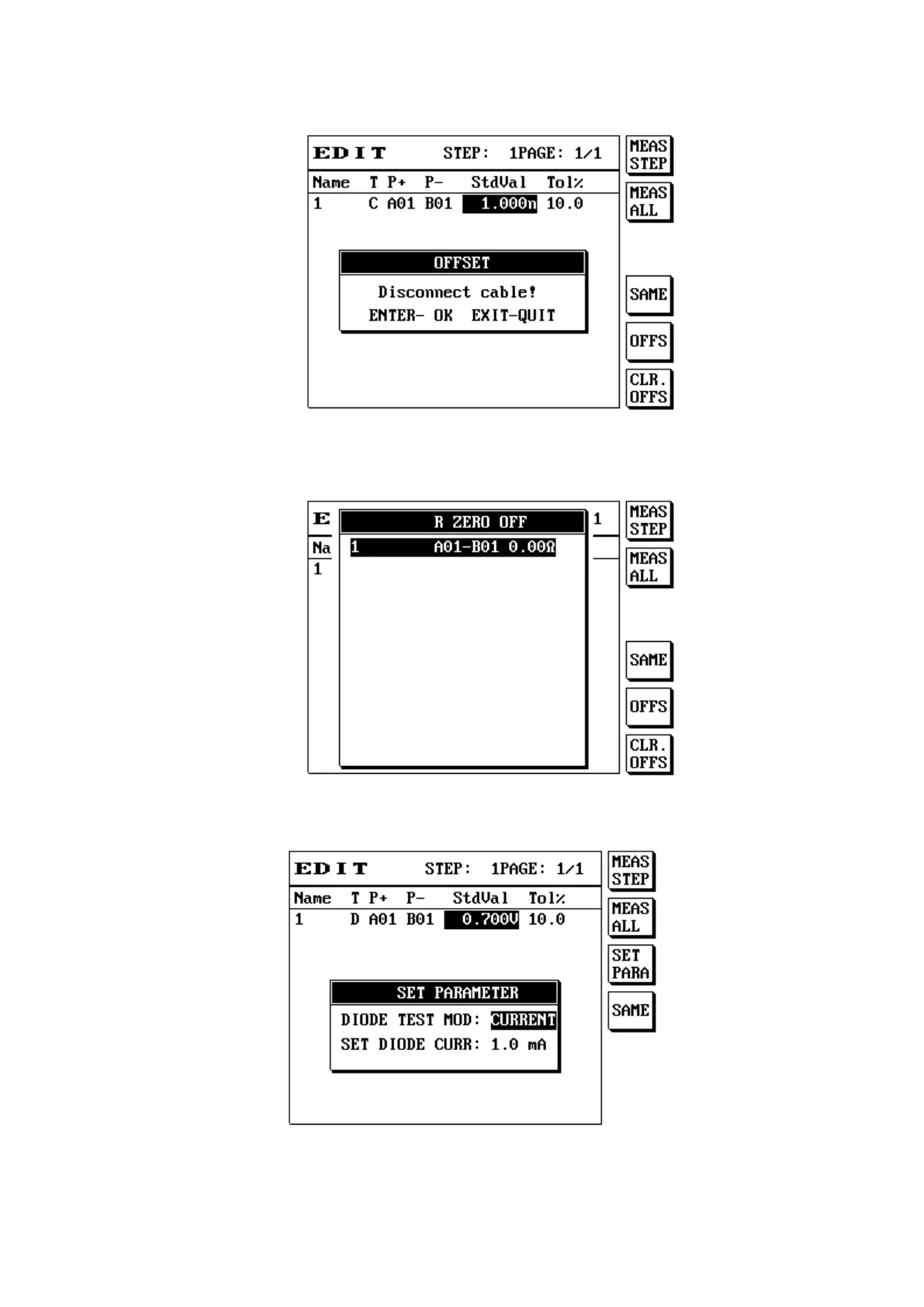
(8) Press [Enter] to perform the offset action.
(9) Press S6 [ALL SAME] to clear the data used for resistance or capacitance offset.
(10) When the component is resistance, press SHIFT+S5 [CLR.OFFS] to display the data for resistance
offset; the LCD screen will display as follows:
(11) When the component is diode or current leakage, press S3 [SET PARA] to perform parameter setting;
the LCD screen will display as follows:
(12) Item descriptions are as follows:
Name Please enter the name for the resistance test group set.



 To Next Page