VetPro DC Installation/Service Manual, 00-02-1606, Revision R01
98
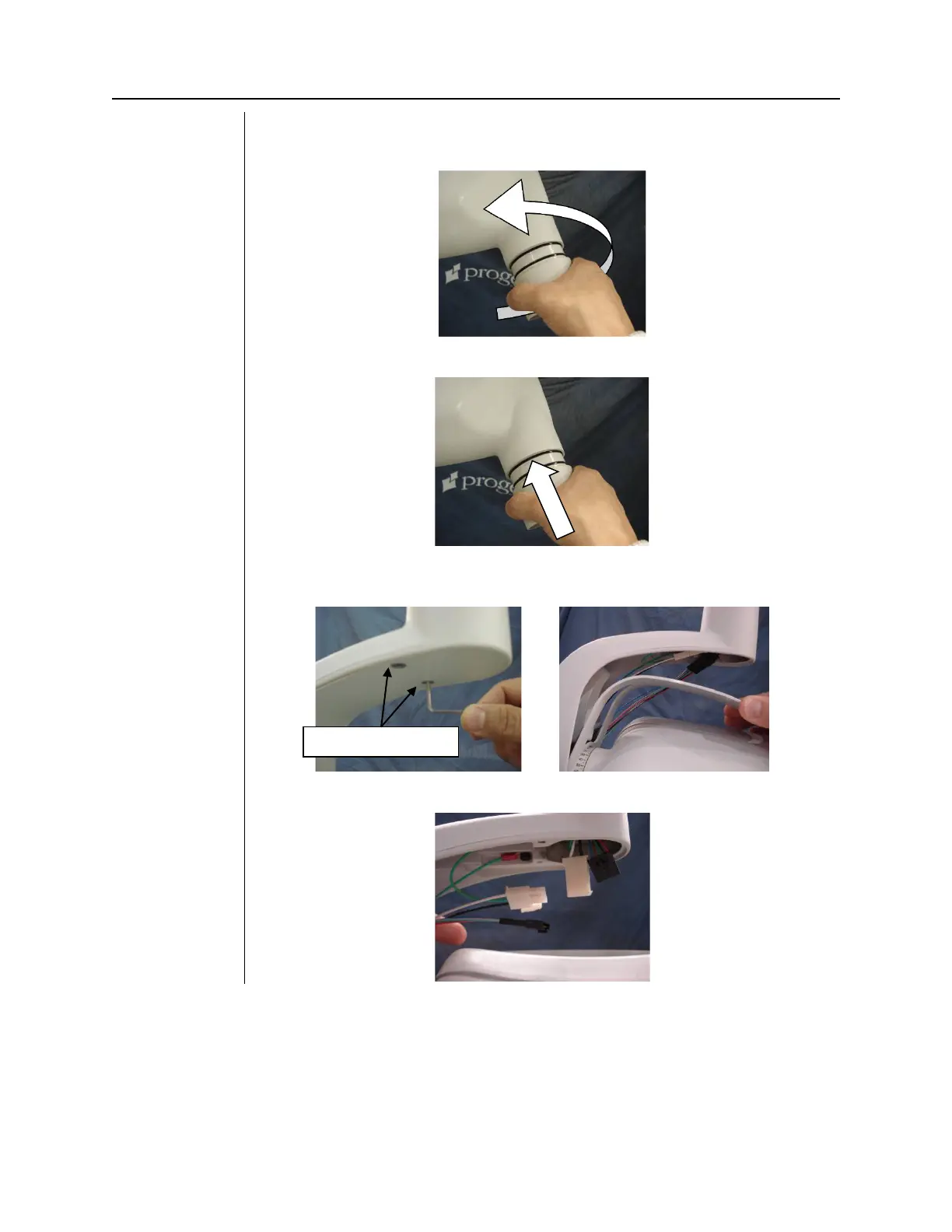
2. Remove the cone from the head being replaced. The cone sits in the
tubehead. Grab the cone firmly, pull and twist out in the same motion.
3. Install the cone in the replacement tubehead.
4. Remove the two Allen head screws from the yoke and remove the
yoke cover.
5. Unplug the black and white connector.



 To Next Page