VetPro DC Installation/Service Manual, 00-02-1606, Revision R01
112
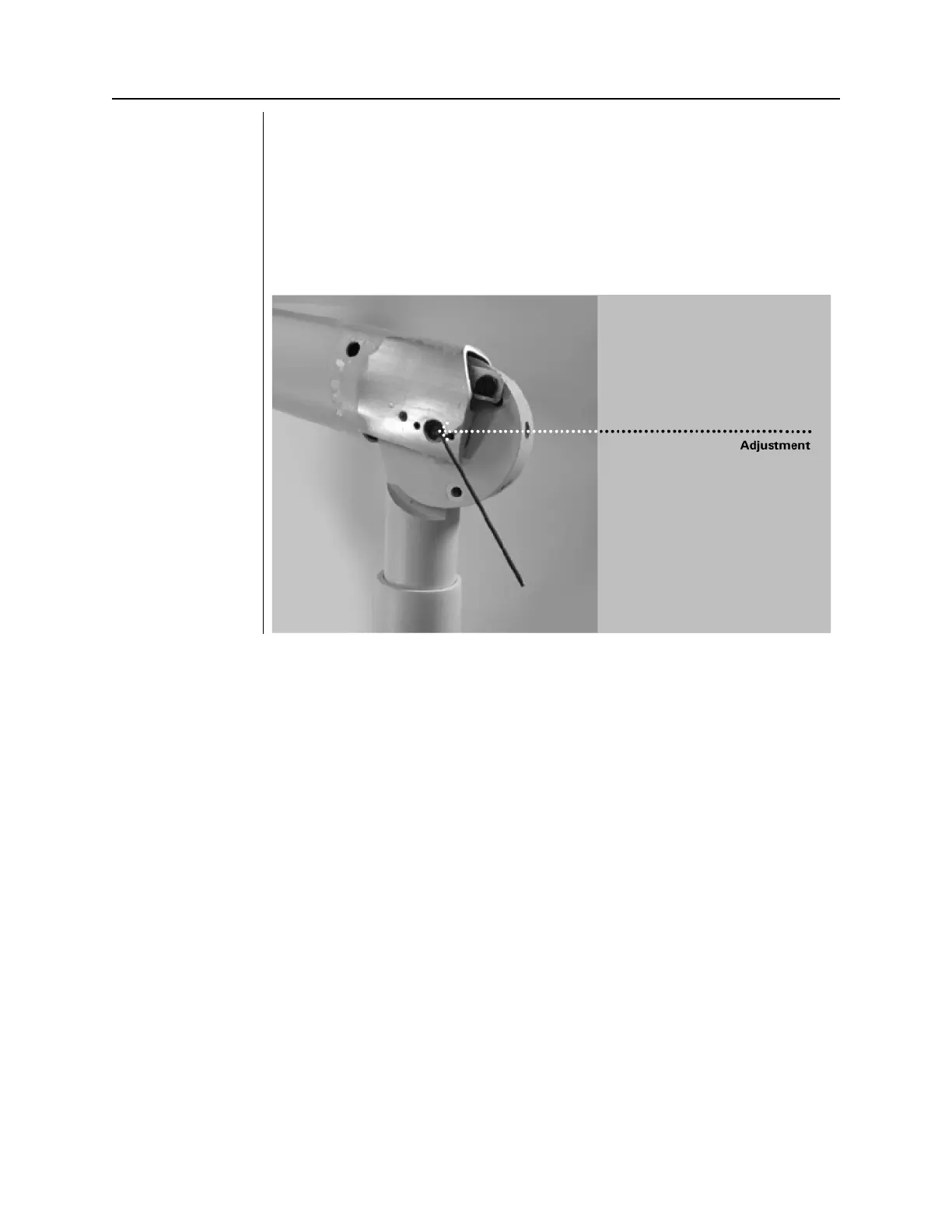
Arm Friction
Adjustments
The VetPro DC has four friction adjustment points located at the four pivot points
of the Articulating Arm. These friction points can be adjusted to reduce or
increase the force needed to position the Articulating Arm.
1. Remove the plastic covers on the Articulating Arm to reveal the adjustment
points.
2. Using a 2 mm hex key, as shown in Figure 109, tighten both screws evenly
at each adjustment point until the movement of the Articulating Arm is as
desired. Do not loosen adjustment points so far as to allow the Articulating
Figure 109
Friction
Adjustments



 To Next Page