Technical Information
28
G1000 / G2000 Dishwashers
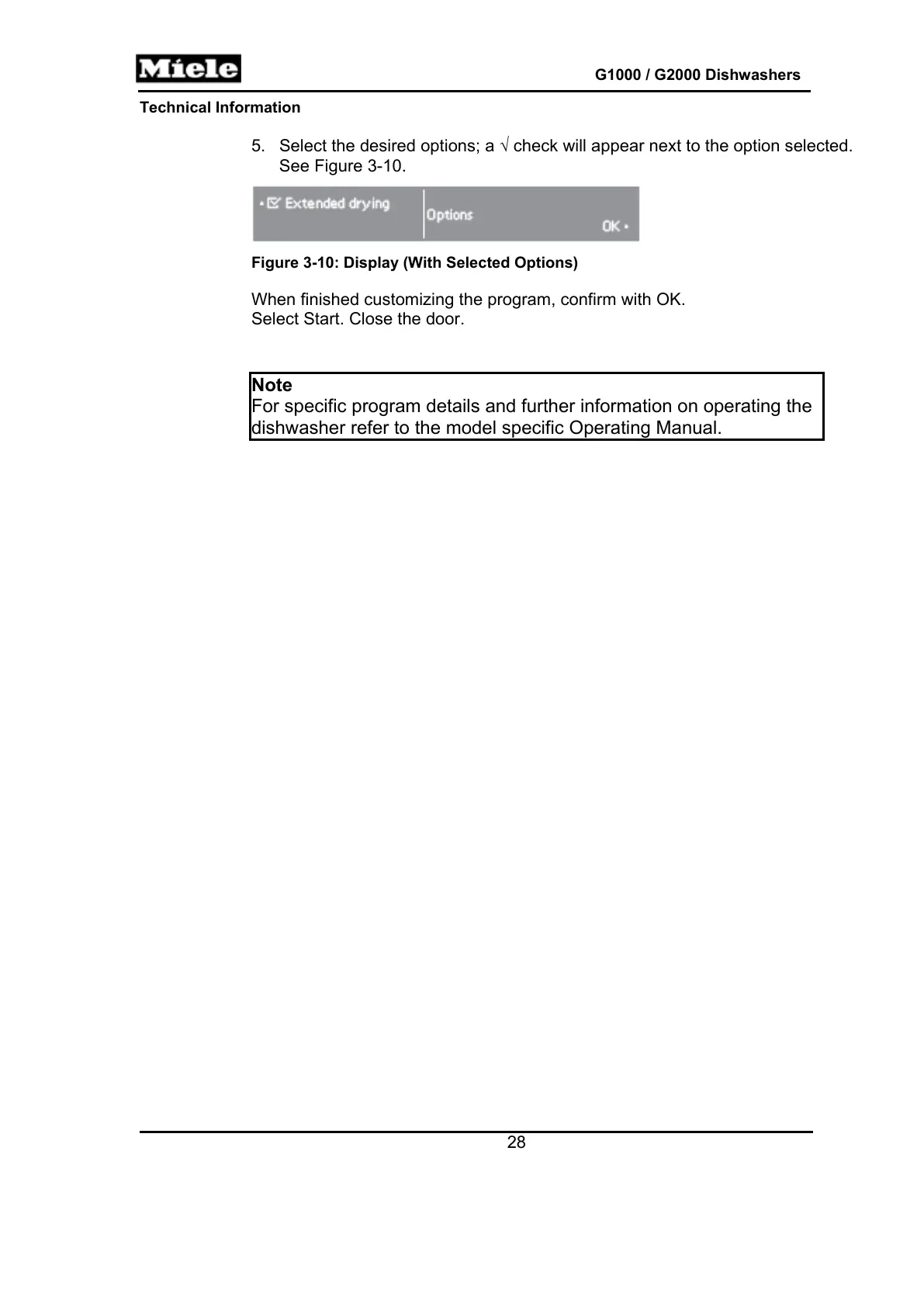
5. Select the desired options; a check will appear next to the option selected.
See Figure 3-10.
Figure 3-10: Display (With Selected Options)
When finished customizing the program, confirm with OK.
Select Start. Close the door.
Note
For specific program details and further information on operating the
dishwasher refer to the model specific Operating Manual.



 To Next Page