100
7. TROUBLESHOOTING for MacroPATH
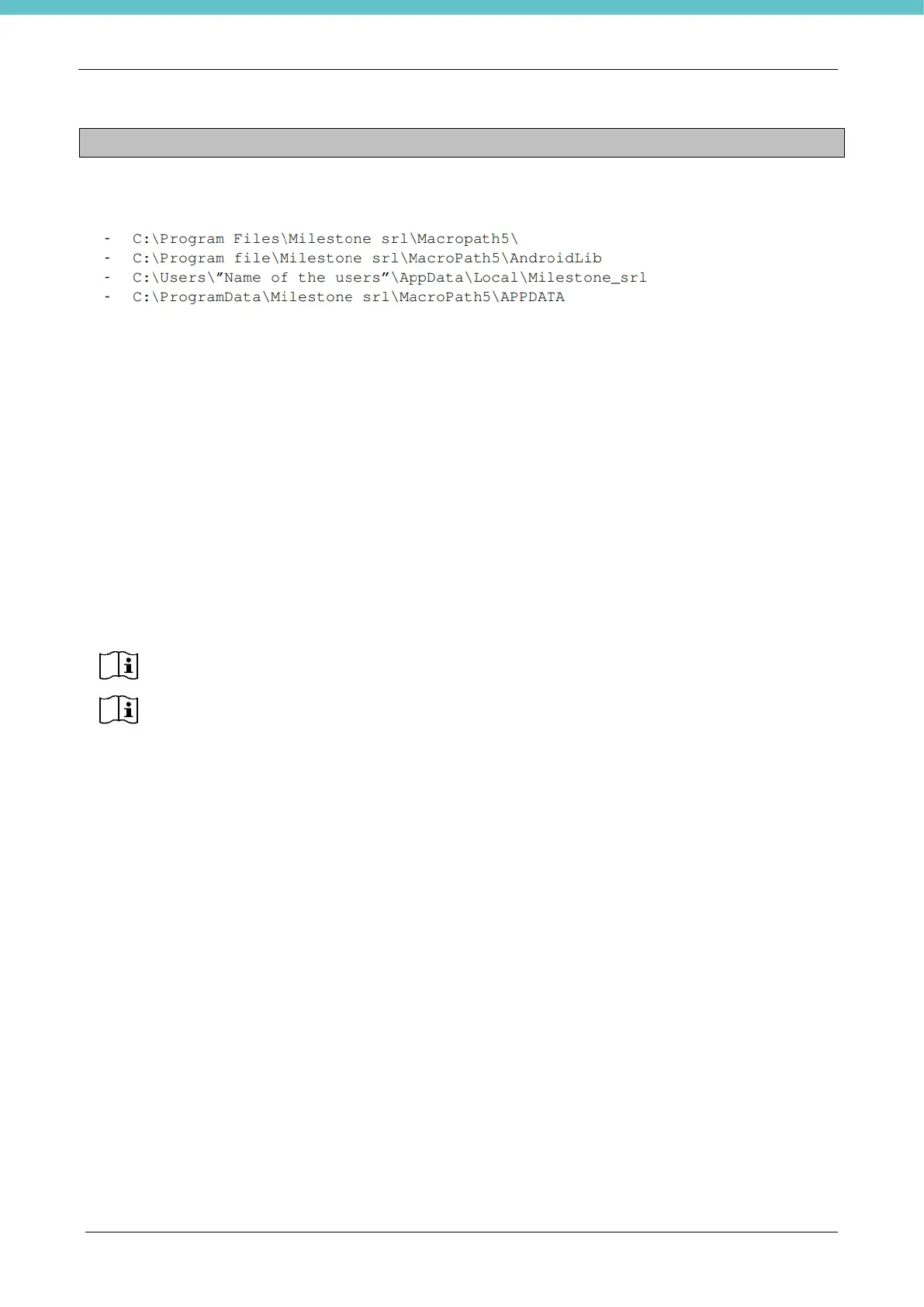
For correct MacroPATH operation, the user must have full access in read/write/edit mode for the following
folders:
To see the path C:\ProgramData\Milestone srl\MacroPath5\APPDATA you need to enable hidden folders.
7.1. Milestone Remote connection
If you need support for MacroPATH, and customer support requires a remote connection, follow these
instructions.
To activate the “Milestone Remote Connection”:
• the PC needs to be connected to the internet (this needs to be allowed by the Network/IT manager of
the laboratory/ hospital) and
• the Milestone Remote Connection software must be installed on the PC. Alternatively, it is possible to
have TeamViewer installed with license 5.
The Milestone Remote Connection software comes with the unit in electronic format (the
software is already installed on the PC supplied by Milestone)



 To Next Page