18
2.5.1. Camera Orientation
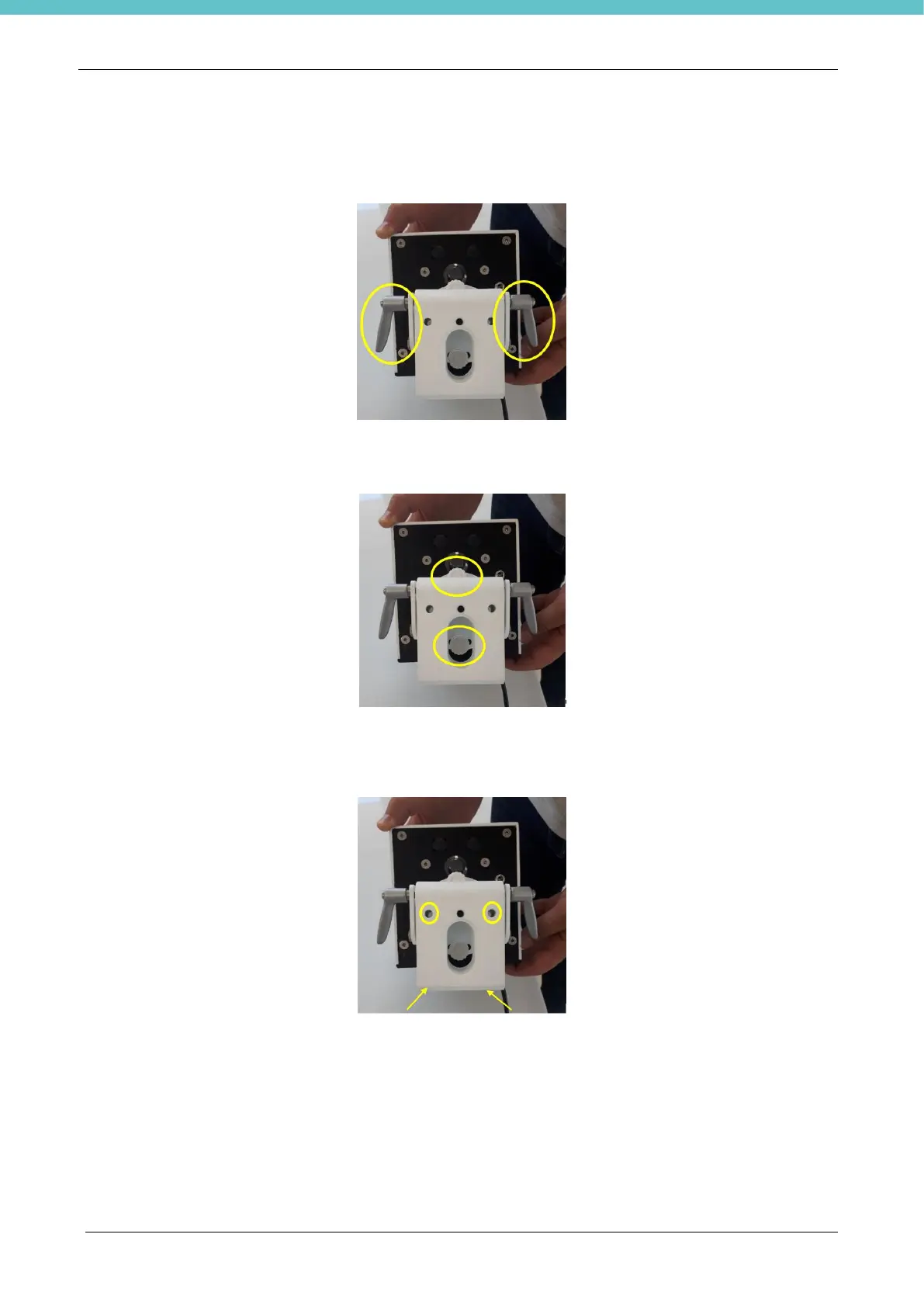
On the back of the camera there are 2 levers to adjust the up/down tilt of the camera (see figure).
Loosen the levers until you find the best position and then tighten them up again.
On the back of the camera there are 2 knobs to adjust the right/left tilt of the camera (see figure).
Loosen the knobs until you find the right position and then tighten them up again.
To secure the camera you can use at least one pair of anchoring points (see figure).
The support can be rotated by 180° (take the knobs out, turn the support and put the knobs back in).
Alternatively, you can use the photographic fitting.



 To Next Page