16
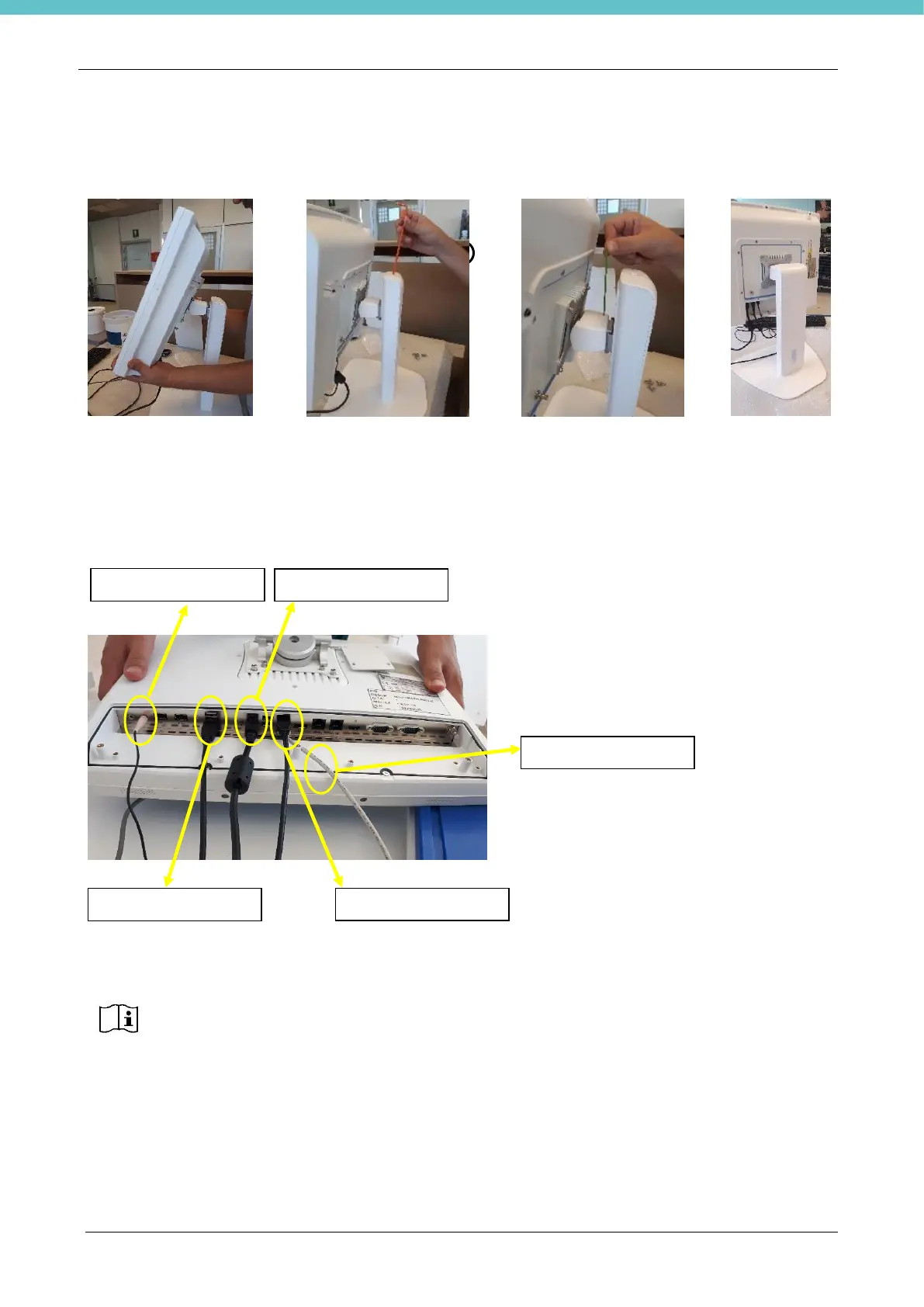
The stand is already adjusted for the weight of the PC Monitor. If necessary, it is possible to adjust the
up/down (figure 1) and right/left (figure 2) force of the contrast springs.
Figure 1 Figure 2
2.4.1. PC Monitor connections
The power supply line needs a ground connection (Class I device)
Power supply line protection: 10A - C curve residual current circuit breaker, residual current: 30mA.
Connect the power supply cable to the PC Monitor panel and then to the power socket.
Connect the USB foot pedal control to the USB port marked in brown.
Connect the microphone to the MIC-IN connector (pink 3.5mm jack)
Connect the other USB applications to the vacant ports (e.g. bar code, keypads, etc.)
Now that all of the connections are set up, install the cable cover panel (when the PC Monitor is installed on
the table support, it is not possible to insert the central screw).
Upon completing installation, MacroPATH can be turned on with the appropriate button.



 To Next Page