15
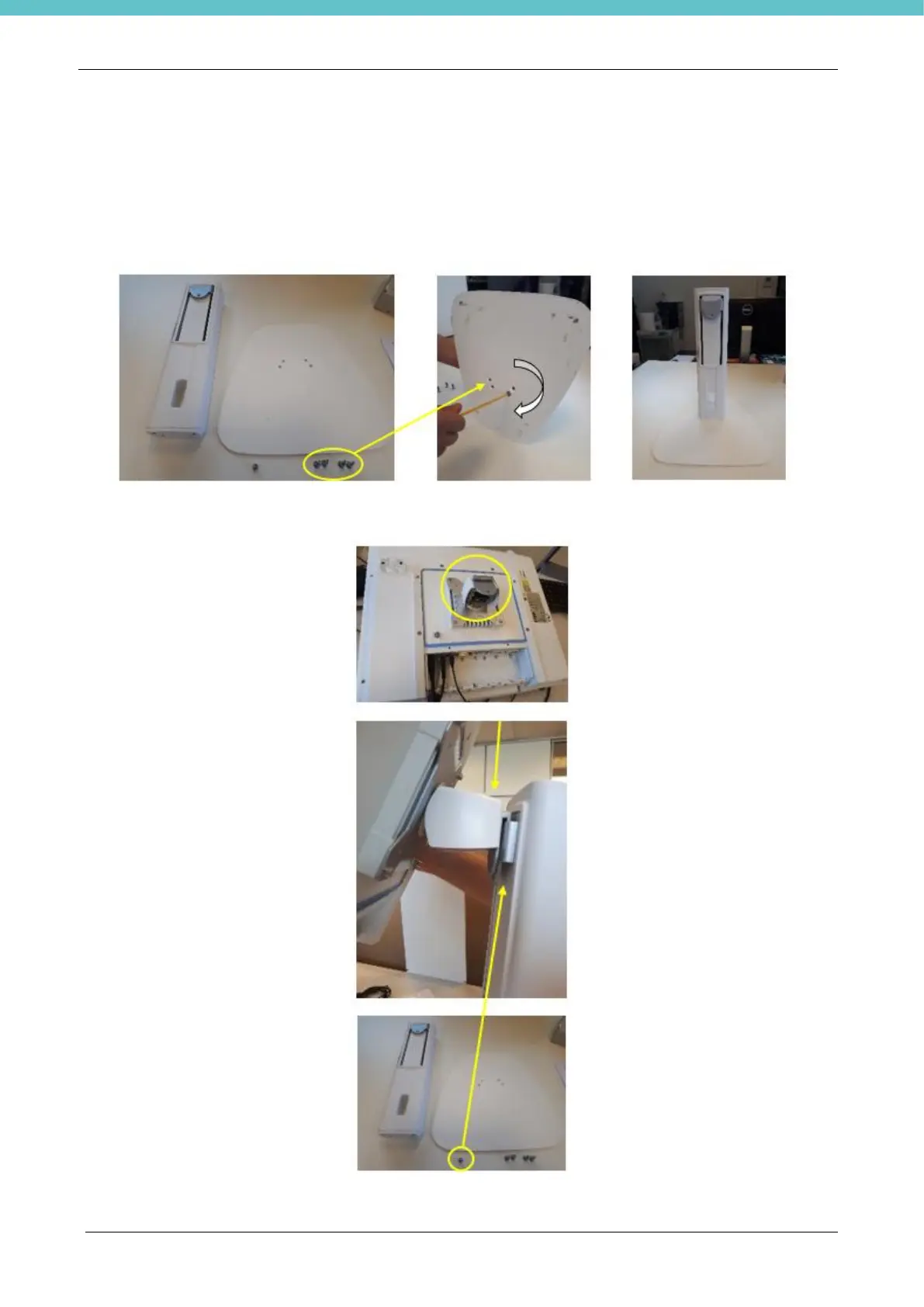
2.4. Table stand installation for MacroPATH PC Monitor
Installing MacroPATH is easy and only takes a few minutes. Make sure that the power supply is not
connected during installation.
Table support installation as follows:
- Use the 4 screws provided to clamp the base to the column:
- Insert the PC Monitor into the column and secure it with the supplied screw:



 To Next Page