MacroPATH and MacroPATH Basic QX Series
MM161-001 – Operator Manual
11
2. INSTALLATION
2.1. Unpacking and checking MacroPATH and MacroPATH Basic components
This section illustrates the installation procedures and preliminary operations. Please read the following
chapters carefully before operating MacroPATH.
When unpacking check that all the parts are there.
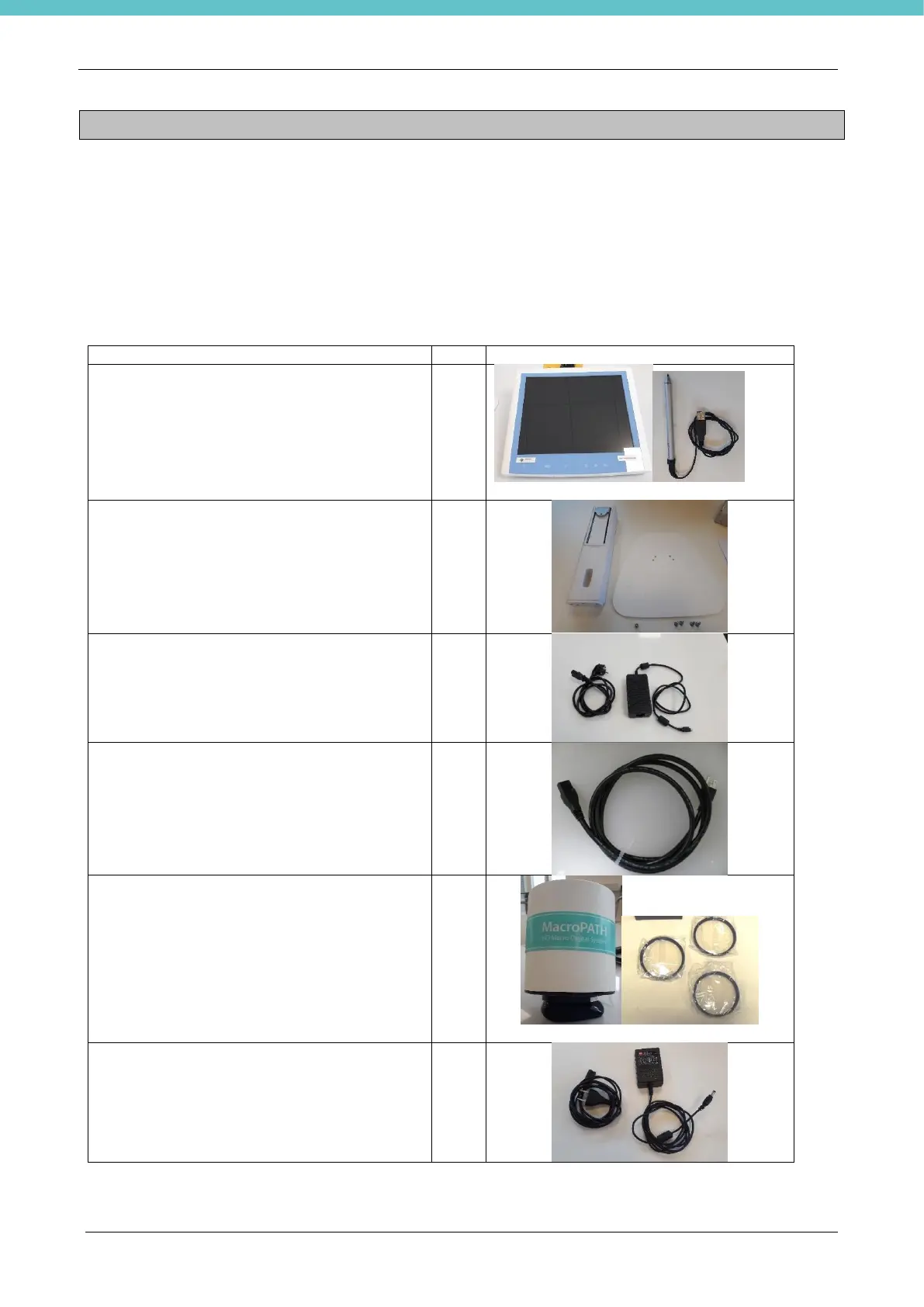
MacroPATH (REF 370600) and MacroPATH Basic (REF 370605/SK) include the following parts (as
already specified, MacroPATH Basic does not include the “All in one PC”):
POINT-OF-CARE CONTROL TERMINAL (“All
in one PC”) + Touch-Pen (there are two small
black keys on the touch-pen for the enter
command and right click of the mouse)
(not included with MacroPATH Basic)
Table stand for “All in one PC”
(not included with MacroPATH Basic)
“All in one PC” power supply with Schuko cable
included
(not included with MacroPATH Basic)
“All in one PC” power supply cable
115V~ (NEMA 5-15 C13)
(not included with MacroPATH Basic)
Camera + Set of 3 lenses (lens +1,5 already
installed)
Camera power supply with cable included



 To Next Page