28
3. WORKING WITH MacroPATH
It is very easy to work with MacroPATH. All functions are described in the following chapters.
3.1. Start MacroPATH
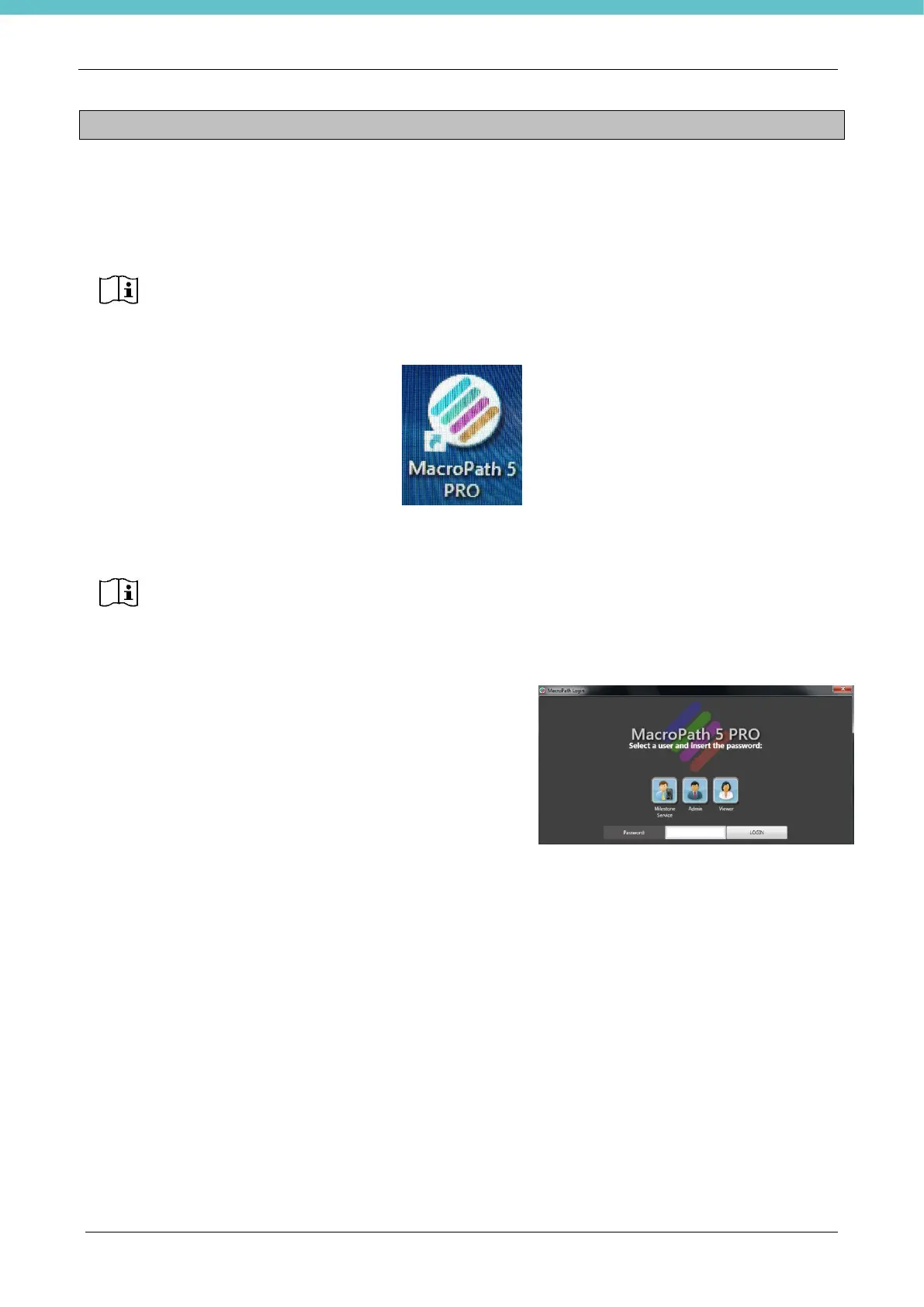
Let Windows start up and double click on the MacroPATH Pro icon on the desktop.
You can use your fingers or the provided touch pen for greater screen selection precision.
3.2. Log in and Log out
As a default setting, when the MacroPATH software is
launched, the user is logged in as Administrator.
To disable this function, the “auto log-in” field must be
unchecked (see chapter 3.6.2).
You need to be logged in as Administrator to use the main
functions. “Service” log-in is available for authorised personnel
only.



 To Next Page