MacroPATH and MacroPATH Basic QX Series
MM161-001 – Operator Manual
34
3.4.3. Files area Functions
In the FILES area it is possible to:
1. Browse/search or hide existing files with the relevant icon
2. Find files using the search function
3. Delete
4. Present
5. Printing
6. Add notes to the files.
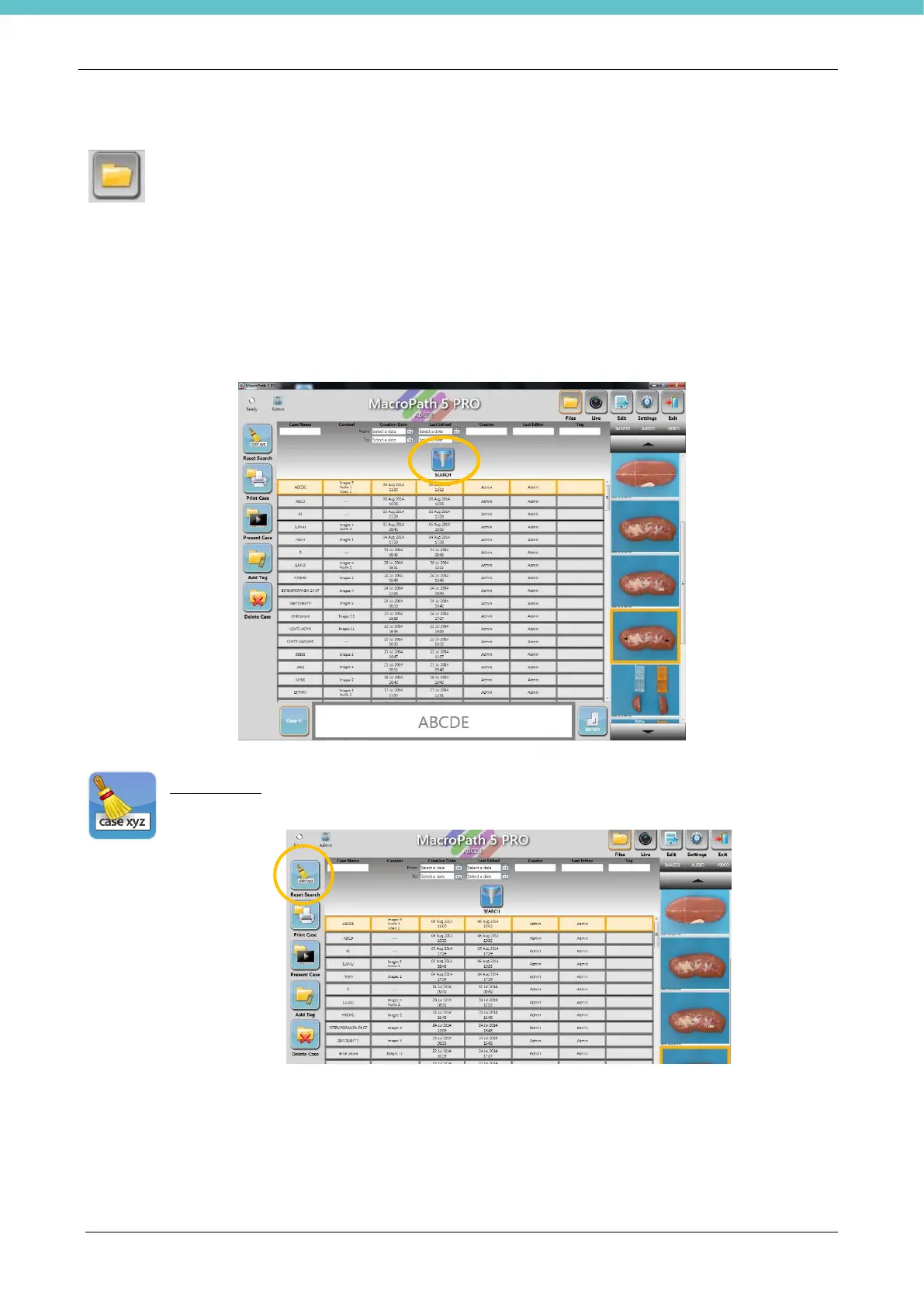
A file can be retrieved by entering the name, date of creation/last change, the creator or author of the last
change or note, then click “Search”.
Reset search: press this icon to delete all previous changes and see the full list of files



 To Next Page