MacroPATH and MacroPATH Basic QX Series
MM161-001 – Operator Manual
49
3.5.3. Utility functions
Undo and Redo
To remove the last change made to the image: press Undo and the last change will
disappear (it deletes from first to last change). Press Redo to restore a removed
change.
Undo/Redo: these functions do not work with saved and retrieved images.
Delete
The Delete function deletes one or more case assets in multiple ways. A deleted image
cannot be restored at a later time.
1. Choose a thumbnail of the image, audio or video from the library and press the
Delete icon.
2. Select and hold down the Delete icon to open the window several files can be
deleted at the same time. A message will ask you to confirm deletion.
Audio Recording
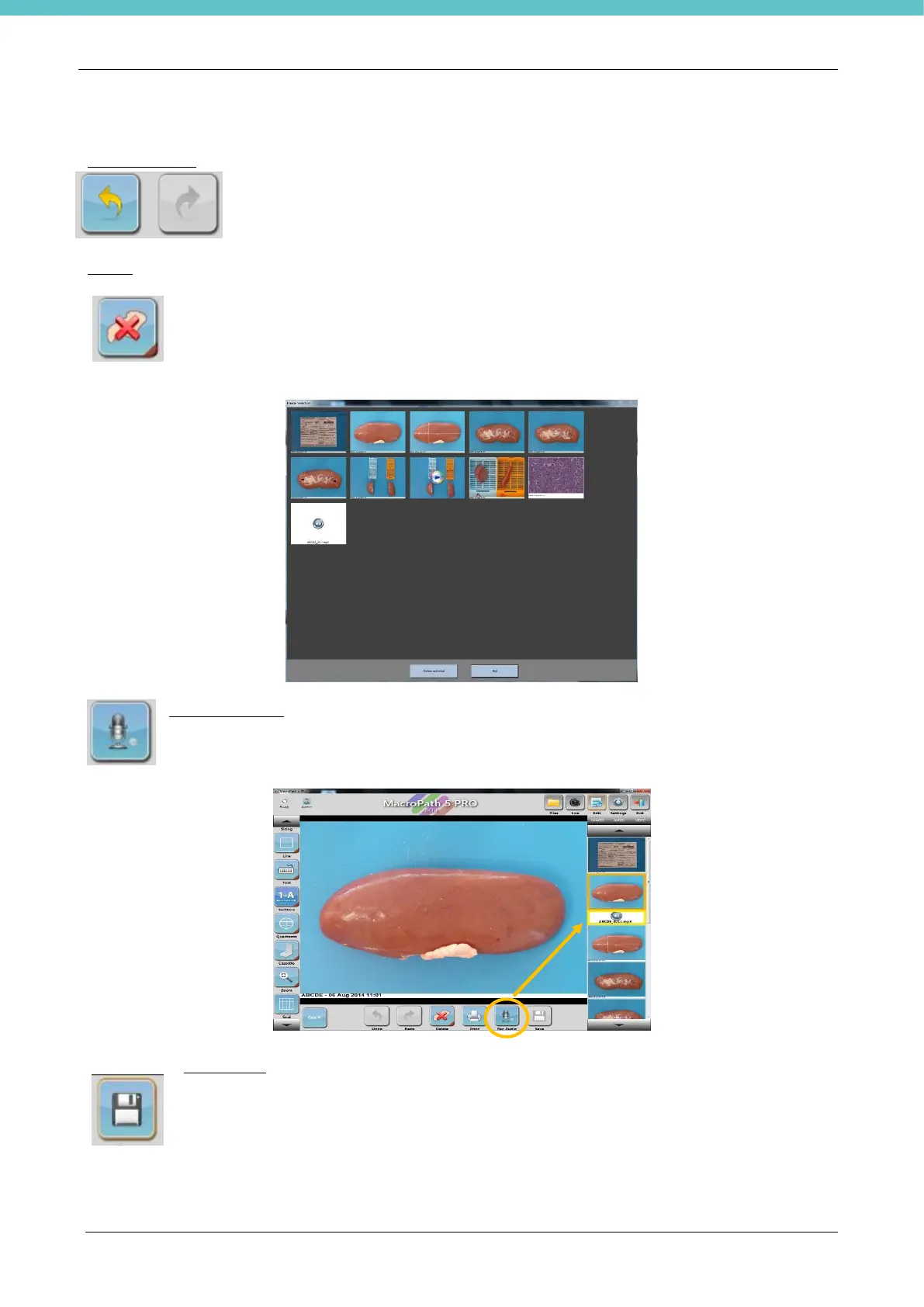
Select the image you wish to add an audio comment to. Press the Rec Audio button to start the
recording, and press it again to stop it. The saved audio icon appears on the right of the screen
under the related image.
Save image
When all of the necessary changes have been made, click or press directly on the Save icon
on the screen to save them. Images can also be saved directly with the foot pedal control by
pressing the Save command.
In any case, when you exit an image without saving the changes, the system asks you if you
wish to save them.



 To Next Page