37
3.4.4. LIVE area Function
In LIVE it is possible to create/retrieve a case, acquire images, take a video or audio and edit supplementary
camera settings.
When the camera has been on for a long time, the buffer might automatically reset, during this procedure the
camera switches off and back on automatically as explained below.
Currently, the “camera wake up” procedure is: the live screen is stopped and the following message is
displayed. The maximum time is 90 seconds, during this period do not press any button, just wait.
This procedure may happen during the live stage or during editing.
Wait for the end of buffering, after which time you can use the camera again.
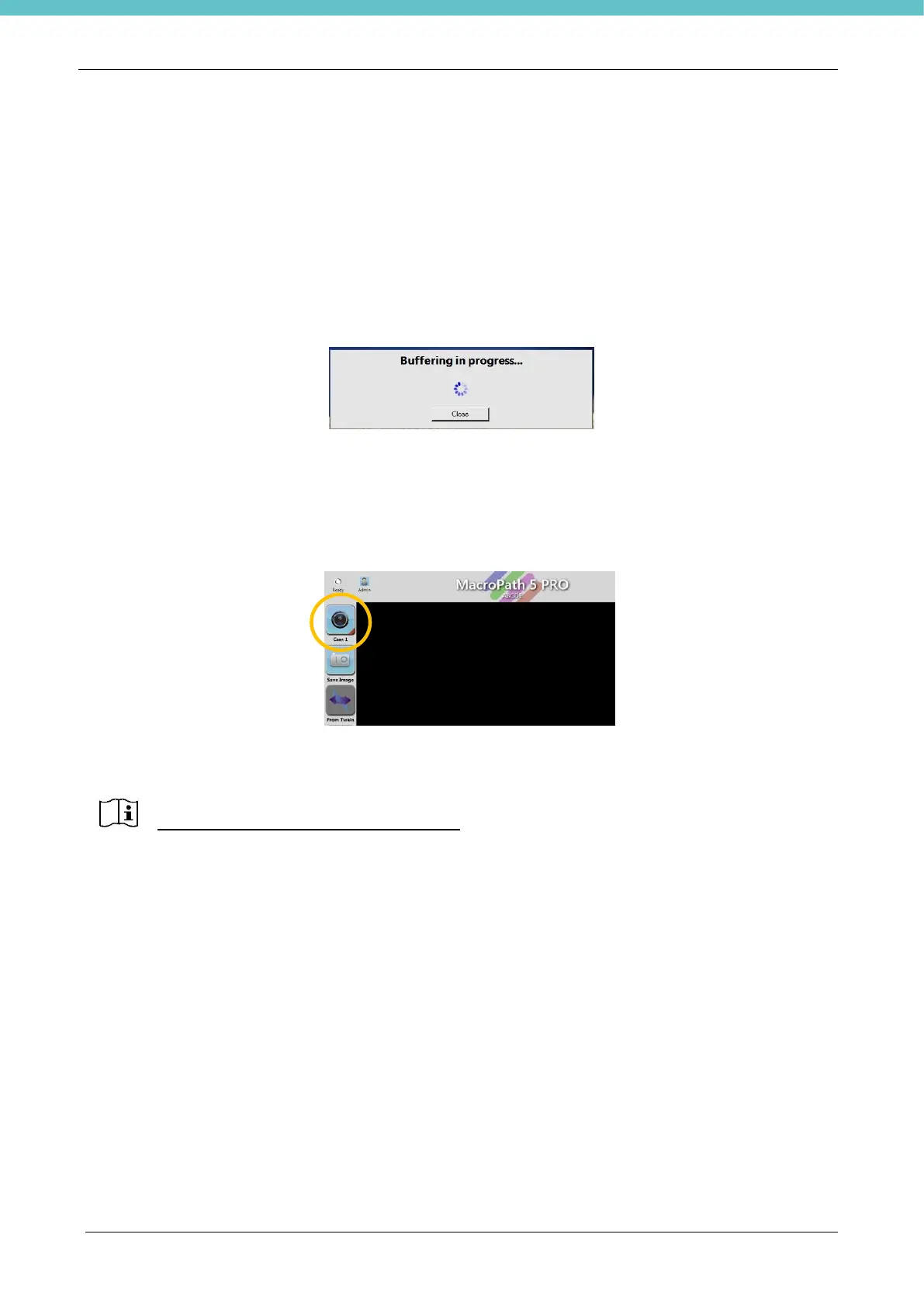
To extend the life of the camera, it goes into standby by default after one hour (see “Settings” menu, chapter
3.6.11). When MacroPATH remains idle for 1 hour, the camera therefore switches off and the live screen
turns black. If you want to switch on the camera, press its icon, as shown below.
When the camera is on “Buffering” may appear for a few seconds.
If you want to disable the camera standby, please contact our service department at
customersupport@milestonemedsrl.com.



 To Next Page