MacroPATH and MacroPATH Basic QX Series
MM161-001 – Operator Manual
19
2.5.2. Camera connections
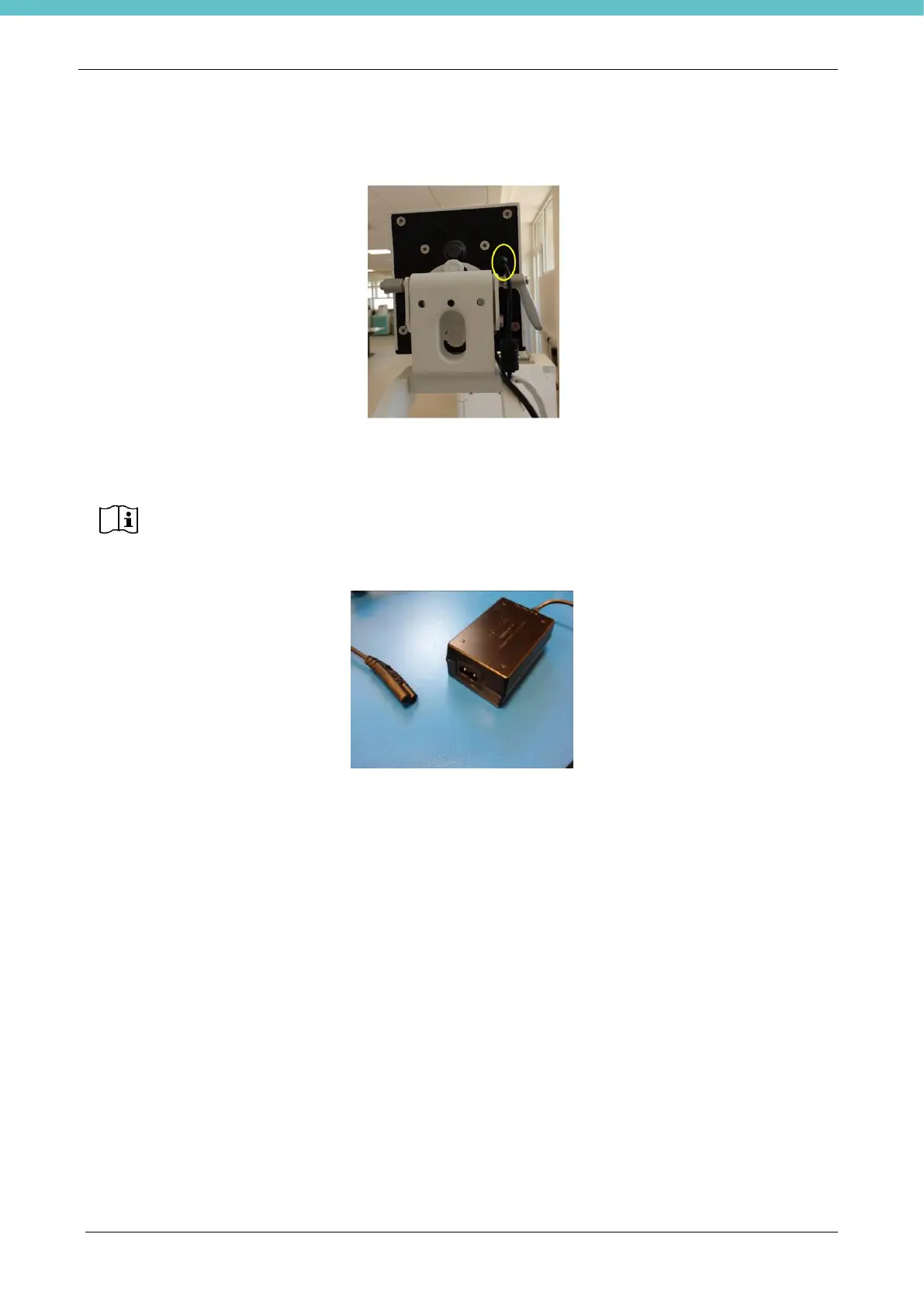
Connect the power supply as pictured:
Connect the USB data cable to the relevant PC USB port.
Power supply line protection: 10A - C curve circuit breaker
Connect the cable to the power supply and to the mains.
When all of the connections are set up, the green LED turns on.
The camera is one of the PC’s “USB devices”. Therefore, if you have a USB device (such
as a USB key) connected to the PC, and you wish to disconnect it, be careful not to
disconnect the camera from the PC. If it happens, follow the procedure described in
chapter 7.2.



 To Next Page