43
3.5. EDIT Functions
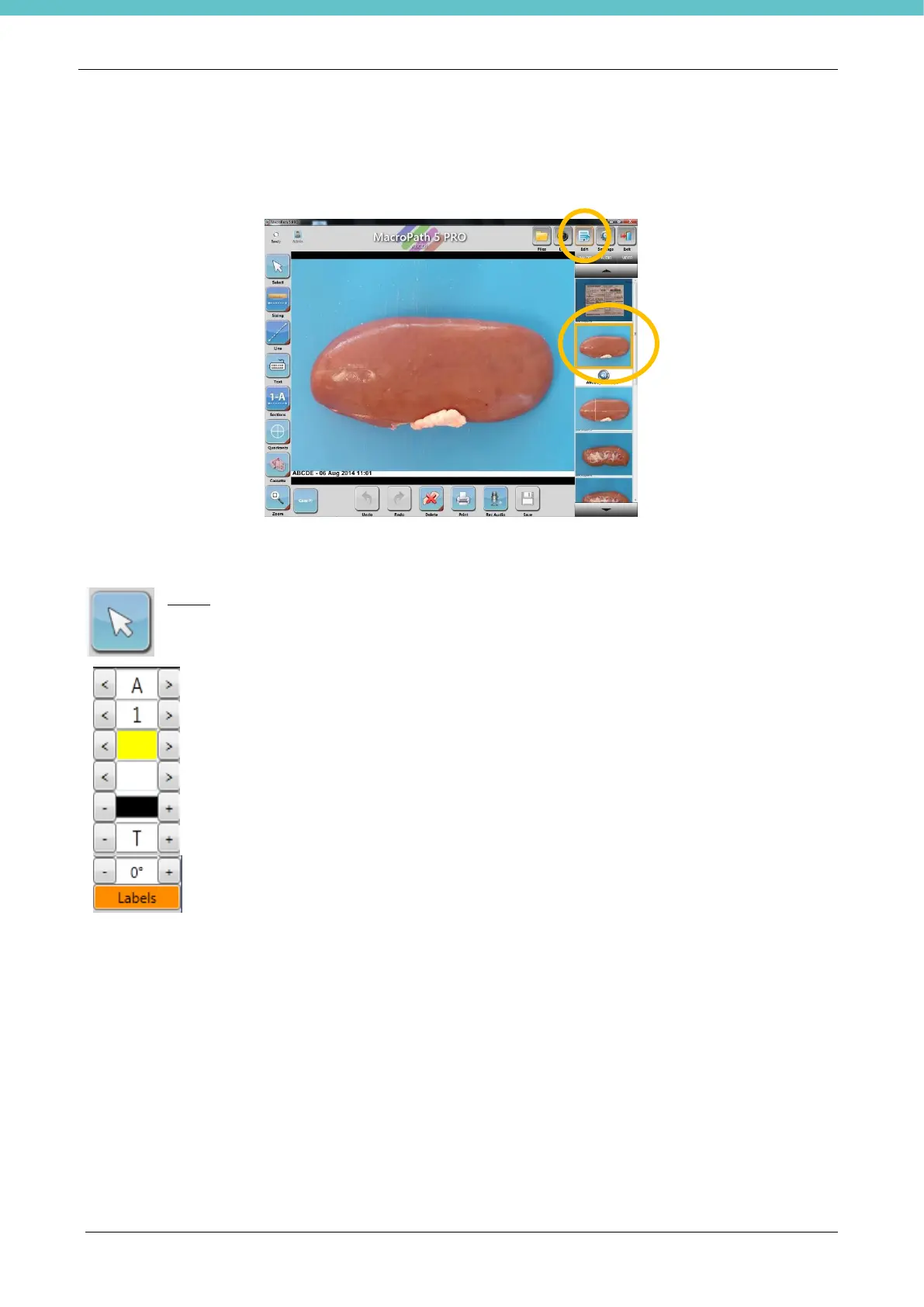
Click once on the image or click on the Edit button to enable annotation mode.
In annotation mode it is possible to add text, measurements, graphic elements and sections to the image,
examine the sample, record audio or print out directly.
Select: click the Select button to use the mouse like a pointer, or to select each element for
editing. Once it is selected it is possible to move the element and edit: line, colour, background
colour, text colour and text size with the multifunction keypad.



 To Next Page