38
3.4.5. Create/retrieve a case
Enter the case’s identifier by barcode reader or manually from the keypad to create or retrieve a patient
case.
With manual entry, press .
The picture can be taken with different zooms, in 7 pre-set steps. According to the Standard Zoom or
Extended Zoom setting it is possible to have two different zoom levels (hence two different frames of the
photographed areas).
To set Standard Zoom or Extended Zoom refer to chapter 3.6.5.
3.4.6. Save Image/Video/Audio
To save the image of the sample, use the zoom with the pedal control to view the desired area,
then press the capture icon or the Save button on the foot pedal control.
If the image is not captured (“Image not taken”) by pressing “Save”, please try again.
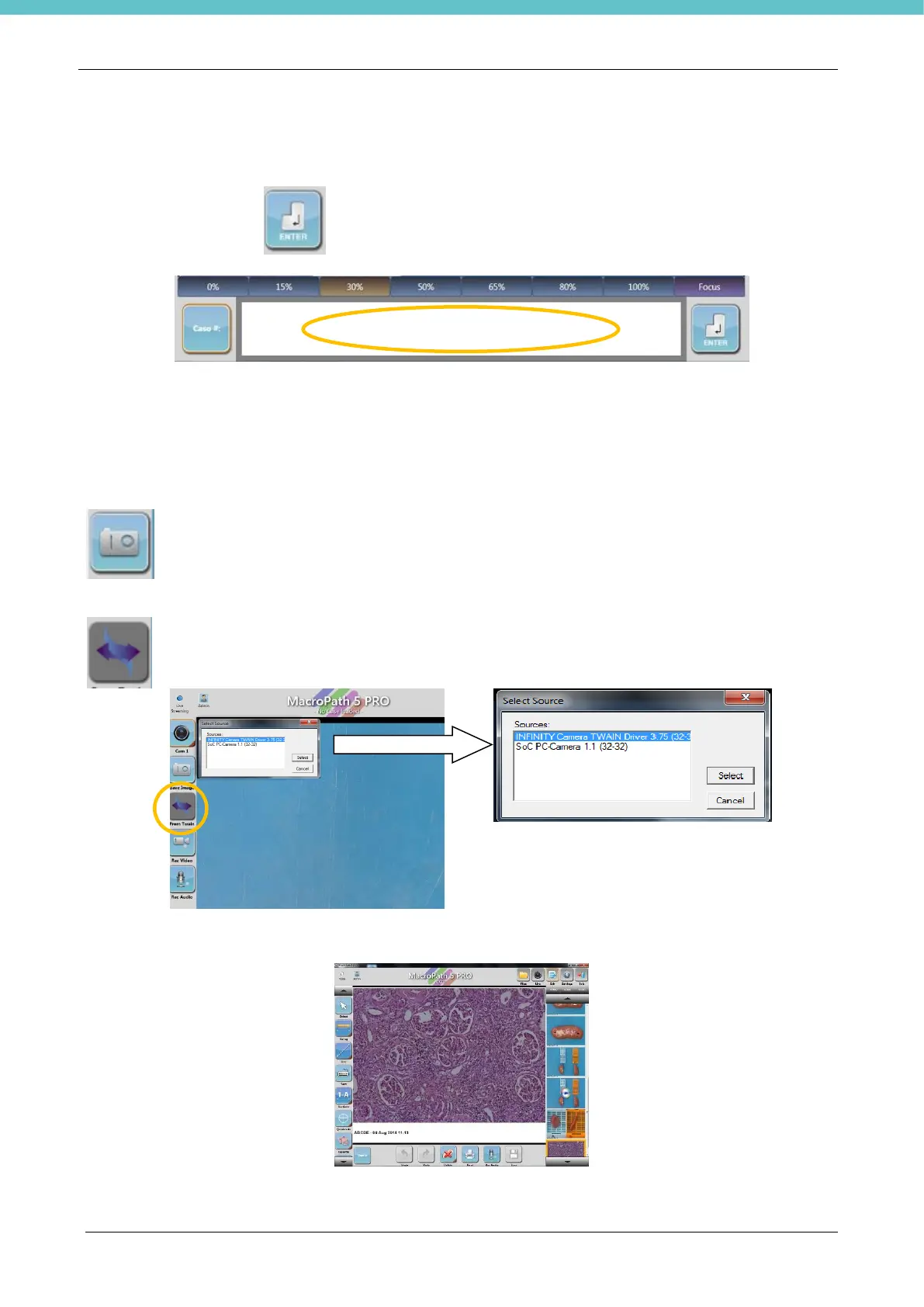
To import an image from a TWAIN peripheral (for example a microscope): press the “TWAIN”
icon and select the desired TWAIN source.
Use the TWAIN peripheral to capture the image (the software used is linked with the peripheral).



 To Next Page