10
1.7. MacroPATH data backup (PICTURES OF FILES)
The image size with the suggested settings is 1.5MB/image (see chapter 3.4.8).
1.8. Milestone remote connection
MacroPATH comes with software to set up the connection to the Milestone customer support service when
technical support is required. To access it, refer to chapter 7.1.
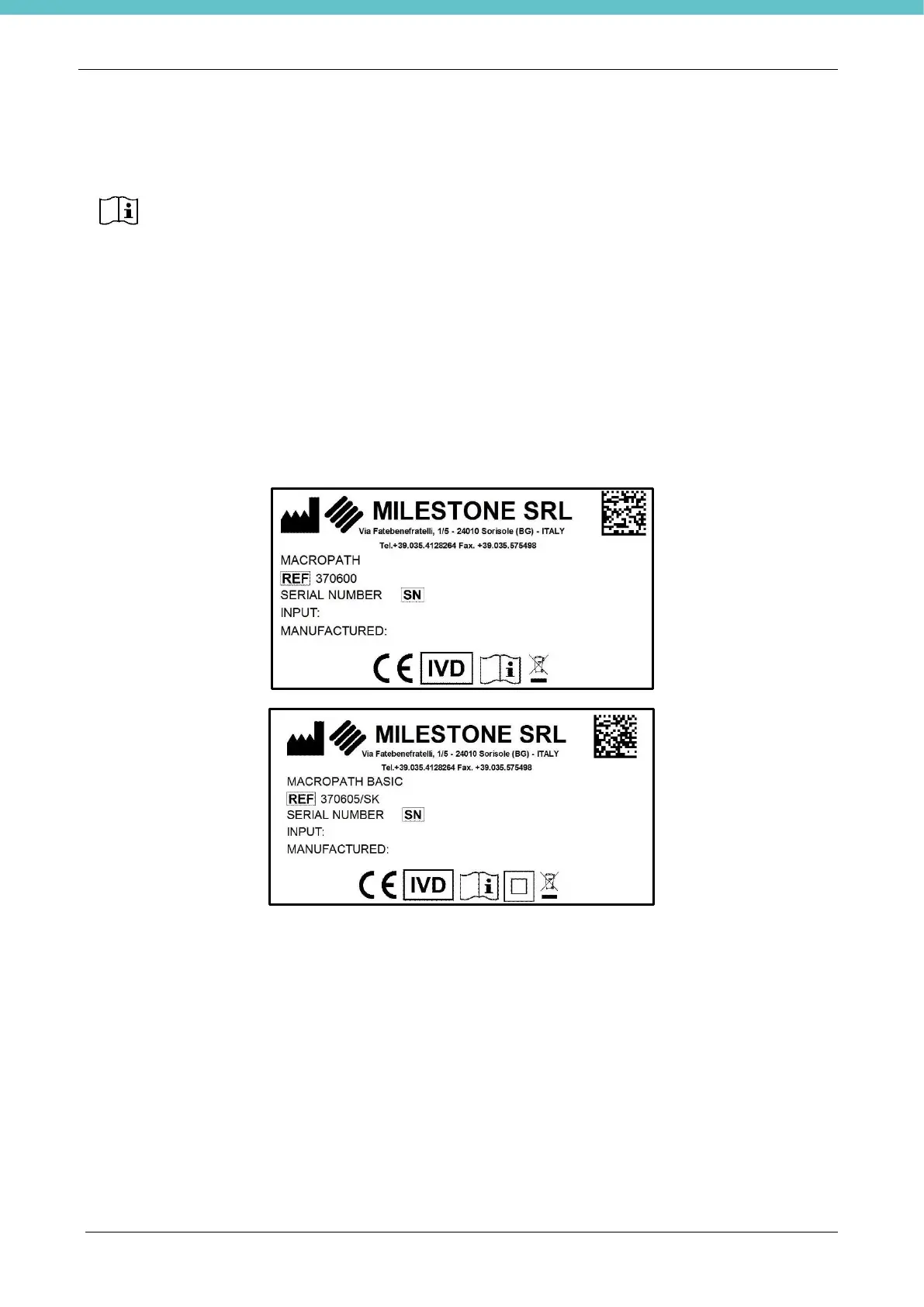
1.9. MacroPATH and MacroPATH Basic labels
For the explanations of the symbols, refer to chapter 1.1.
Refer to the label attached to the device for device identification.
Milestone strongly recommends storing all files and their pictures on a server with an
automated backup procedure.
Contact your local network/IT manager.



 To Next Page