MacroPATH and MacroPATH Basic QX Series
MM161-001 – Operator Manual
17
2.5. Camera Lens Installation
The camera kit comes with three different 82mm lenses +1 - +1.3 - +1.5 (close ups).
With these lenses it is possible to change the focusing distances.
To install a lens, simply screw it onto the threaded end of the camera shroud.
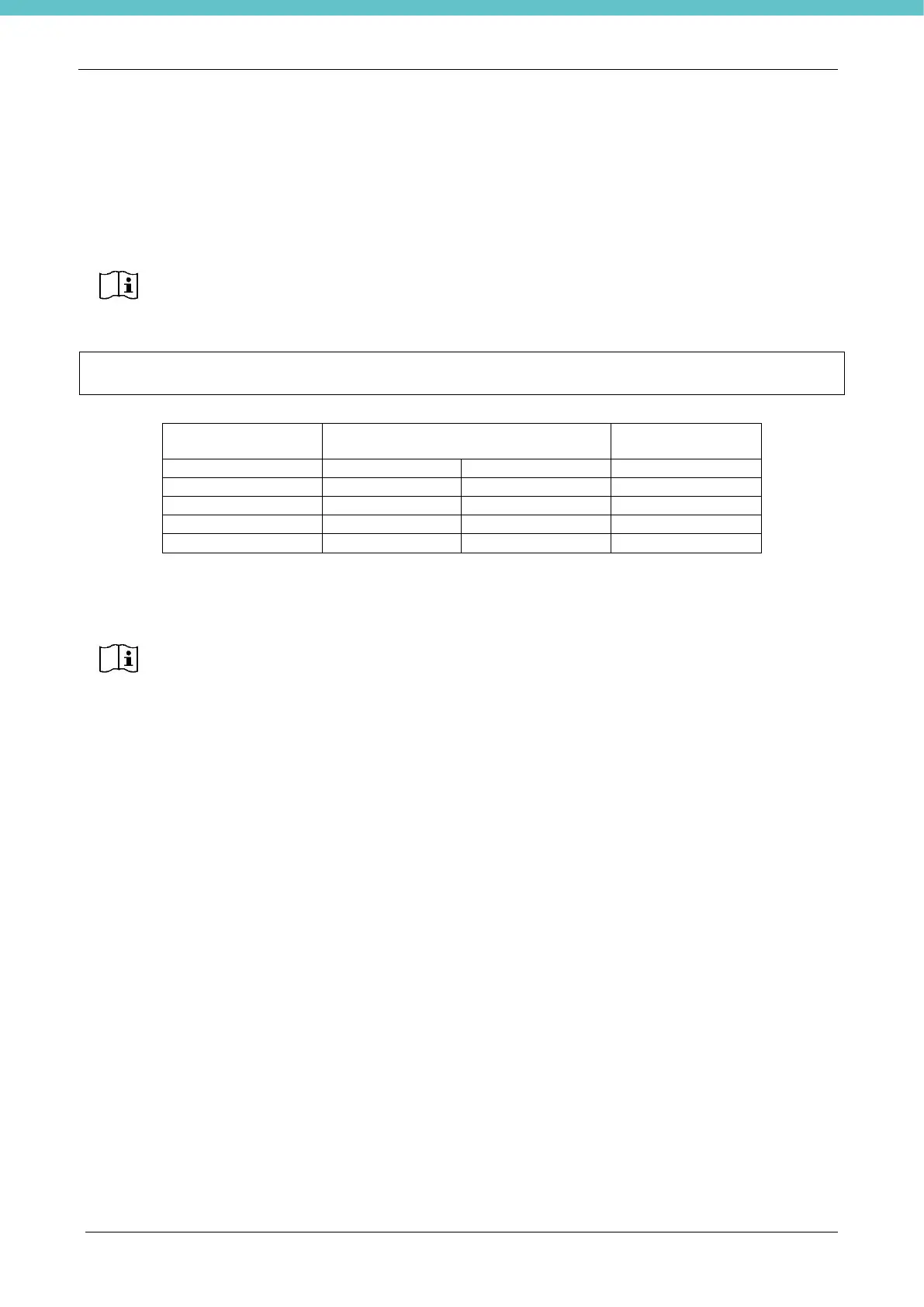
GUIDE FOR ESTABLISHING THE DISTANCE OF THE CAMERA FROM THE SPECIMEN AND
WHAT TYPE OF LENS TO USE FOR OPTIMAL FOCUSING
The autofocus ability of the camera depends on environmental conditions. The values above are
experimental results obtained from Milestone tests captured at 100% of zoom level.
Lens +1.5 is mounted on the camera by default; upon installation it is possible to change it
if required, according to the information in the table below.
If the polarised lens is also provided as optional part (refer to chapter 6.24) first install the
polarised lens then also screw in the appropriate lens, ensuring it is the outermost one
The supplied lenses (+1, +1.3, +1.5) cannot be combined using more than one at a time.



 To Next Page