39
To enable TWAIN function, refer to chapter 3.6.7.
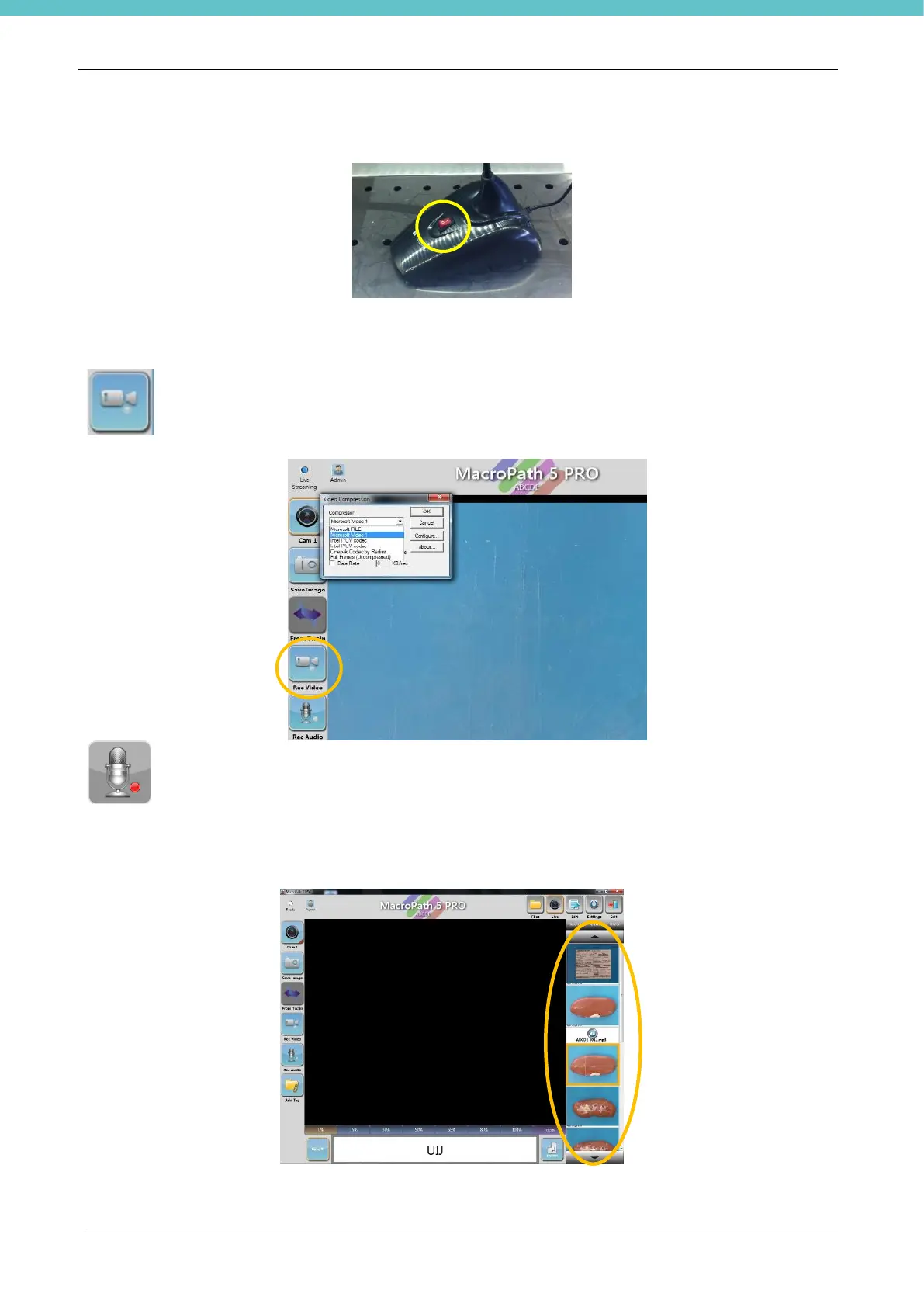
Make sure that the microphone switch is ON before using it. See the image below.
The microphone image provided is only an example.
Record a video by pressing the Rec Video icon. Press again to stop recording.
Before taking a video for the first time, you are asked to choose the most adequate compression.
Milestone suggests to use “Microsoft video 1” compression.
Go to SETTINGS to change compression (see chapter 3.6.11)
Press the Rec Audio button to make a recording. Press again to stop recording.
3.4.7. Thumbnails
Saved images, videos and audios appear on the right of the screen (thumbnails).



 To Next Page