103
7.1.2. How to start the remote connection.
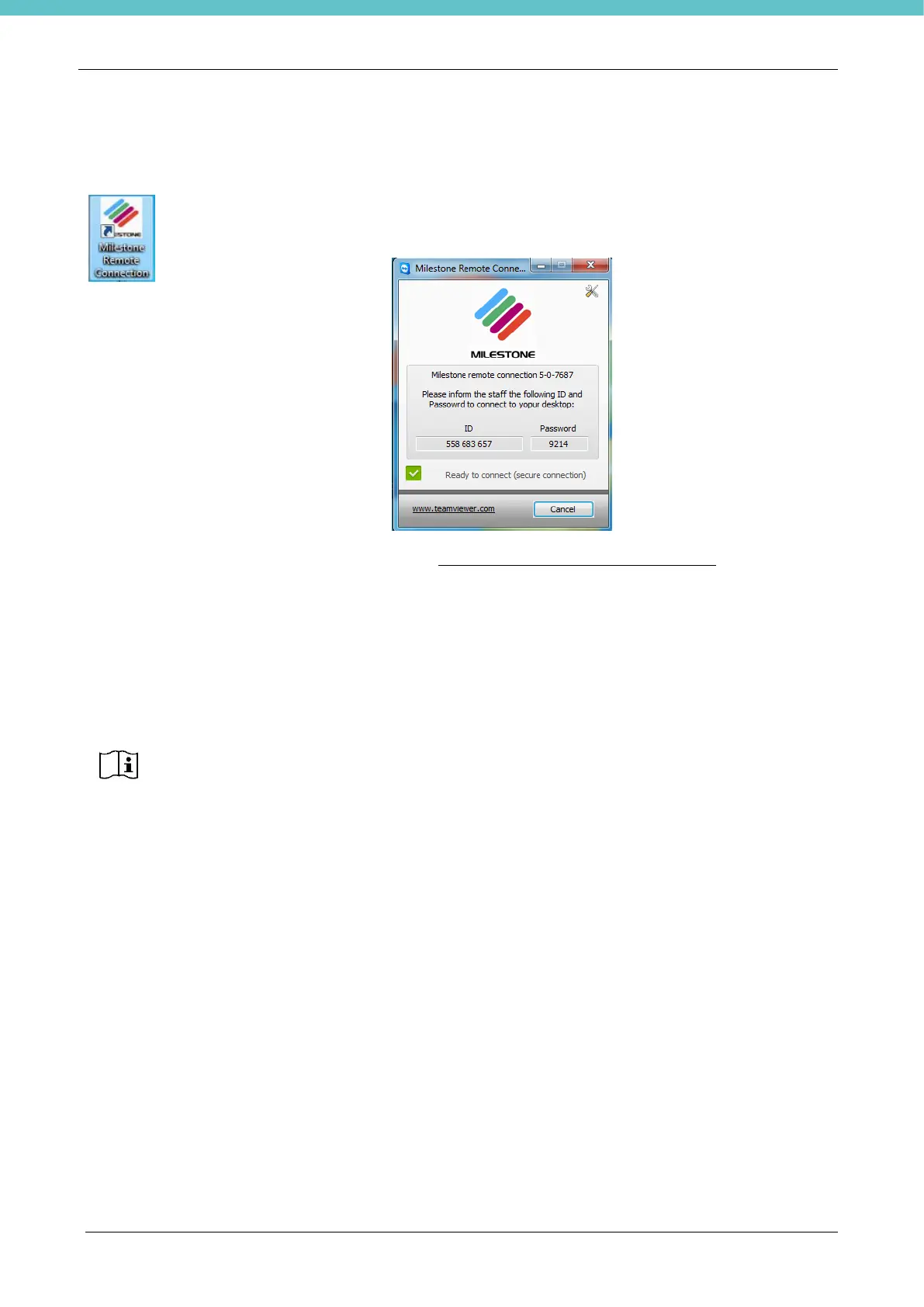
Double click on the Milestone Remote Connection button on the Desktop to launch
communication. The following panel will appear.
Contact customer support at this e-mail address:customersupport@milestonemedsrl.com and provide the
following data:
• Serial number of the unit
• Version of the remote connection software
• ID
• Password
The connection can only be established if the GREEN icon appears.
7.2. The camera is not working
If the camera is not working correctly, follow the procedure explained below:
• Exit the software
• Switch off the PC.
• Wait a few seconds and restart the PC.
• Wait at least 30 seconds and then relaunch the software.
If the camera continues not working:
• Exit the software
• Switch off the PC.
• Then disconnect the camera’s power supply, disconnecting the camera’s connector as pictured below.



 To Next Page