104
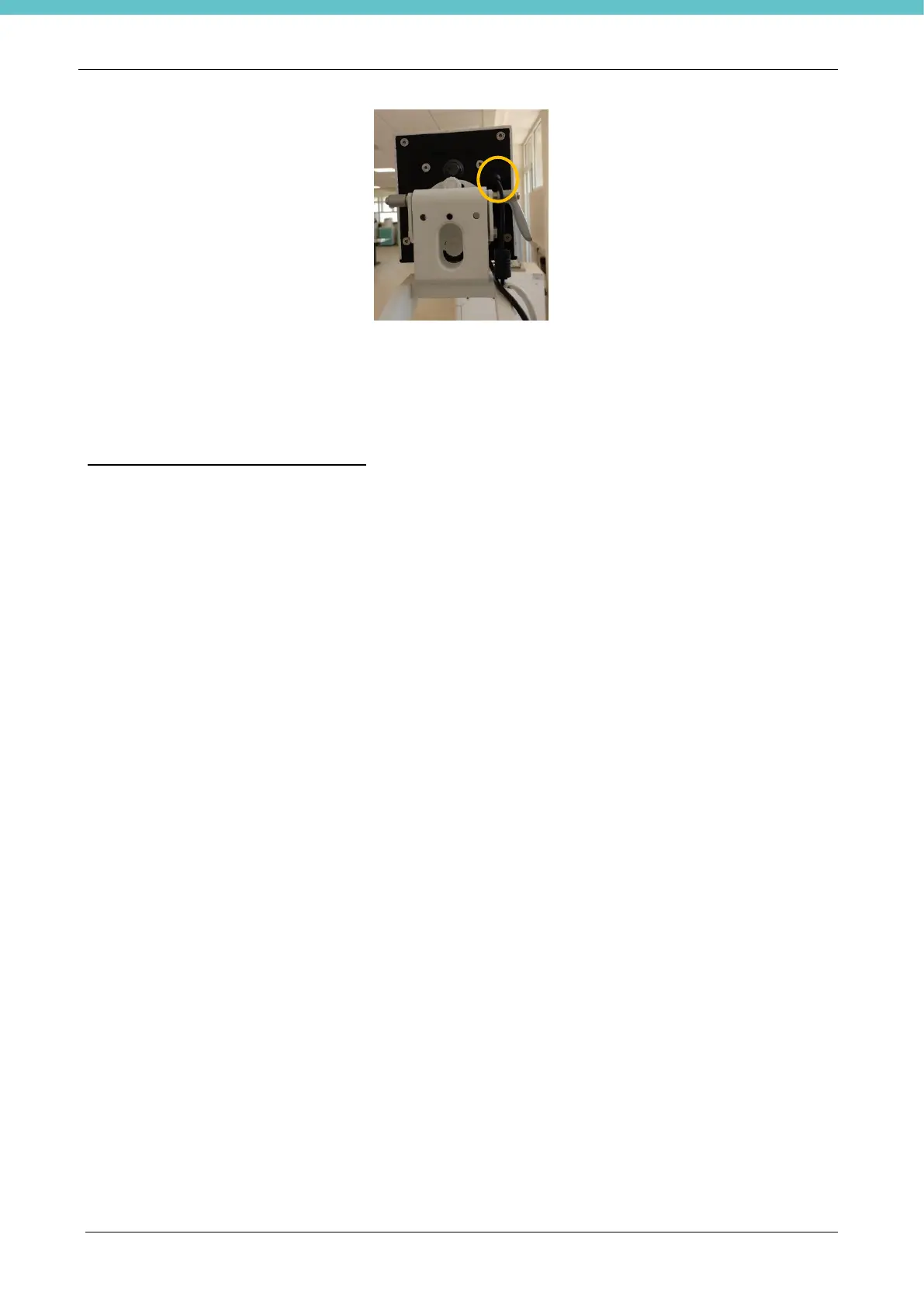
• Wait at least 5 seconds and then reconnect the camera connector.
• Wait a few seconds and restart the PC.
• Wait at least 30 seconds and then relaunch the software.
If the problem is not fixed, contact our Technical support department at
customersupport@milestonemedsrl.com.
7.3. The Live function is not working
When MacroPATH is launched, if Live is not working, act as follows:
• Make sure the license is in Settings – Licensing. If there is none, follow the procedure to create it, as
explained in chapter 3.6.3.
• If there is a license, follow the instructions provided in the previous chapter.



 To Next Page