41
“Auto” is selected by default and it is indicated when you are not certain of the type of light
source of the cutting station.
These changes are applied after pressing “Save and Close” and it is not necessary to reboot
the software.
If there are additional cameras, modify the settings for each cam separately.
The changes are saved in the configuration in use (see chapter 3.6.1).
• HDR Shooting Mode: if necessary, the camera takes various shots and overlaps them
• Firmware Version: this is the camera’s Firmware version
This chapter explains how to set the capture quality (5-10-20 Mpx) but the image size also depends on the
compression quality (to set the compression quality see chapter 3.6.4).
Milestone suggests setting a snapshot quality of “10Mpx” and “Standard” compression.
This is a good compromise between file size (disk space) and image quality.
For images used for publications (articles, documents, etc.) Milestone suggests setting a capture quality of
“20Mpx” and “Full” compression.
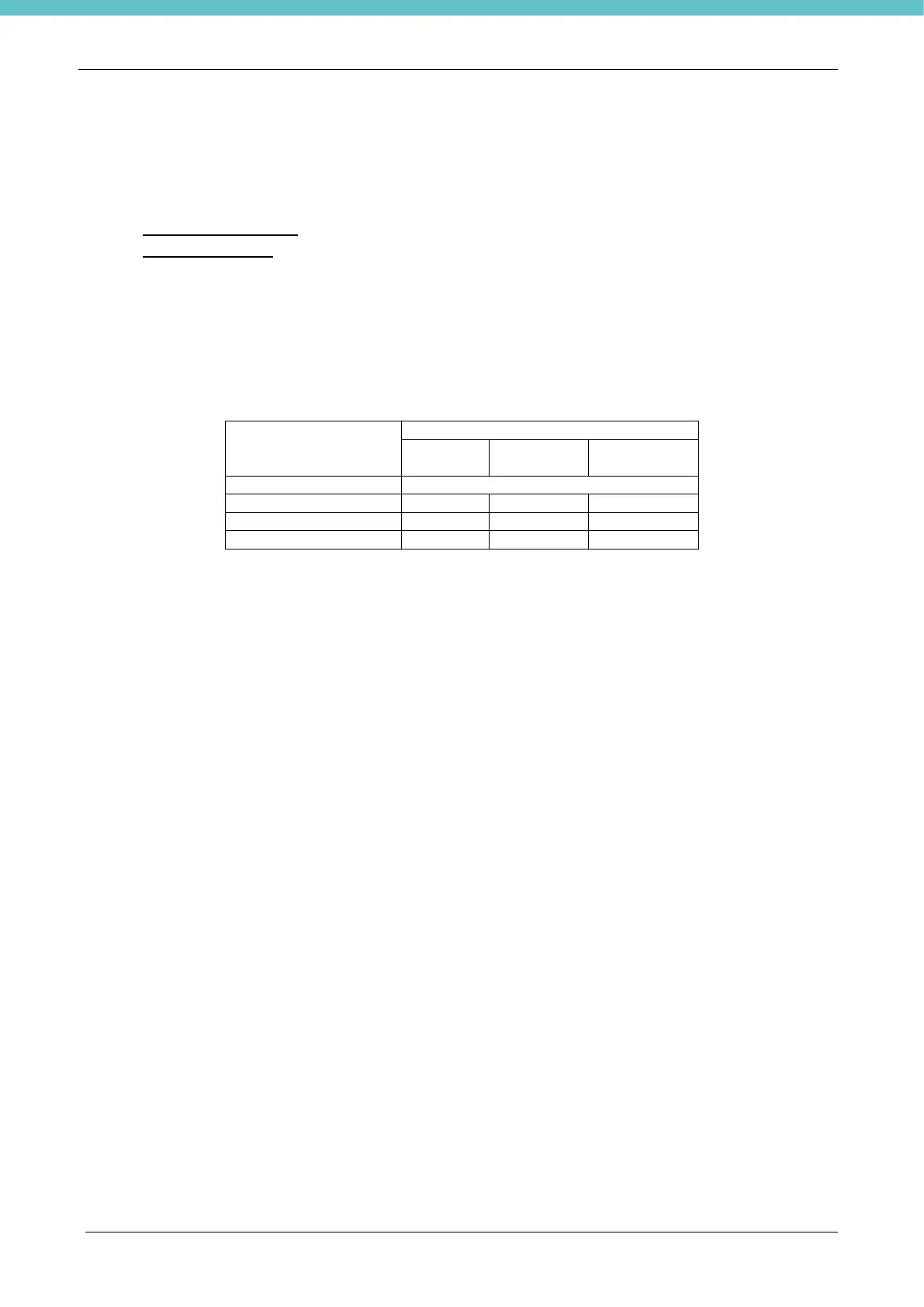
The table below indicates the image file size in the various configurations:
Note that the space required for saving each image is twice that shown in the table above. In fact, the
system automatically saves each image in both JPEG and m5p formats.



 To Next Page