72
5.2.2. Keyboard and mouse
To clean the keyboard and mouse while they are connected, lock the keyboard by holding down “Locking
Key” for three seconds.
Clean the surface of the product by brushing it, spraying it or soaking it. Only use cloths, sponges or soft-
bristle brushes.
DO NOT soak the USB connector in liquid.
Clean with a dry cloth or let it air dry.
Release the keyboard by holding down “Locking key” for three seconds.
Recommended disinfectants:
• Chlorine-based (max 10% solution) – Chlorox, Novalsan, etc.
• Phenol-based – Lysol I.C., Beaucoup, Magna Clean, Tek-Trol, etc.
• Alcohol-based – Cavicide, Isopropyl Alcohol, Medicide, etc.
• Oxidant-based – 3% Hydrogen Peroxide solution, Lifegard Series, etc.
• Quaternary ammonium – Roccal-D, Bacto-Sep, Parvosol, etc.
• Water and soap.
DO NOT USE: petroleum-based fluids such as Petrol, Fuel Oil, Acetone, exceeding 10% solution with
bleach, sterilisation temperatures or pressures, polishing or abrasive sponges.
5.2.3. Foot pedal control
The foot pedal buttons can be cleaned with agents and disinfectants commonly used in hospitals.
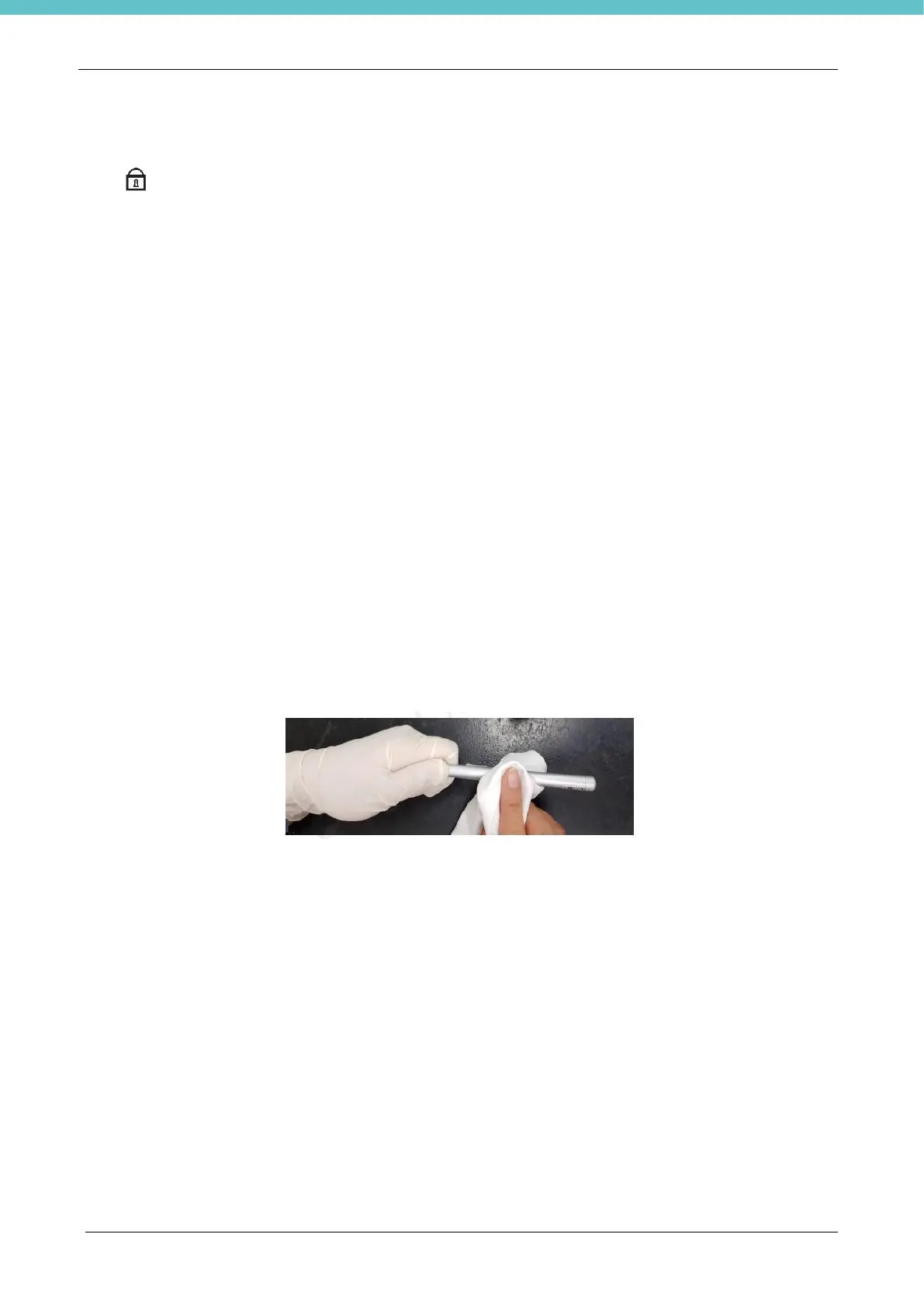
5.2.4. Touch-Pen
1. Use 99.5% denatured alcohol and alcohol-based decontaminating disinfectants.
2. Clean the Touch-pen with a clean cloth that has been moistened in the cleaning solution,
3. Clean thoroughly with a clean cloth.



 To Next Page