ENGLISH
OM-363 Page 19
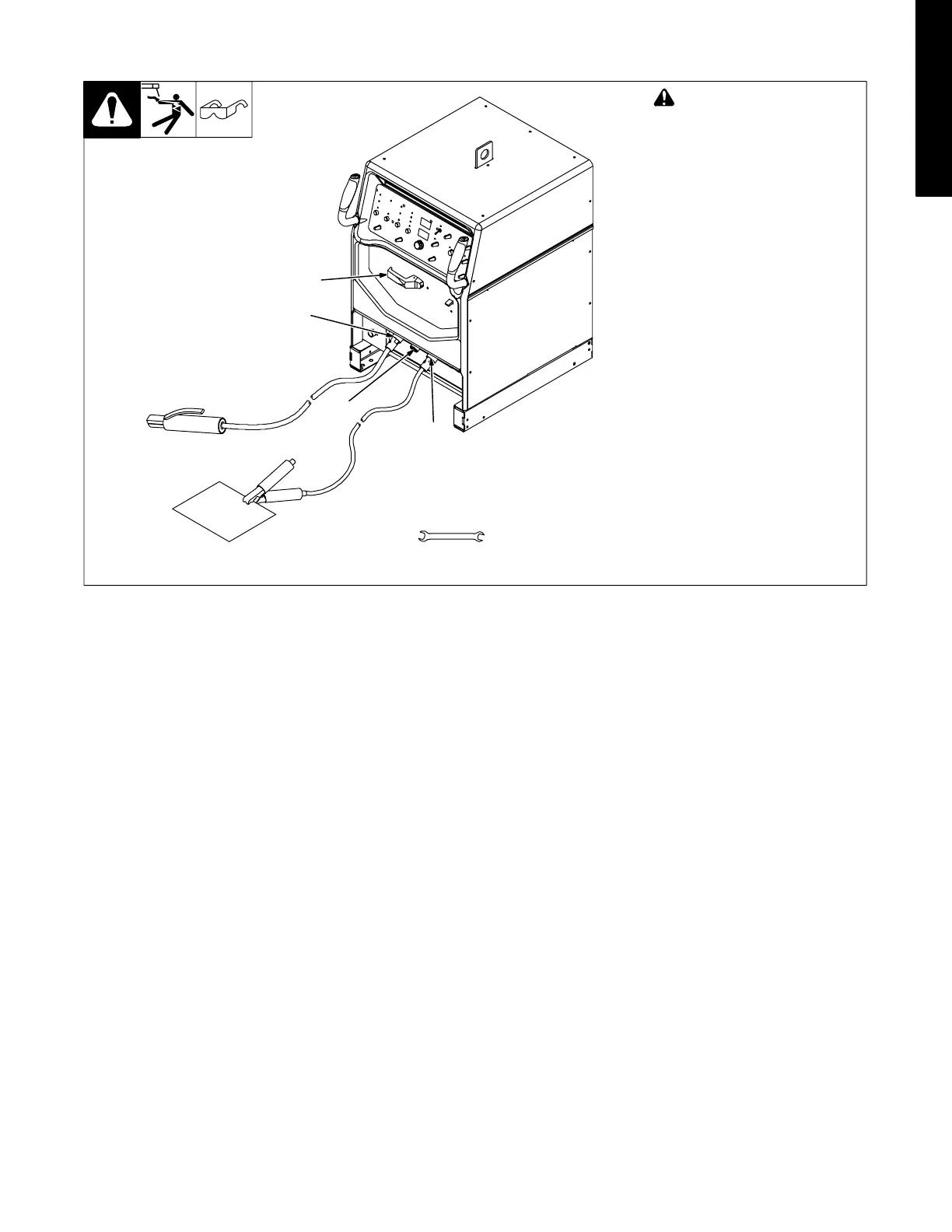
3-16. Stick Connections
803 587-B
! Turn Off power before mak-
ing connections.
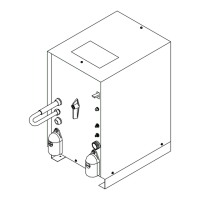
1 Work Weld Output Terminal
Connect work lead to work weld
output terminal.
2 Electrode Weld Output
Terminal
Connect electrode holder to elec-
trode weld output terminal.
3 Remote 14 Receptacle
If desired, connect remote control
to Remote 14 receptacle (see Sec-
tion 3-9).
4 Output Selector Switch (See
Section 4-2)
Switch is shown in DCEP (direct
current electrode positive) position
for Stick DCEP welding. For front
panel control display, see Section
3-17. For Stick AC welding, place
switch in AC position. For Stick AC
front panel control display, see Sec-
tion 3-18.
1
Tools Needed:
11/16, (21 mm), 3/4 in
2
3
4




 To Next Page