INSTALLATION
- 12 -
4-7 CONNECTION OF THE POWER CORD TURNING ON THE
SYSTEM POWER
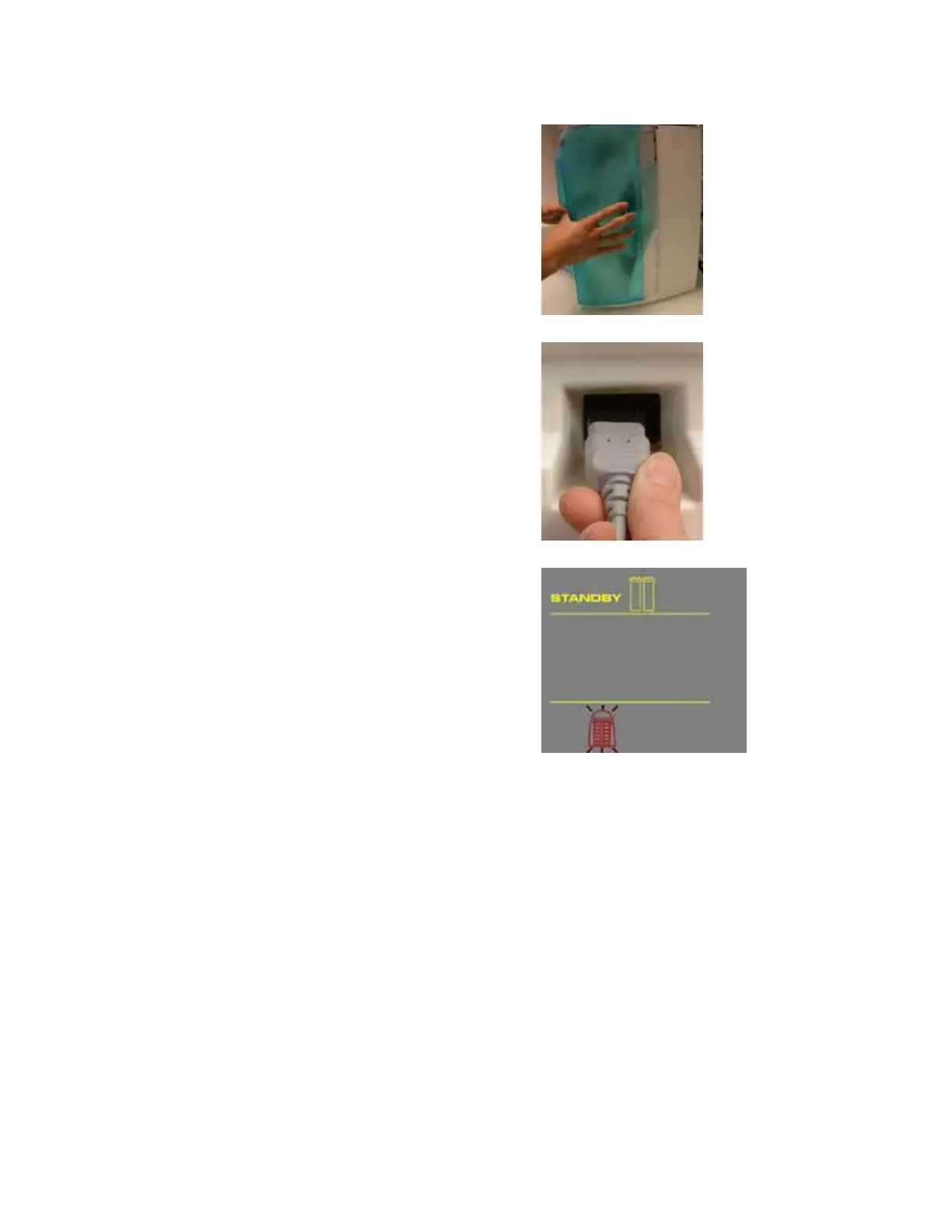
Open the front cover of the system (A). This
will allow the system to go into STANDBY
mode once the system is powered.
Plug the Power Cord into the system (B).
Plug the other end of the Power Cord into an
appropriate source of electrical power (i.e. wall
outlet). The system is immediately powered.
S
TART-UP DISPLAYS
Once the system is powered, the system will start to
display information about the software before going
into STANDBY mode (C).
A
B
C











 To Next Page