USING THE ICW-3000 SYSTEM
- 23 -
5-4 OPERATING MODES
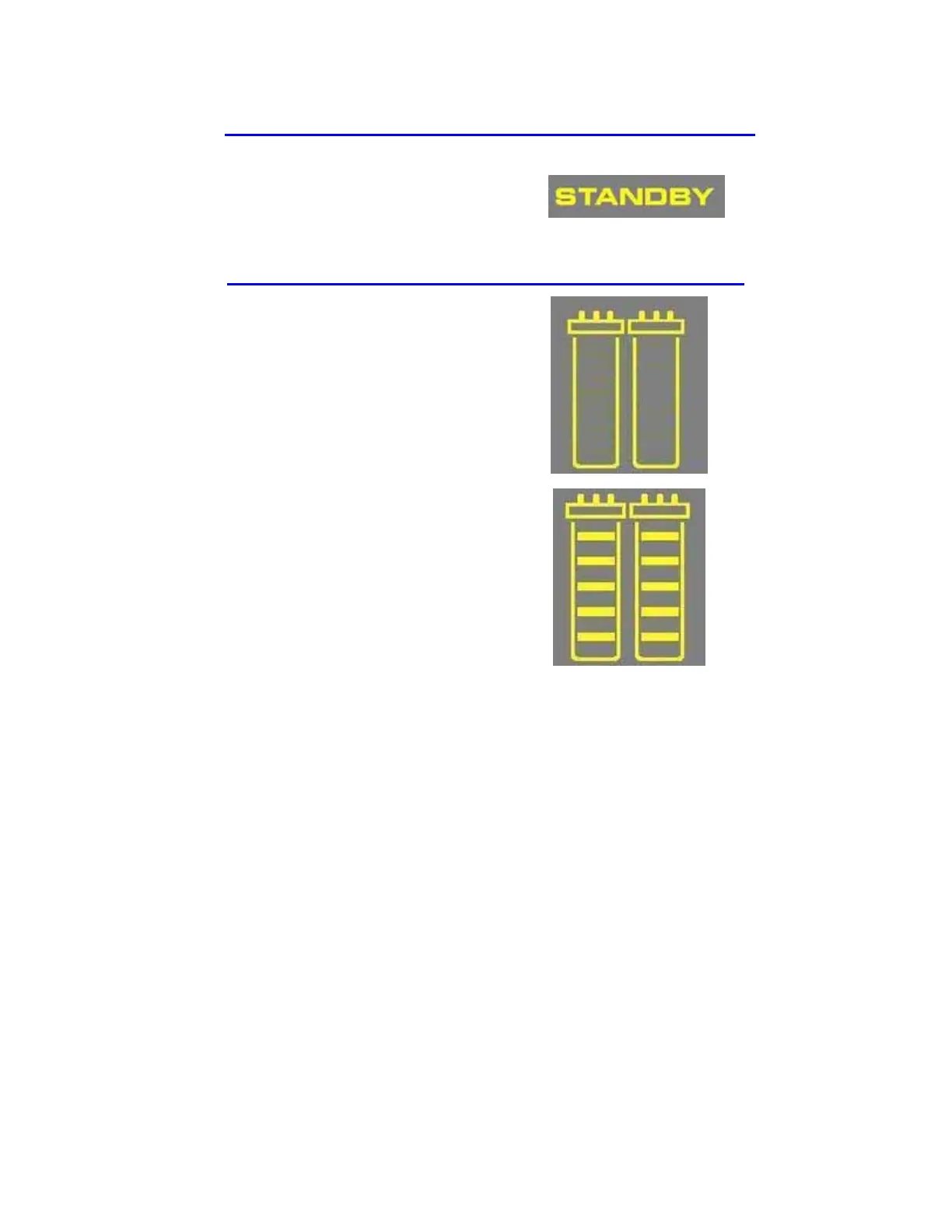
STANDBY
STANDBY mode is displayed when the front cover is
removed. To depressurize the system, the Main Button
has to be pressed down when STANDBY is blinking
on the Display for 10 seconds. All system operations
are disabled. STANDBY mode is selected before
attempting maintenance on the system.
OPERATION MODE
With the front cover closed, the system is ready for
distribution to an ion chromatography system and
dispensing.
The system will have a 3-minute auto-recirculation
every 2 hours in PRE OPERATE mode. The
Distribution Pump turns on. This will enhance the
quality of the Product Water delivered from the
system. Recirculation can also be activated manually
for up to 3 minutes.
Recirculation during PRE OPERATE
mode
The resistivity and temperature of the Product Water
are displayed during recirculation. The resistivity and
temperature remain displayed for up to 10 seconds
after recirculation is finished.










 To Next Page