INSTALLATION
- 13 -
HAZARD
!
4-8 INSTALLATION OF THE SIMPLIPAK
TM
CARTRIDGE
Do not touch the UV Lamp when installing the SimpliPak
Cartridge.
I
NSTALLATION
Make sure the front cover is opened.
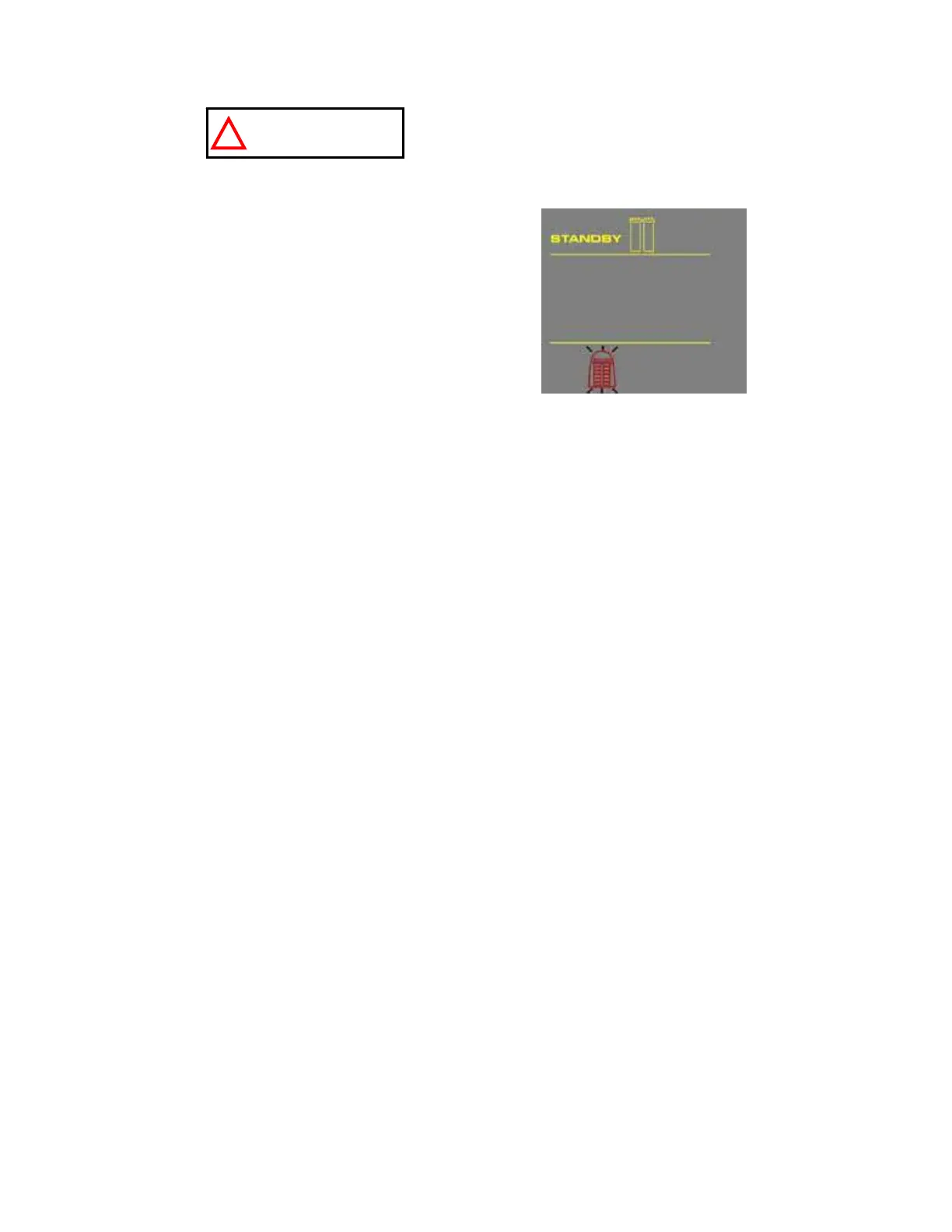
STANDBY should be viewed on the Display (A).
Remove the SimpliPak Cartridge from its
shipping box.
Remove the protective caps on the ports of the
SimpliPak Cartridge and from the system.
Locate the O-rings on the ports. Wet them (with
ultrapure water if possible).
A










 To Next Page