USING THE ICW-3000 SYSTEM
- 25 -
5-5 HOW TO VIEW THE PRODUCT RESISTIVITY AND TEMPERATURE
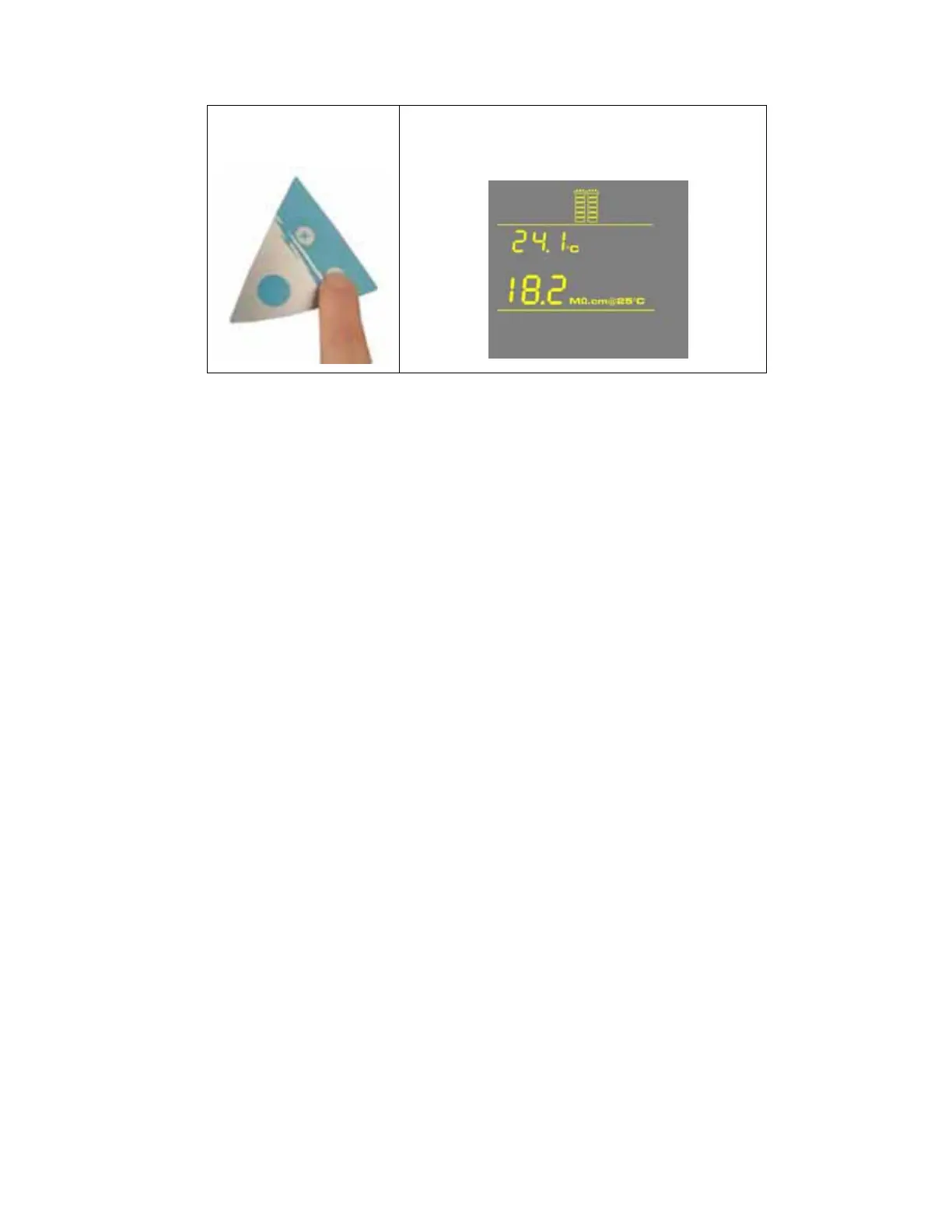
Press:
The Display shows the last Product resistivity and temperature values
measured during distribution or during dispensing. The values are
displayed for 5 seconds.
NOTE: The Product resistivity and temperature are displayed automatically during distribution
mode or during dispensing.










 To Next Page