MAINTENANCE
- 29 -
I
NSTALLING THE NEW SIMPLIPAK CARTRIDGE
Remove the new SimpliPak Cartridge from its
shipping box.
Remove the protective caps on the ports of the
SimpliPak Cartridge.
Locate the O-rings on the ports. Wet them with
water. It is preferable to wet them with ultrapure
water.
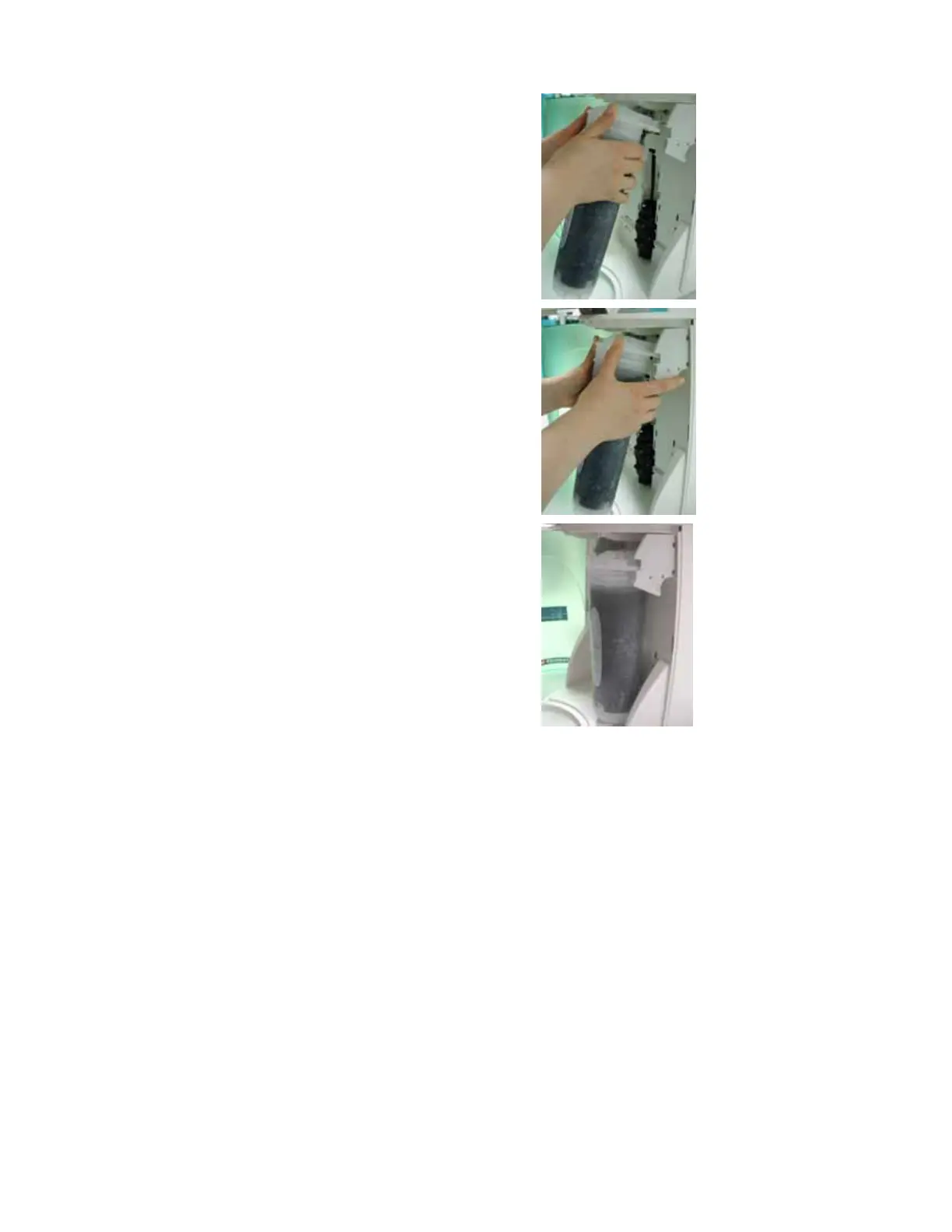
Install the SimpliPak Cartridge until it is fully
seated into the system ports as shown (D, E and
F).
CLOSE THE FRONT COVER.
D
E
F










 To Next Page