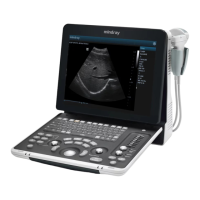
On the monitor, the brightness adjustment comes before contrast. After readjusting the
monitor’s contrast and brightness, adjust all preset and peripheral settings.
7.1.3 Monitor Test
1. Log on as the "Service"; refer to chapter 6.1 for details.
2. Press the [F10] key on the keyboard to enter setup menu, and click [Maintenance] to enter the
screen.
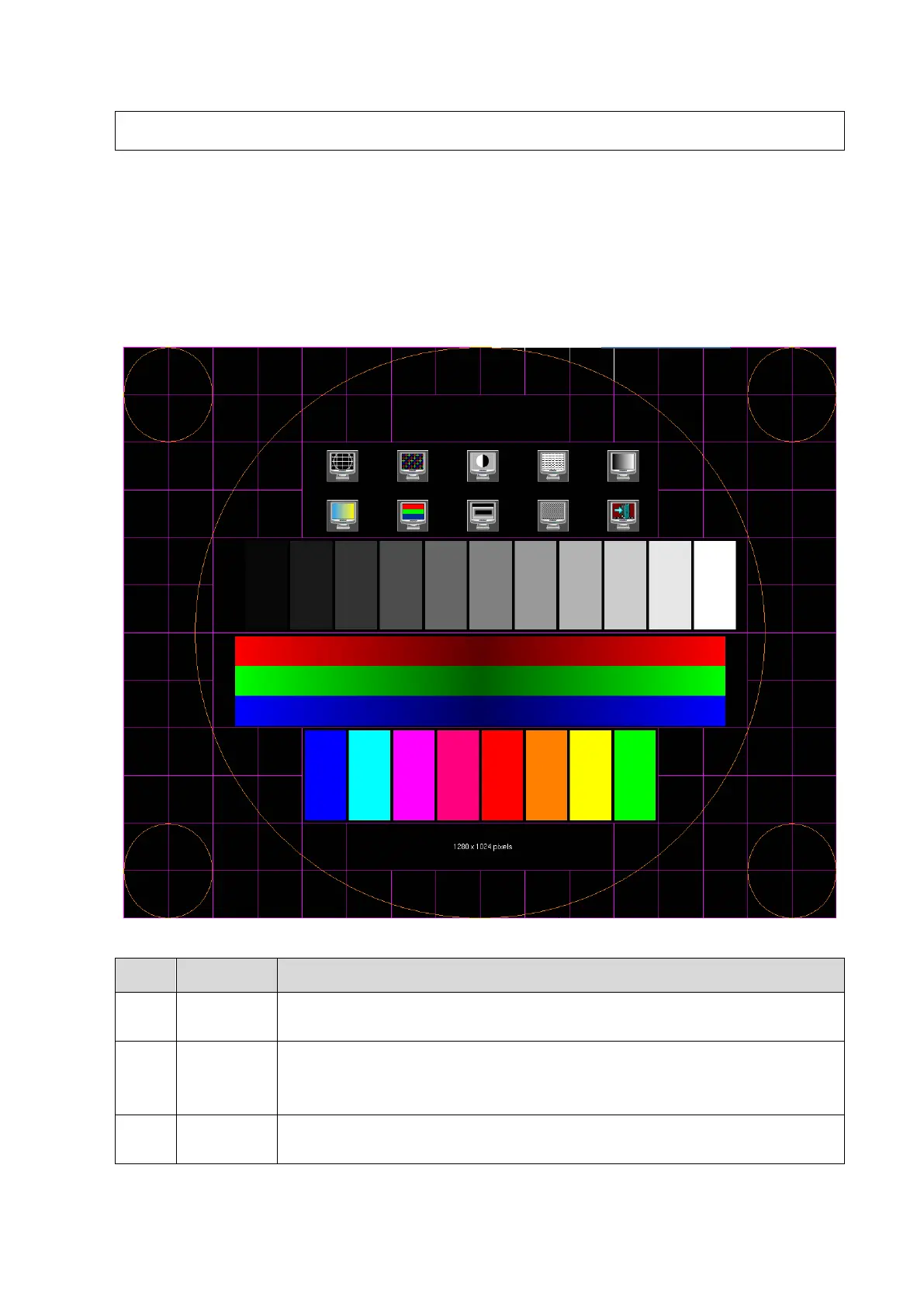
3. Click [Setup] and select [Test Main Monitor] to enter the screen:
The screen displays a white strip in the middle while the above and below
are black, if the boundary of black and white is clear, the test is passed;
Press [Set] to switch between the 2 interfaces, and it's required that the black
and white strips in the middle or around are clear, while the adjacent strips
can be distinguished to pass the test;
Images of different gray rank levels can be distinguished easily with a
smooth transition, and the brightness transition can also be obtained from



 To Next Page
 Loading...