Structure and Assembly/Disassembly 9-17
9.3.10 PC Assembly
The disassembly tool: cross-headed screwdriver (M3, M4), anti-electrostatic glove
1. Follow step 1 in Chapter 9.3.2 to remove the left side panel.
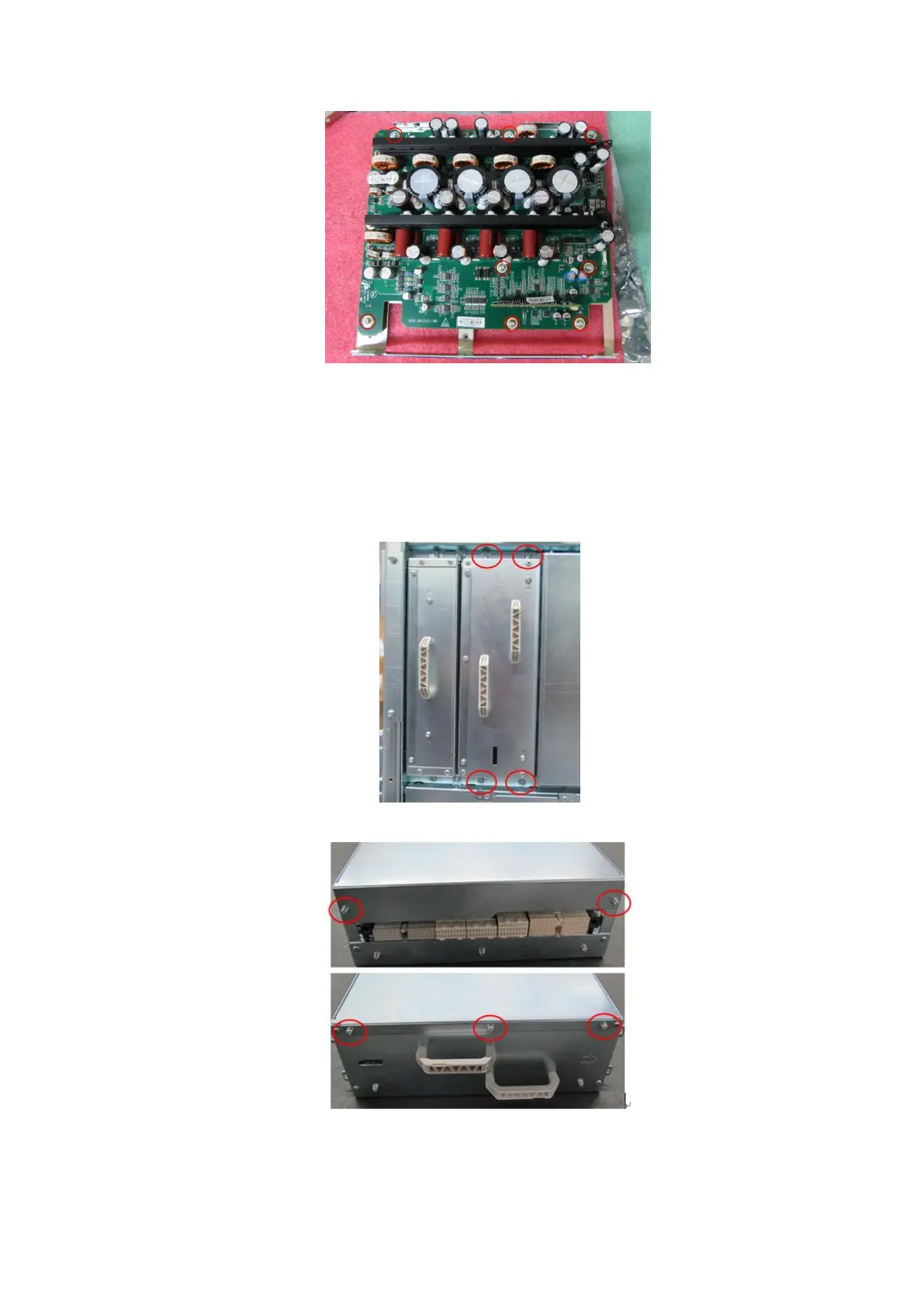
2. Unscrew four M4 X 8 screws on the device (one is on the top; the other is at the bottom). Then,
remove PC box assembly.
3. Unscrew five M3 X 8 screws on both sides to remove the metal cover.
4. Push the two elastic clasps (marked by red circles in the following figure) used to fix SSD to
remove the SSD.



 To Next Page
 Loading...