Adjustments 7-5
The difference is that in the touch screen test, you should click the touch screen rather than press
[Set] in the main screen test; and click the corresponding icon on the touch screen rather than the
main screen.
7.2 Control Panel Adjustment
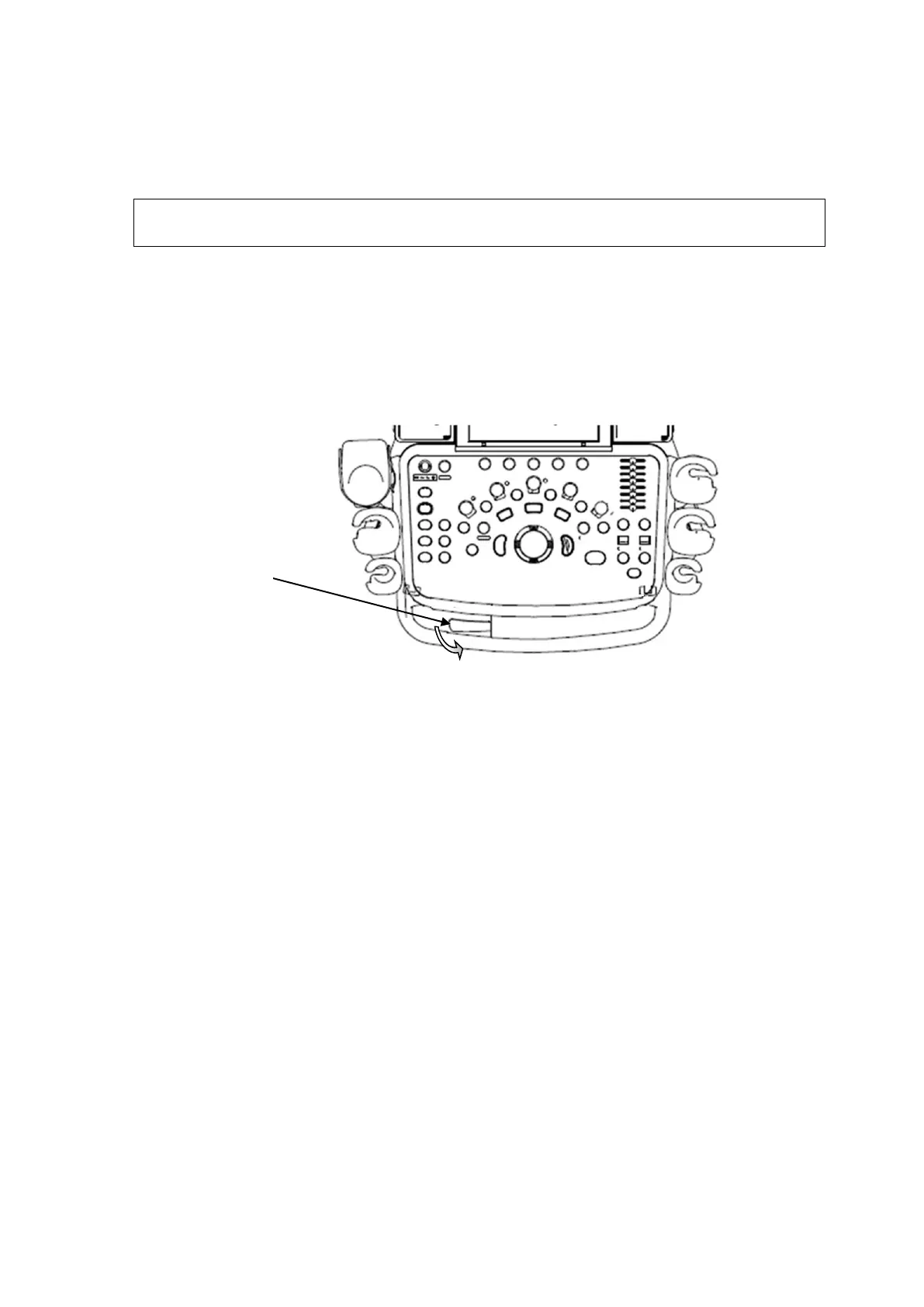
◼ Control Panel Position Adjustment
Press the control lever downwards for about 30° to rotate the control panel ±45°. Press the lever
downwards for about 60° to move the control panel upwards or downwards.
◼ Key backlit brightness adjustment
In the [System Preset]→[Key Config] page, you can adjust key backlit brightness and volume.
◼ Functional keys setting
In the [System Preset]→[Key Config] page, you can preset functions for keys of <Print>,
<Save>, <P>, <F3>, <F4>, <F5>, <F6>, <F12>, for example, you can preset save image to
hard drive function of F3.



 To Next Page
 Loading...