62
7−6. Various kinds of functions related with display
7−6−1. Selection of target of display on load display
The load display on the instrument can select the target from “Net weight” and “Gross
weight”. These selections can be made in the Function mode. (Related Function F−02)
As for default, “Net weight” has been chosen.
Warning ● Depending on the selection of load display target, indication of load
display will differ when Tare weight cancellation (A/Z) function is
used. If wrong display target is selected, there may cause an
unexpected accident due to malfunction on peripheral equipment and
so on, caused by the mistake on load display.
7−6−2. Selection of target of HOLD
The instrument can select the target of HOLD by the combination with “Load display” and
“BCD output”.This selection can be made in Function mode. (Related Function F−50.)
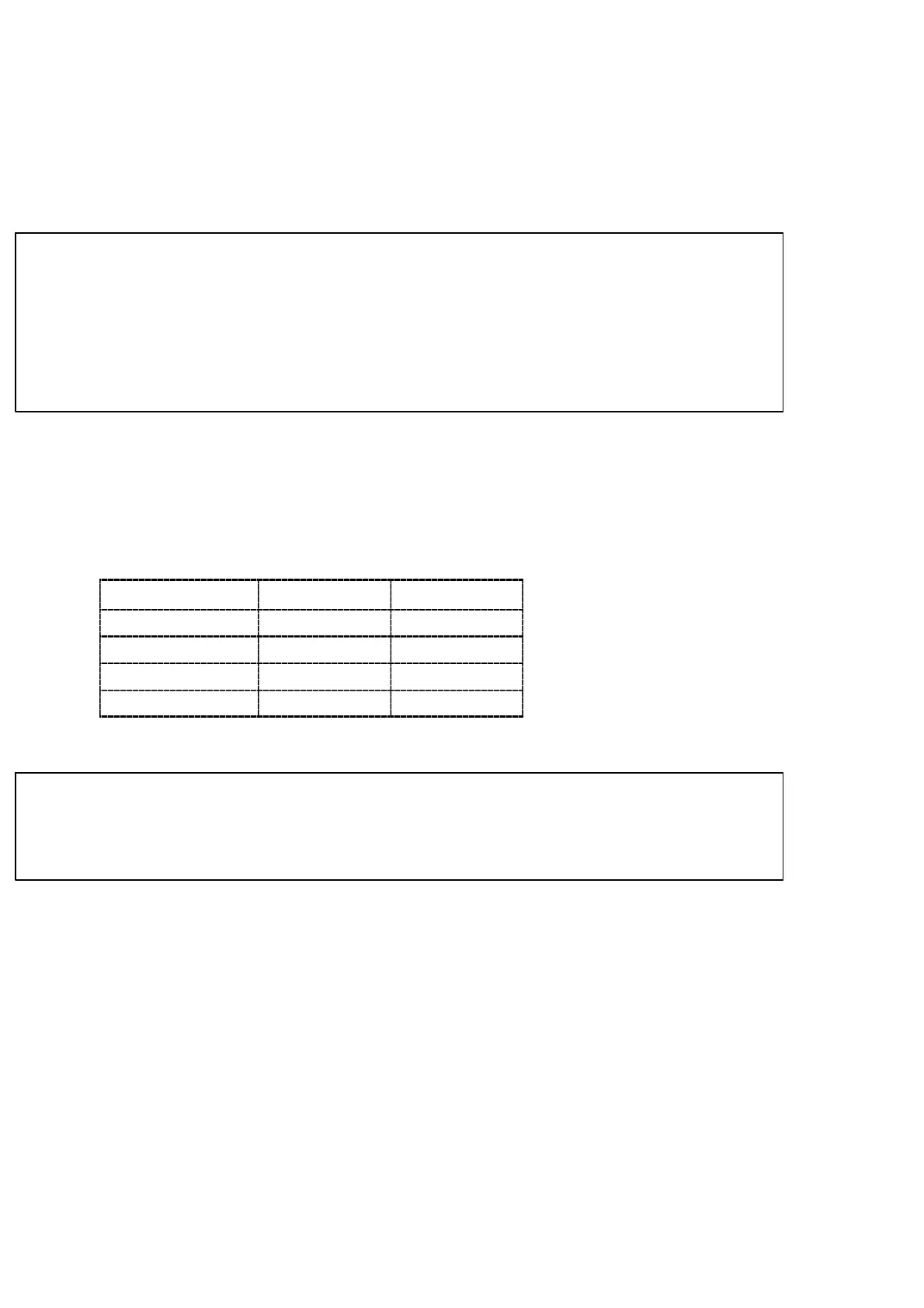
As for default, “Selection of all”. The combination of setting of F−50 and the target of HOLD
will be as follows:
Setting of F−50
Load display BCD output
00000
× ×
00001
○ ×
00002
× ○
00003
◯ ○
◯・・・HOLD ×・・・NO HOLD.
Warning ● Even when only the display is target for HOLD, BCD output will be
frozen with the display together if the BCD output is interlocked with
display.
7−6−3. Range of load display
Load display range for the instrument is limited from −10 % to +110 % of maximum display
value which will be set during calibration. When it will be less than the range, display will show
“−OL” and if it will be over the range, display will show “OL”.
For example, when the maximum display value is 1 000, the load display range will become from
−100 to 1 100. Besides, display will show “−OL” under −100, and also will show “OL”
exceeding over 1 100.



 To Next Page