75
Procedures
4
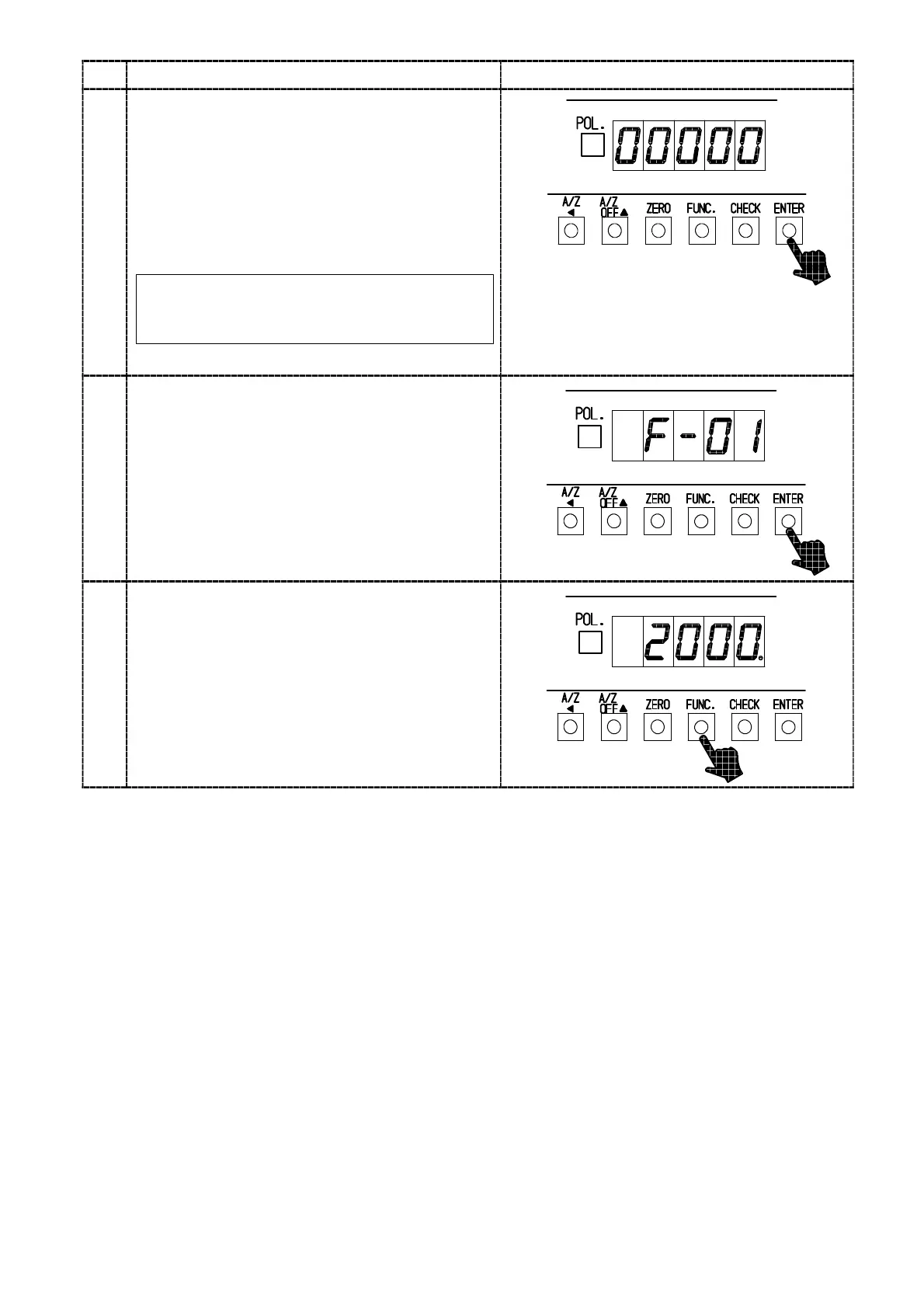
Press the “ENTER“ key.
Contents of setting Function that has selected
will be displayed and the digit of 10
0
will light on
and off.
Change the setting with the right keys.
Suspend the setting of Function mode, then
Measurement mode can be returned by pressing
the “FUNC.” key.
By pressing the key continuously,
continuous increase will be provided.
“A/Z A ” key:Set value carry key
“A/Z OFF Y” key:Set value increment key
“CHECK” key:Set value initialization key
5
Press the “ENTER” key.
Set contents are registered, then the load display
will return to the Function No. registered.
When returning to the Measurement mode
without registering the set contents, press the
“FUNC.” key.”
When setting another Function No. is desired,
return to step 3.
6
Press the “FUNC.” key.
Quitting the Function mode, Measurement mode
can be returned.



 To Next Page