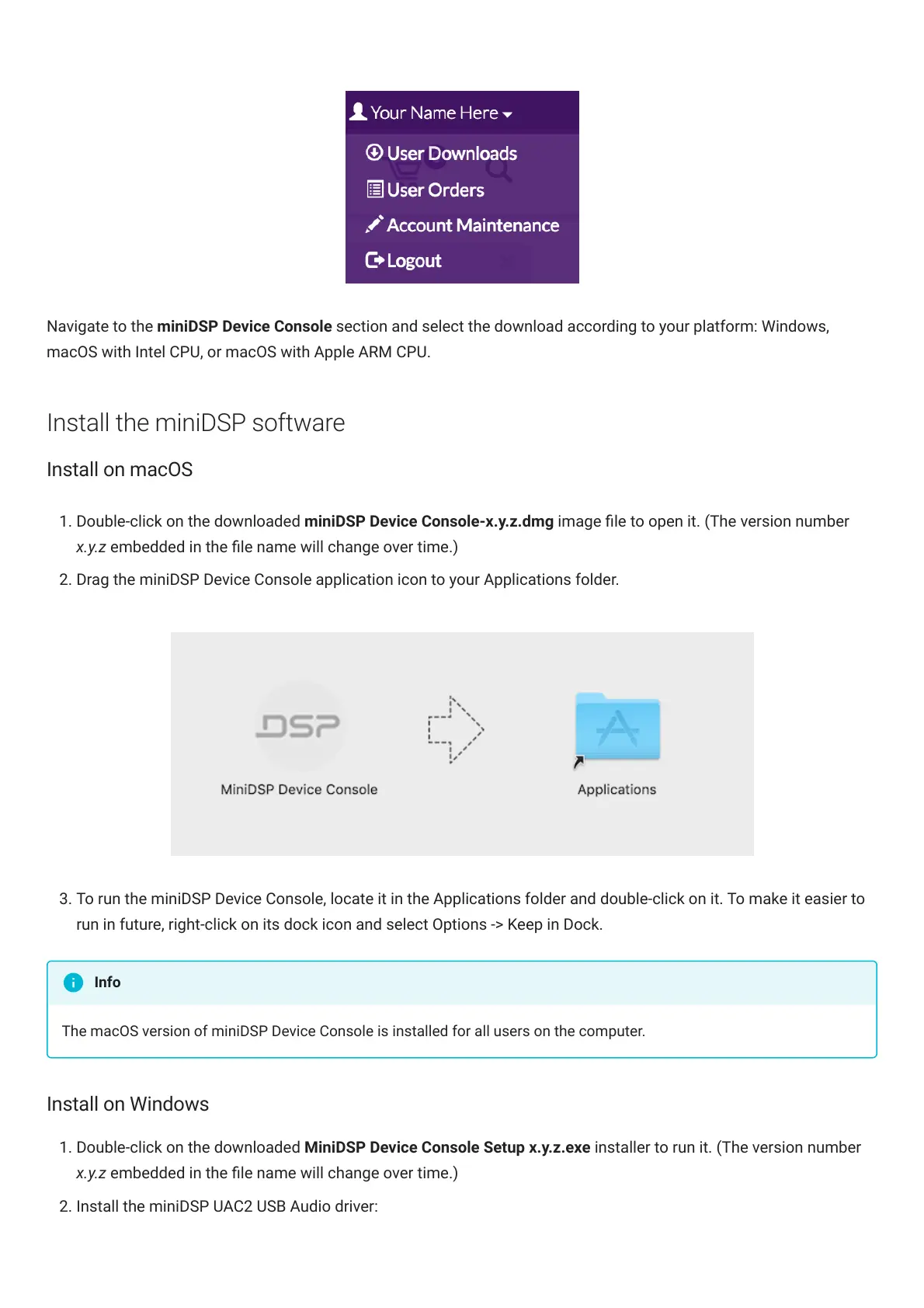
Navigate to the miniDSP Device Console section and select the download according to your platform: Windows,
macOS with Intel CPU, or macOS with Apple ARM CPU.
Install the miniDSP software
Install on macOS
1. Double-click on the downloaded miniDSP Device Console-x.y.z.dmg image le to open it. (The version number
x.y.z embedded in the le name will change over time.)
2. Drag the miniDSP Device Console application icon to your Applications folder.
3. To run the miniDSPDeviceConsole, locate it in the Applications folder and double-click on it. To make it easier to
run in future, right-click on its dock icon and select Options -> Keep in Dock.
The macOS version of miniDSP Device Console is installed for all users on the computer.
Install on Windows
1. Double-click on the downloaded MiniDSP Device Console Setup x.y.z.exe installer to run it. (The version number
x.y.z embedded in the le name will change over time.)
2. Install the miniDSP UAC2 USB Audio driver:
Info



 To Next Page